
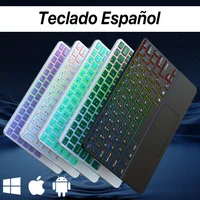
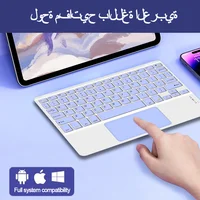
Description
Please Read before Buying
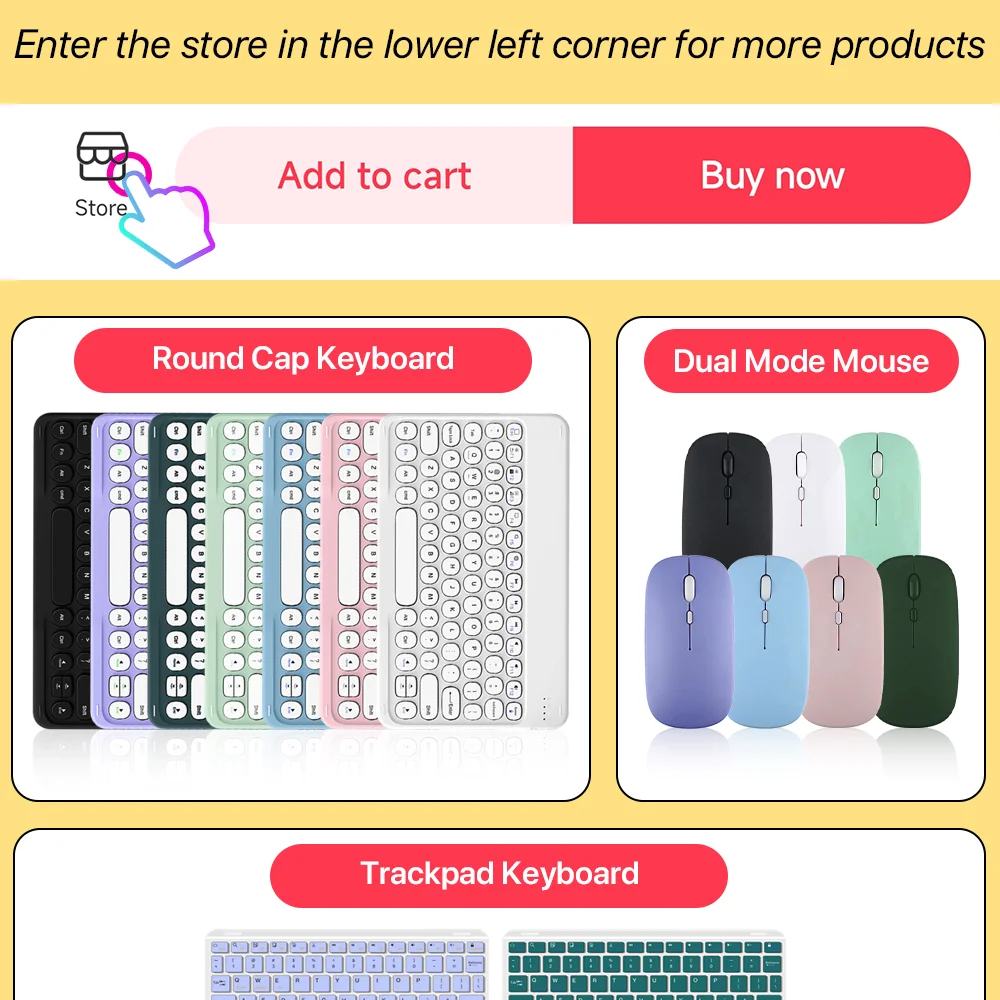
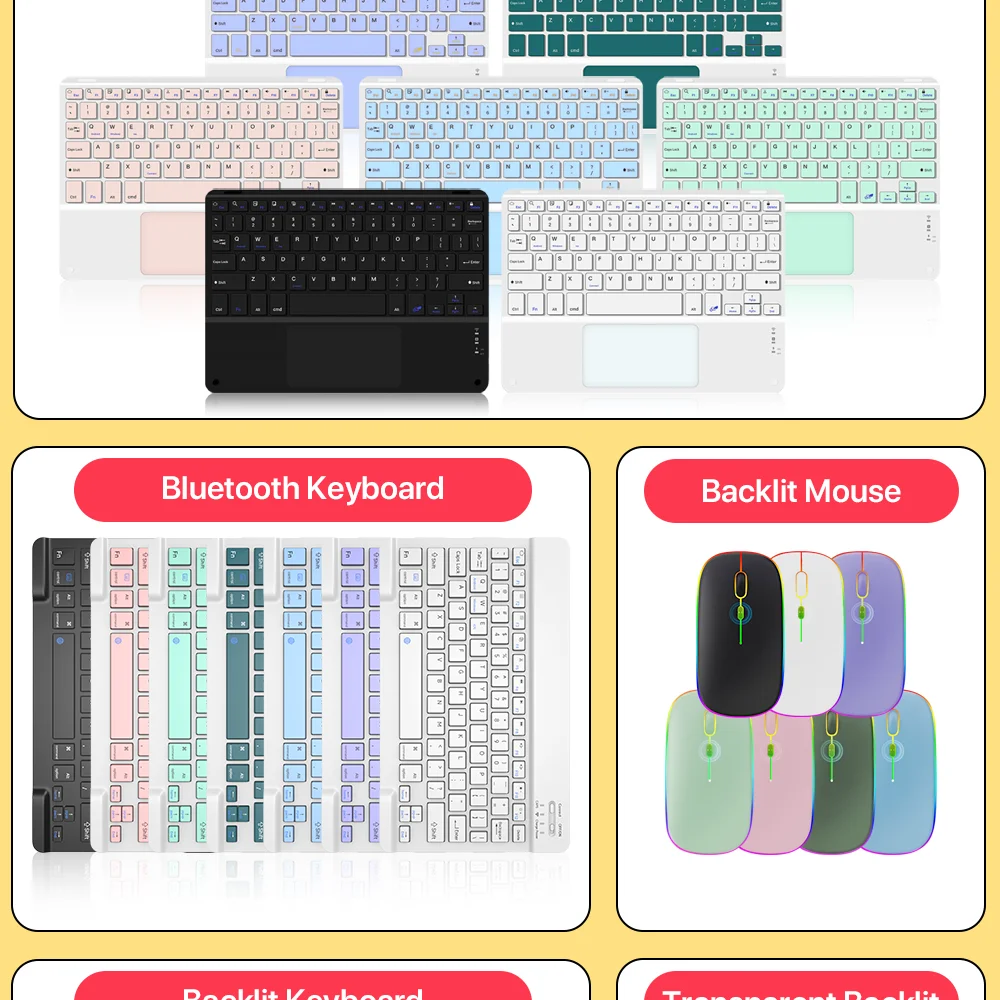
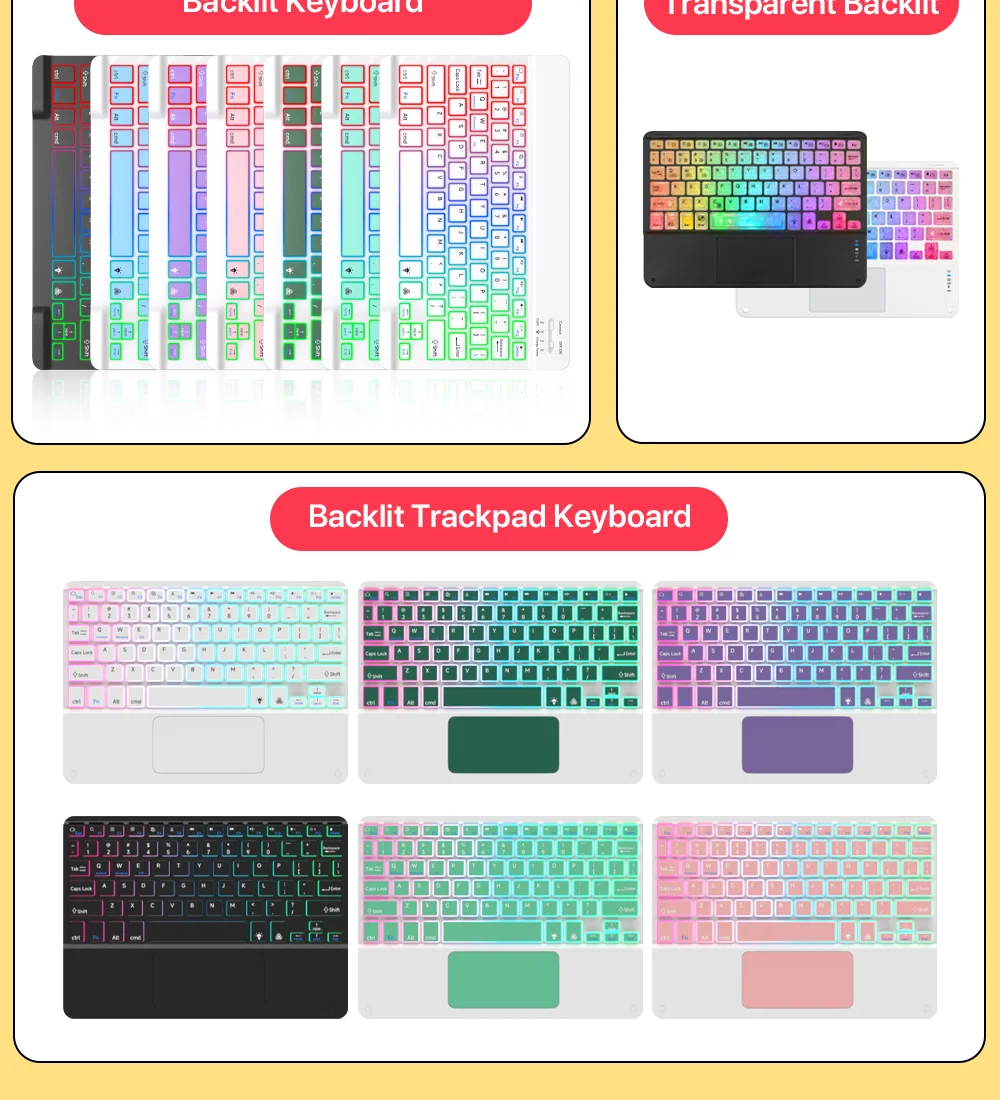
Bluetooth keyboard connection steps
1.After the power switch is turned to the ON position, the power indicator light is on for 3 seconds, the Bluetooth indicator starts to flash, and the keyboard automatically enters the pairing mode.
2.Open and unlock your tablet and click on the “Settings” icon.In the settings menu, click on the “Bluetooth” menu.
4. Turn on the Bluetooth switch and the tablet will automatically search forBluetooth keyboard devices.
5.Discover the Bluetooth keyboard device: Bluetooth Keyboard ***, and click on it, the Bluetooth keyboard will automatically connect.
6.After the Bluetooth connection is successful, the pairing indicator is off, and “Connected” will appear in the list of Bluetooth devices.
7.IOS13 system touchpad gestures
1)Sliding finger=Moving the cursor
2)Single finger fast double click without loose drag=Left click to select the target drag
3)Two-finger vertical /horizontal movement=Vertical/horizontalscrolling
4)Three fingers move up at the same time=Recent task window switch
5)Three fingers sliding left /right at the same time=Active window left /right slide switch
6)Single finger tap=Left mouse button
7)Two-finger tapping=Right mouse button
8)Three-finger tap=Middle mouse button
9)Three fingers move down at the same time=Back to Homepage
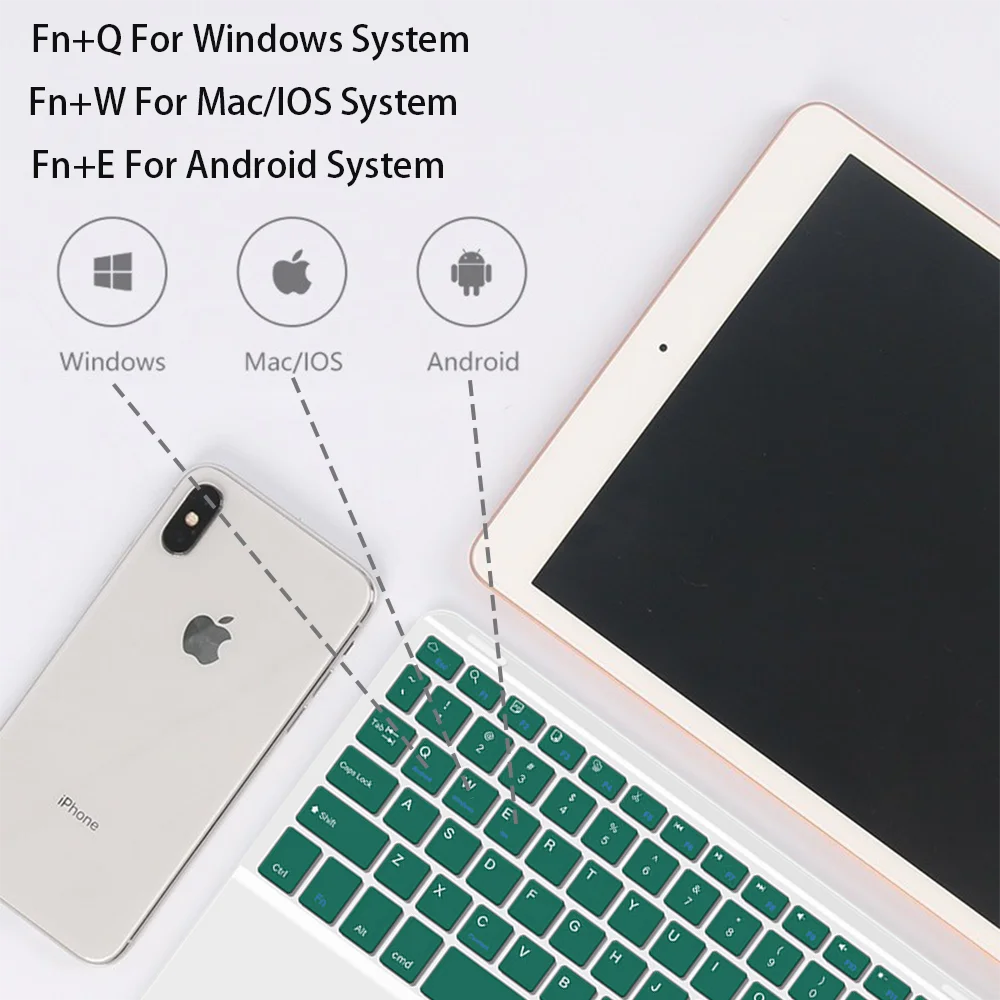
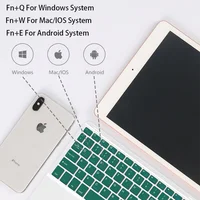
Notice:This keyboard is 3-system universal keyboard,after confirming using it then push FN+QNN/E to choose suitable system.
Troubleshooting
1. Make sure the power is turned on
2. Ensure keyboard operable distance
3. Make sure the battery has power
4. Ensure the device’s Bluetooth was turned on
5. Ensure the wireless keyboard was connected with the Bluetooth6. Ensure the wireless keyboard paired successfully
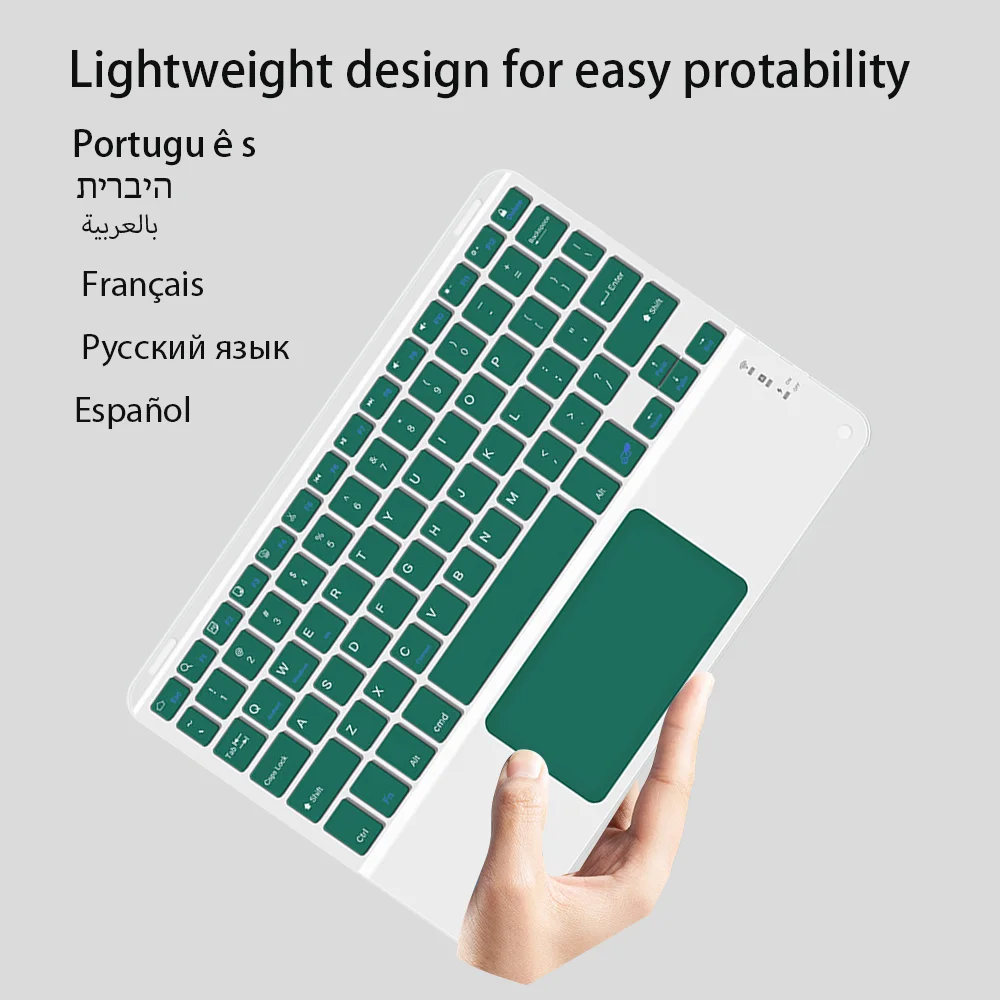
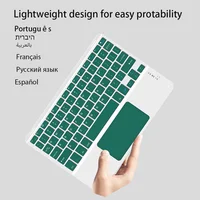
Lightweight design for easy protability
Language : Portuguese Hebrew Arabic French Russian Spanish
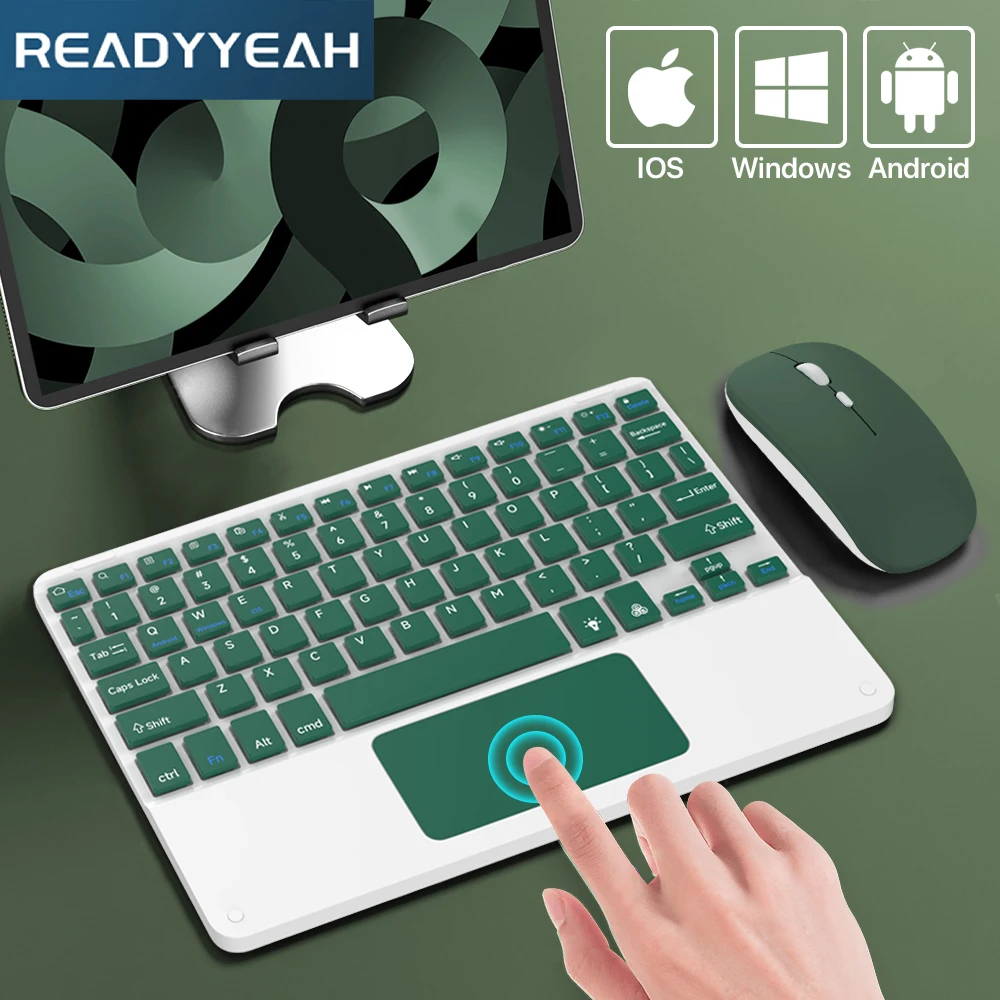
For IOS Android Windows System
For Apple Huawei Samsung Xiaomi
10 inch 
Fn+Q For Windows System
Fn+W For Mac/IOS System
Fn+E For Android System
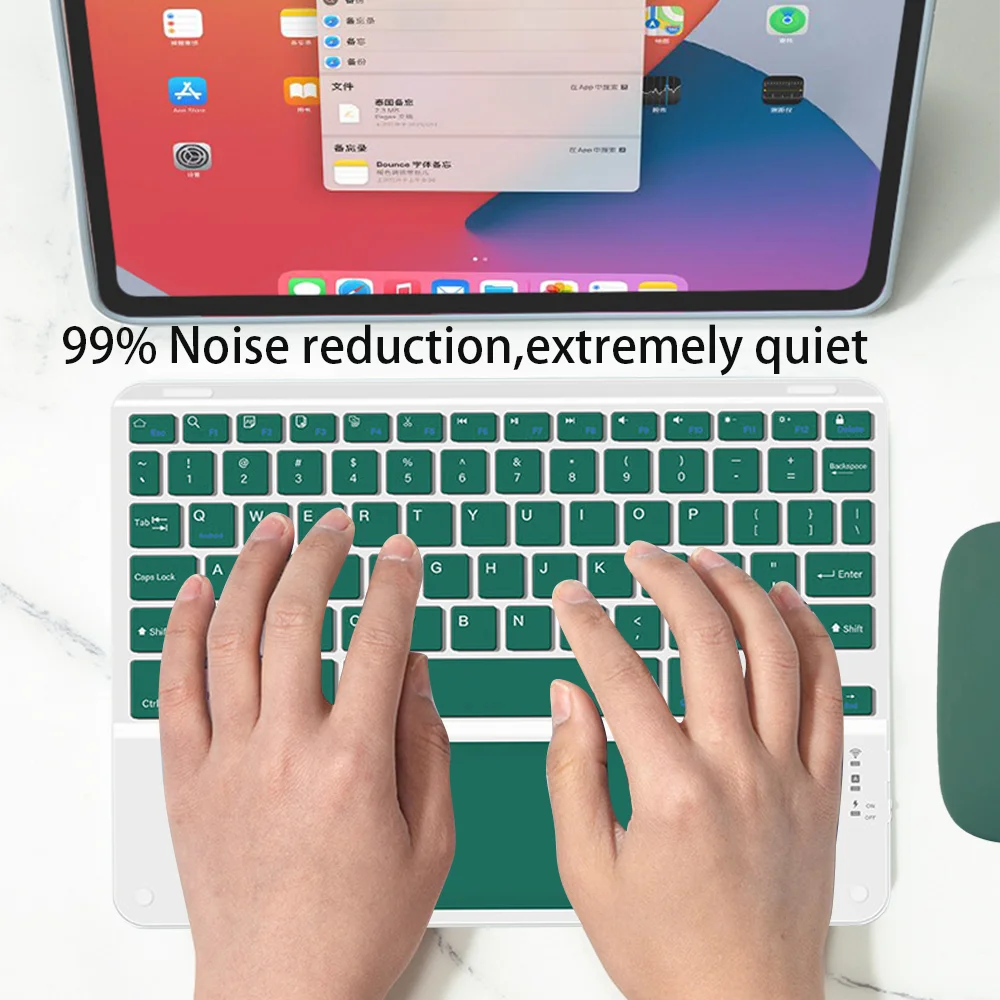
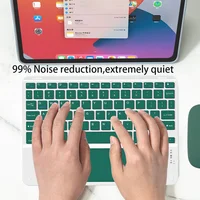
99%Noise reduction,extremely quiet
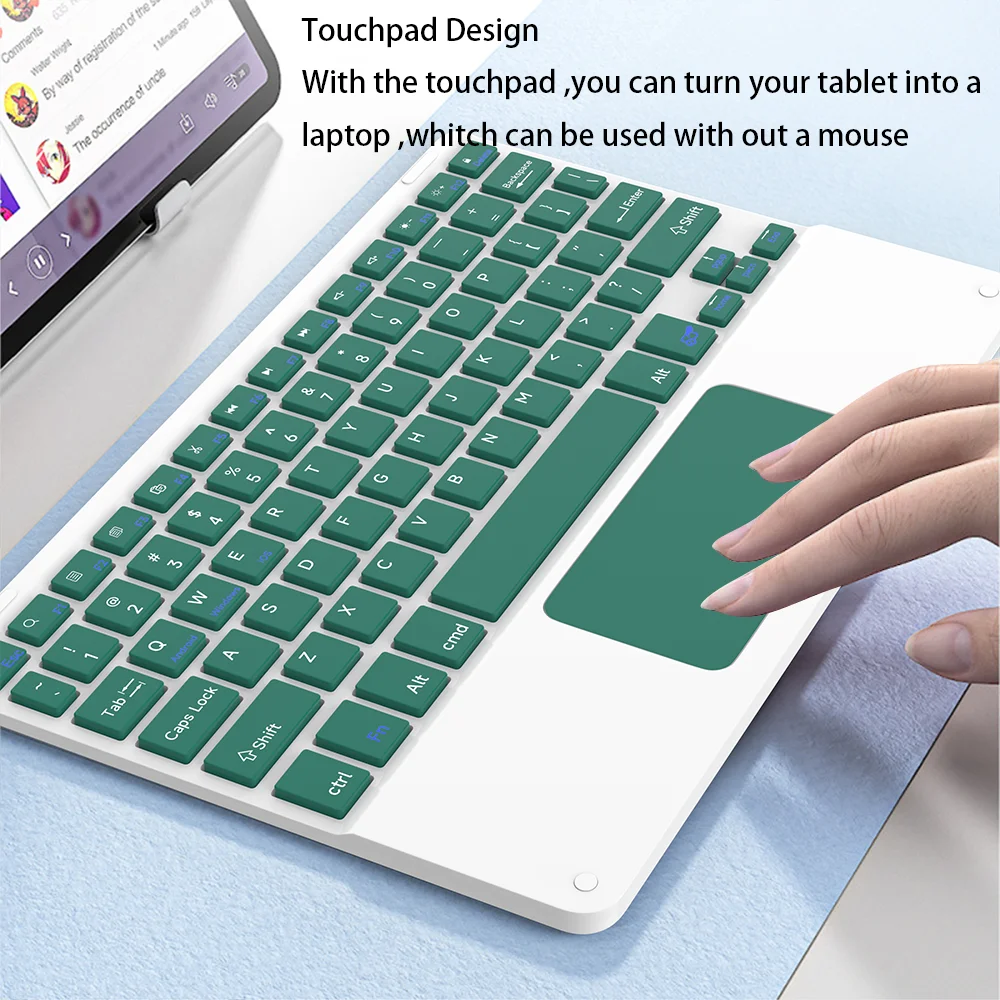
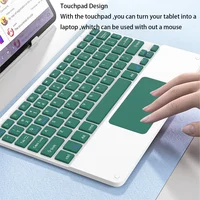
Touchpad Design
With the touchpad,you can turn your tablet into a laptop,whitch can be used with out a mouse
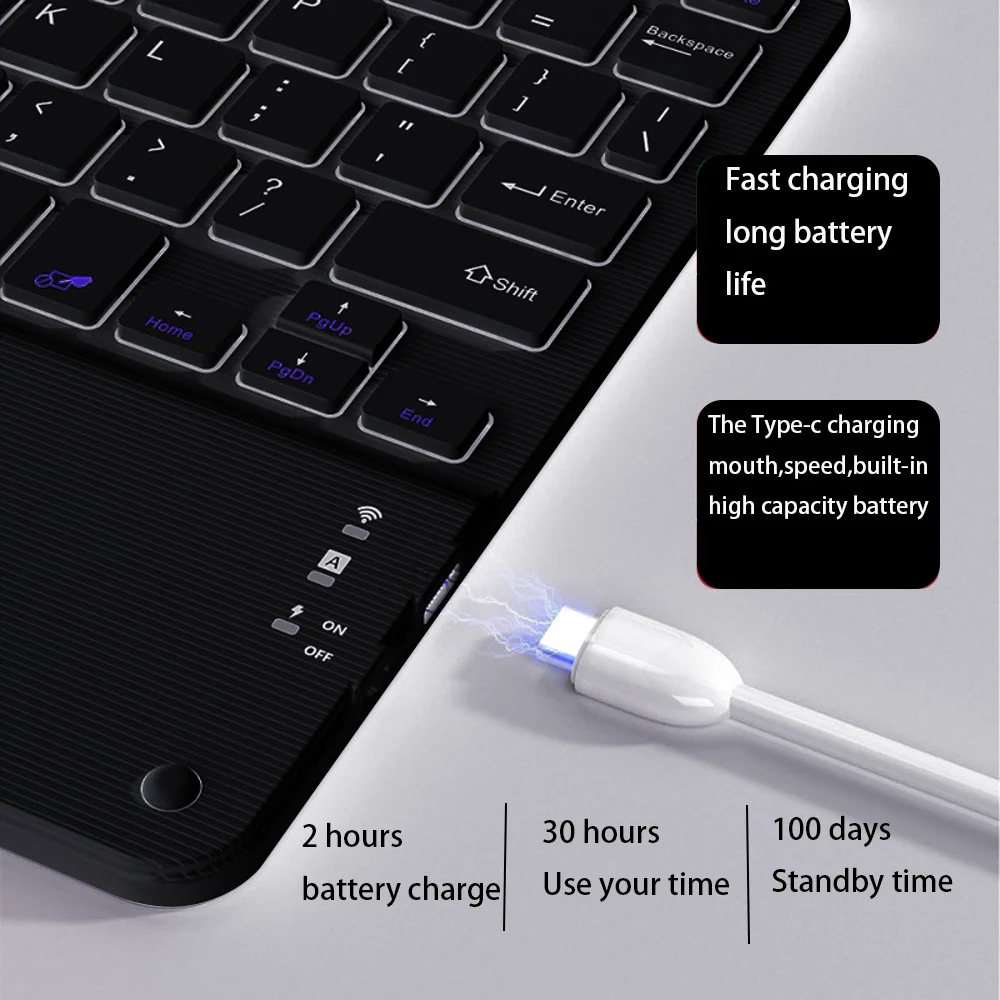
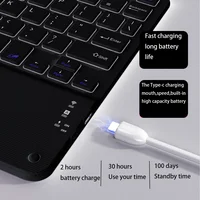
Fast charging long battery life
The Type-c charging mouth ,speed,built-in high capacity battery
2hours batterycharge
30hours Use your time
100 days Standby time



Reviews
There are no reviews yet.