
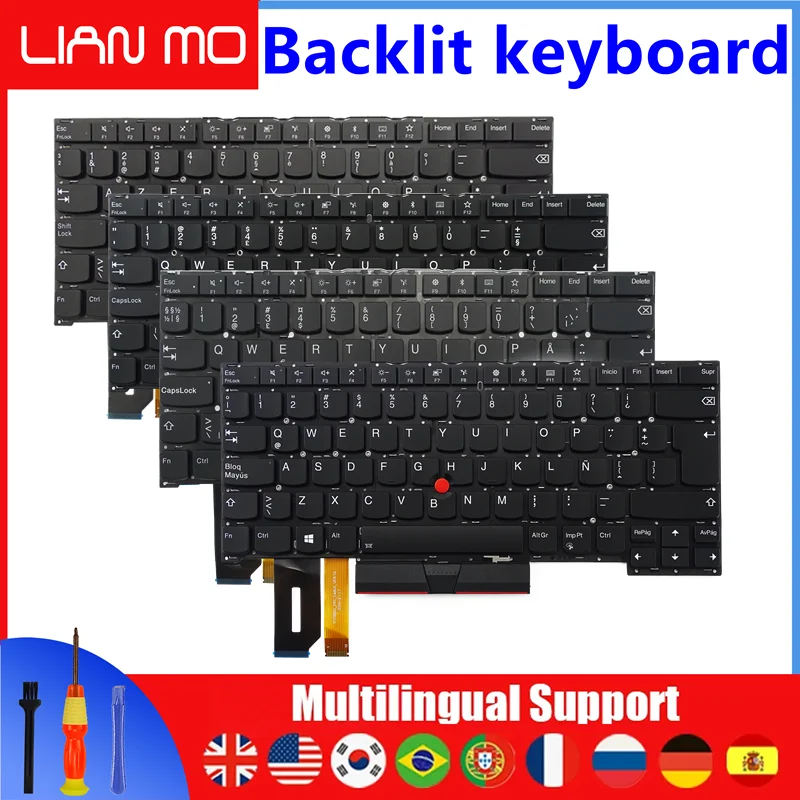











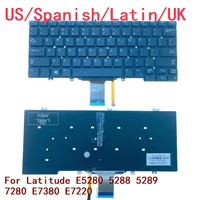
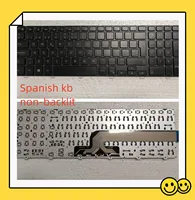

1.After receiving the goods, first check if the keyboard is intact. If there are any problems, please contact us as soon as possible
2.Before installing the keyboard, be sure to turn off the computer and then proceed with the installation. If the computer is turned on and the keyboard is installed, the middle mouse button and left and right buttons will not work
3.After installing the keyboard, if there are mouse clicks or keyboard problems, please do not worry. First, turn off the computer, remove the keyboard, reinstall it, and then test it when turned on,
4.If you are unable to solve the problem or if there are issues with the keyboard’s functionality or quality, please contact us promptly to resolve the issue or replace the keyboard. We will reply to you as soon as possible. Thank you for your support and trust
Product physical image display :







Reviews
There are no reviews yet.