


FHD IPS HDR Portable Laptop Monitor
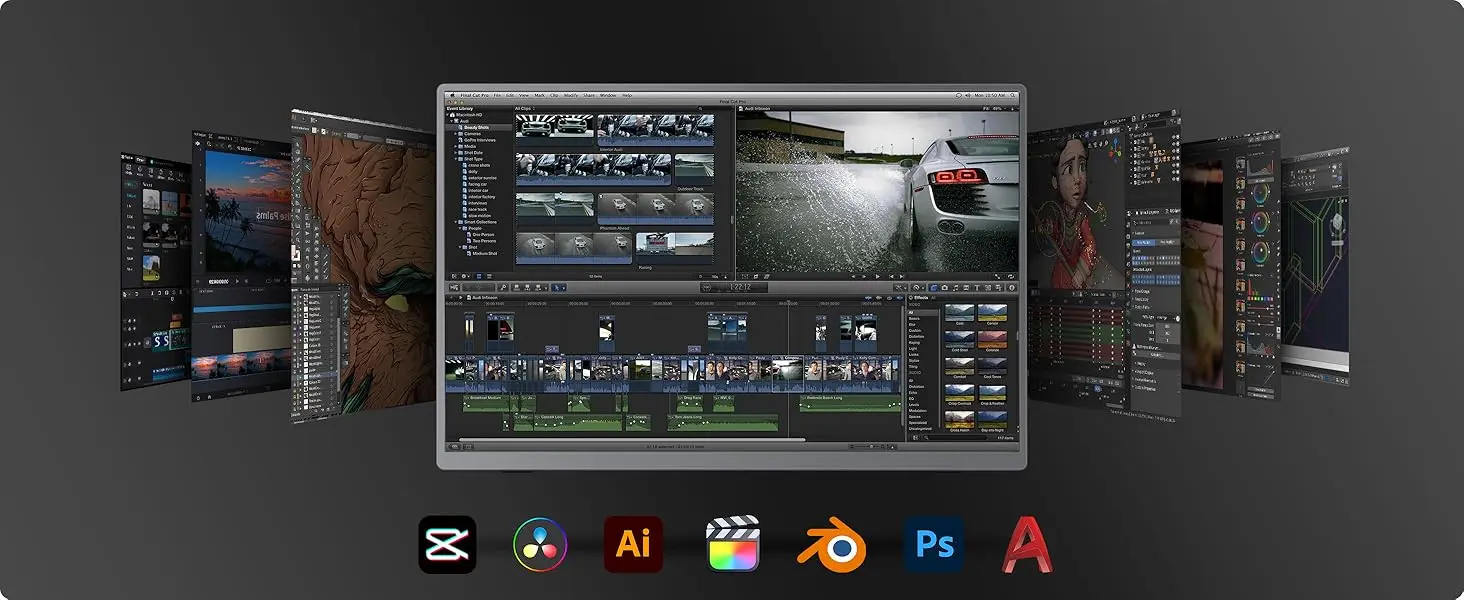
The UPERFECT 17.5″ portable monitor features a 1080P FHD resolution, 178° wide-viewing IPS panel, integrated kickstand allows for 0-180° angle adjustment with HDR and low blue light technology, delivering accurate color reproduction and stunning clarity for gaming, movies, and multimedia.


Universal Compatibility
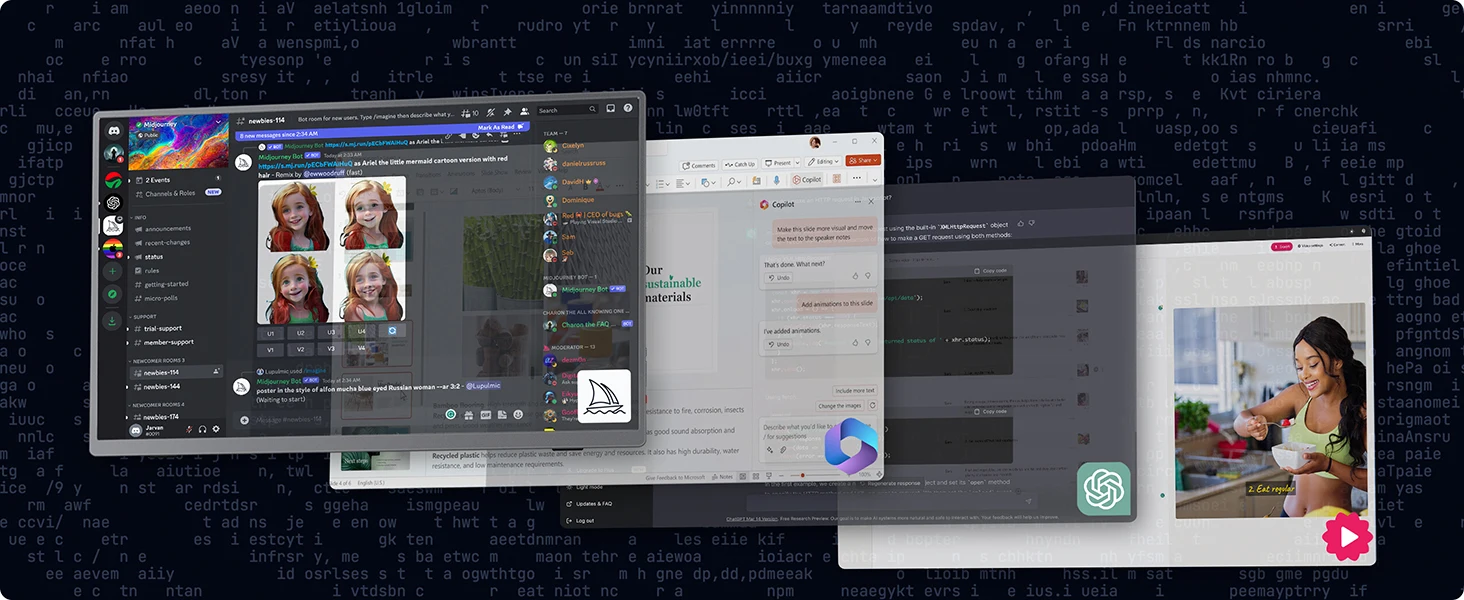
Equipped with dual USB-C ports and a Mini HDMI port, plug-in and unplug tested thousands of times, it seamlessly connects to laptop, PC, Mac, smartphone, and gaming console like Xbox, Switch, and PS4/5—no driver required.


180°Adjustable & VESA Mount
Gaming monitor with Adjustable Stand + VESA Mount,which let you freedom in Your laptop monitor extender Tilt the screen from 0° to 180° to adapt to different usage scenarios.It also supports M4*4mm VESA wall – mounting, allowing you to install it on walls or arms.


Second Monitor for Your Laptop
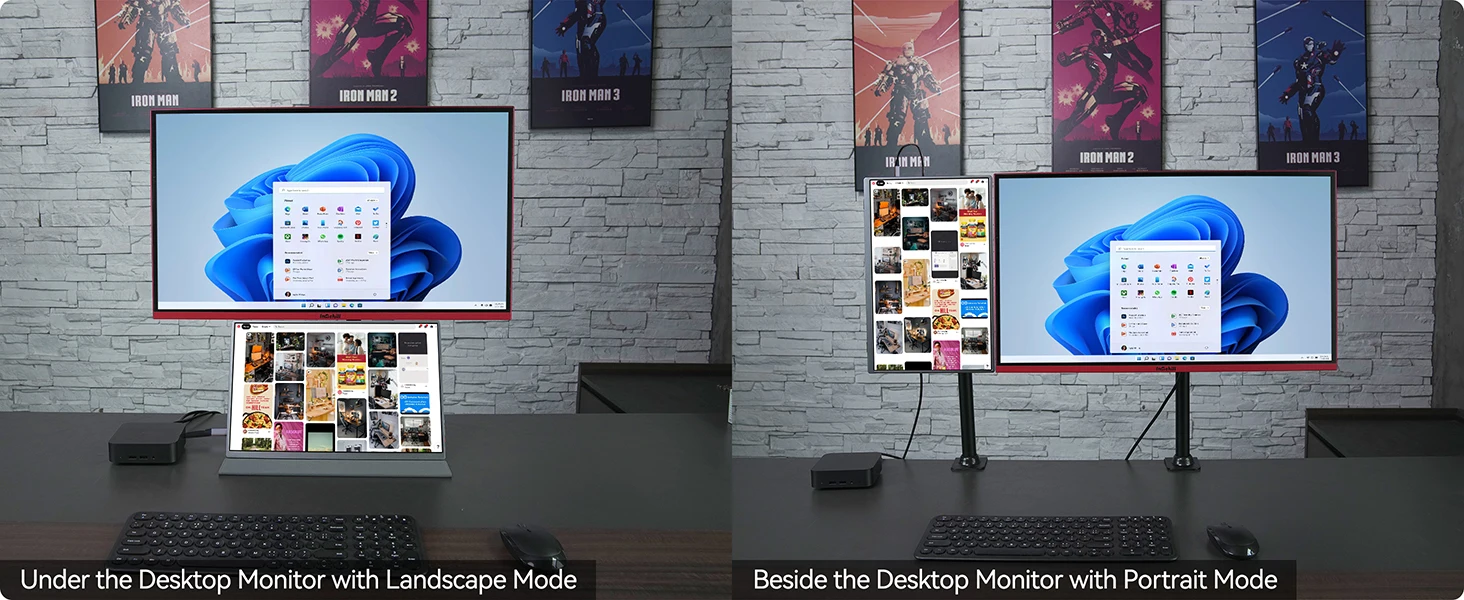
The UPERFECT portable monitor can very well act as your second screen and improve your work efficiency. You can work and perform multiple tasks simultaneously while using this monitor. You can also switch the screen view between horizontal and vertical modes via your computer to get your preferred viewing angle.
Specifications
Net Weight: 1.075kg
Dimensions: 394*270*20*8 mm
Screen Size: 17.5 inch
Panel Type: IPS
Aspect Ratio: 16:10
Resolution: 1920*1080
Display Color: 16.7M
Visual Angle: H:178° V:178°
Visual Area: 376.934(W)×235.584(H) mm
Contrast Ratio: 1000:1
Brightness: 350cd/m²
Color Gamut: 100%
Refresh Rate: 60Hz
Input Interface: 1*Mini-HDMI,
2*Type-C (Full Function),
Output Interface: 3.5mm audio interface
Speaker: Built-in speakers 2*8Ω 1W
Package Included
17.5″ Portable Monitor x 1
Mini-HDMI to HDMI cable x 1
Type-C to Type-C cable (4K)x 2
PD18W power plug x 1
User Guide x 1
Q: Why does my monitor not turn on?
1.Please check whether the Type-C port of your device is a full-featured Type-C port,which can support power and signal transmission. lf not, please use HDMl to MiniHDMl cable to transmit video signal, and use USB-C to USB-C cable to connectexternal power supply.
2.This may be caused by insufficient power supply.The minimum power requirementfor the monitor is PD 18W.it is recommended to use an externalpower supply, otherwise the monitor may not work properly.
3.lf the above steps still cannot solve your issue, please feel free to contact us.
Q: lt says “no signal”, what to do?
1.When connecting with a USB-C cable, make sure your device supports
USB3.1./Thunderbolt 3. lf not, please add a Mini HDMl to HDMl cable for signaltransmission.
2.Please make sure to use the original cables.
3.Please try another device. If it still fails, please tell us for a replacement.
Q: why does my monitor turn off when I turn up the brightness?
This is caused by insufficient power supply.Turning up the brightness will increasethe power consumption, which can be solved by an external power supply.
Q: Abnormal conditions occurred -such as a splash screen, spots when using themonitor or constant restarts.
1.lt is generally caused by an insufficient power supply.The monitor require highpower support.Please use the original cable included to power the monitor.
2.If you use a mobile power bank to power the monitor, please confirm whether thepower of the power bank reaches 30w or more. In addition, if you need a power bank,please contact us
3. lf none of the above solutions work, please try another device.lf it still failed,please contact us for a replacement.
lmportant Tips:
lf you find any issues with your monitor, please contact us before returning it. We will help you solve your problems and try our best to makeyou satisfied. We take full responsibility for our products.
lf there are any defects that cannot be solved, we will refund or send you areplacement.

Reviews
There are no reviews yet.