
Notice:
The bluetooth keyboard does not come with bluetooth adapter, beucause it can connect directly with bluetooth device.
If you want to connect bluetooth keyboard with computer without bluetooth function, you need to buy extra bluetooth adapter.
For Desktop or Laptop computer with Windows 10 , when they connect with the Bluetooth Keyboard computer screen will pop up a dialog: Enter PIN number . The PIN number is 000000 This is simple and normal for bluetooth keyboard, not shit as your sentence. The operation is as follows 1. Power on bluetooth keyboard 2. Open bluetooth in computer to add new device and search 3. When computer found bluetooth keyboard, press “Connection” 4. Computer Windows 10 version pop up a dialog : PIN enter bar, press 000000 by computer original keyboard , then use mouse to press Connection in computer 5. Fast press 000000 in bluetooth keyboard, and presse key :Enter( this is important, must press this key), connect successfully.
Advantage:
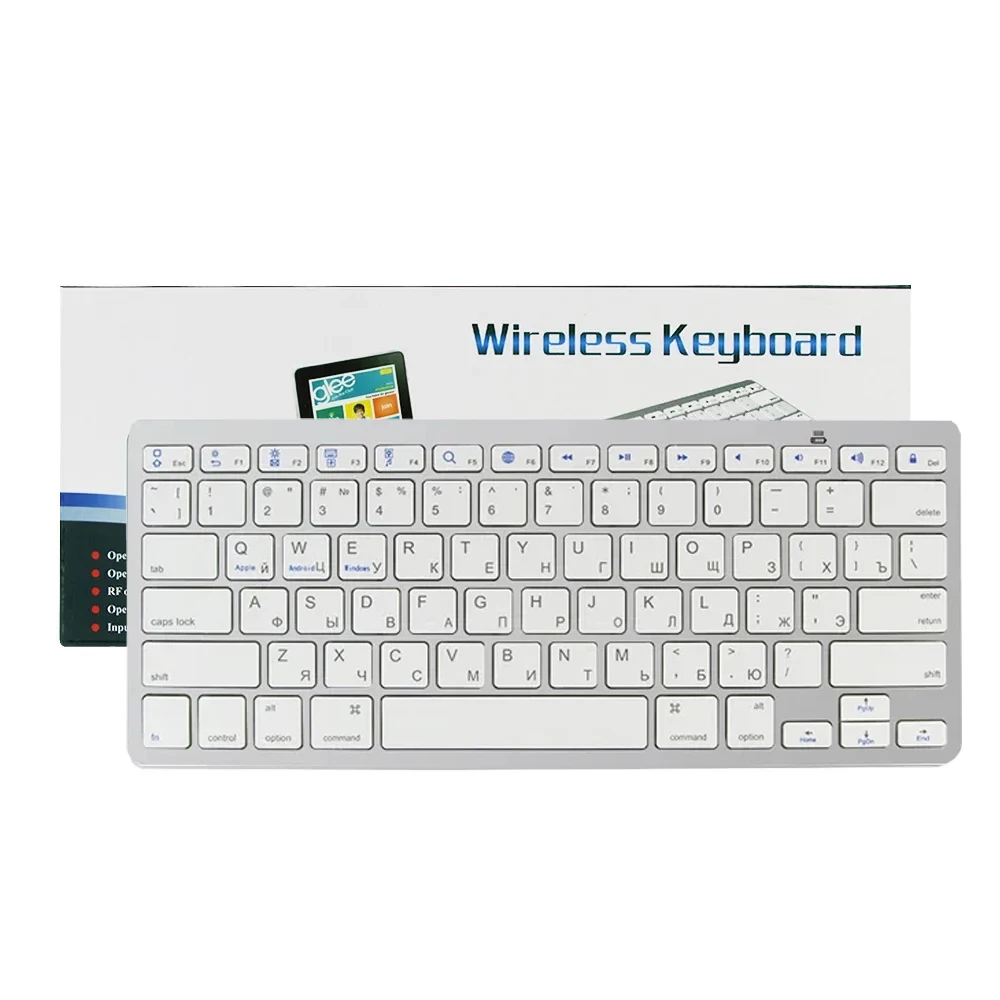
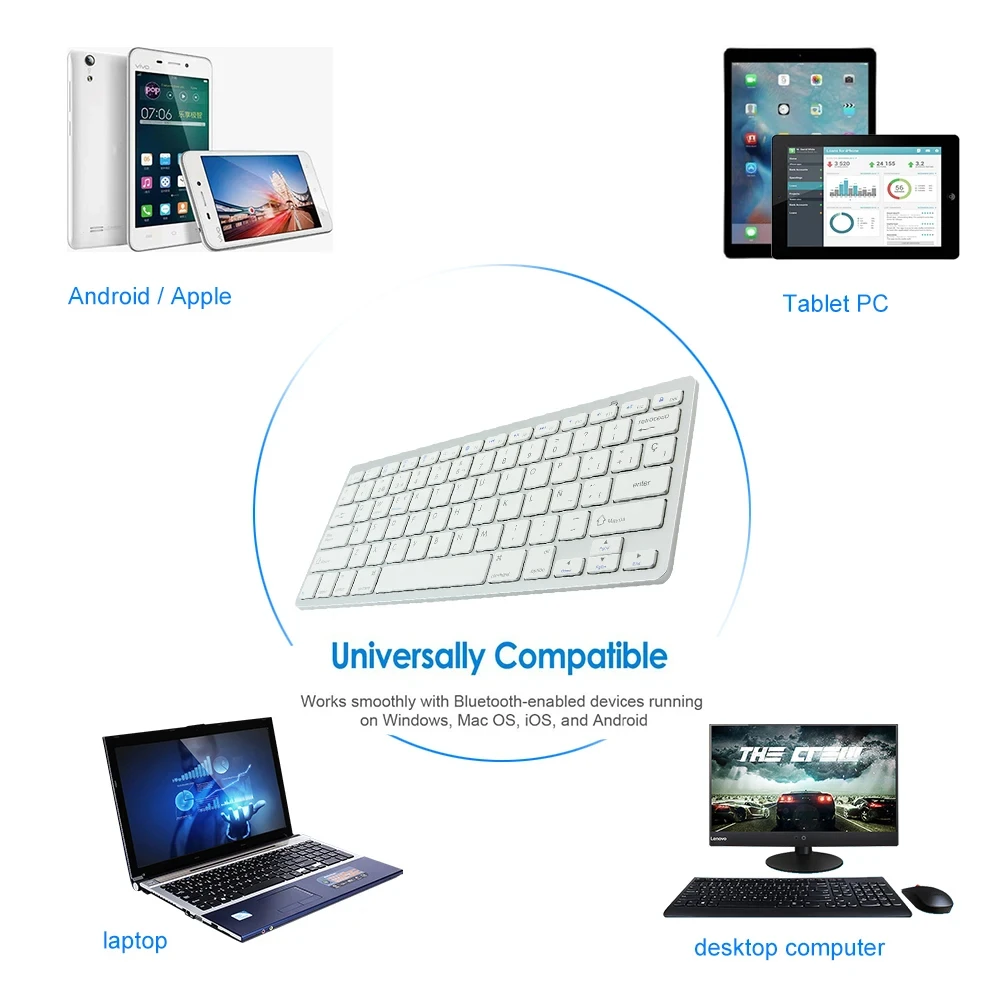
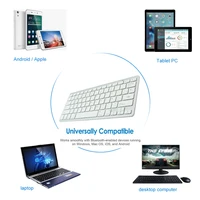
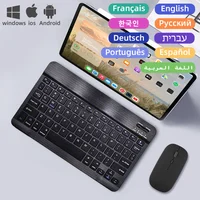
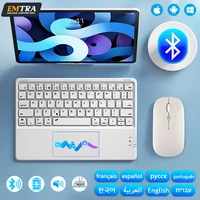
1. Bluetooth wireless keyboard universal for computer/laptop pc/ phone/ tablet/ smart TV box with bluetooth function.
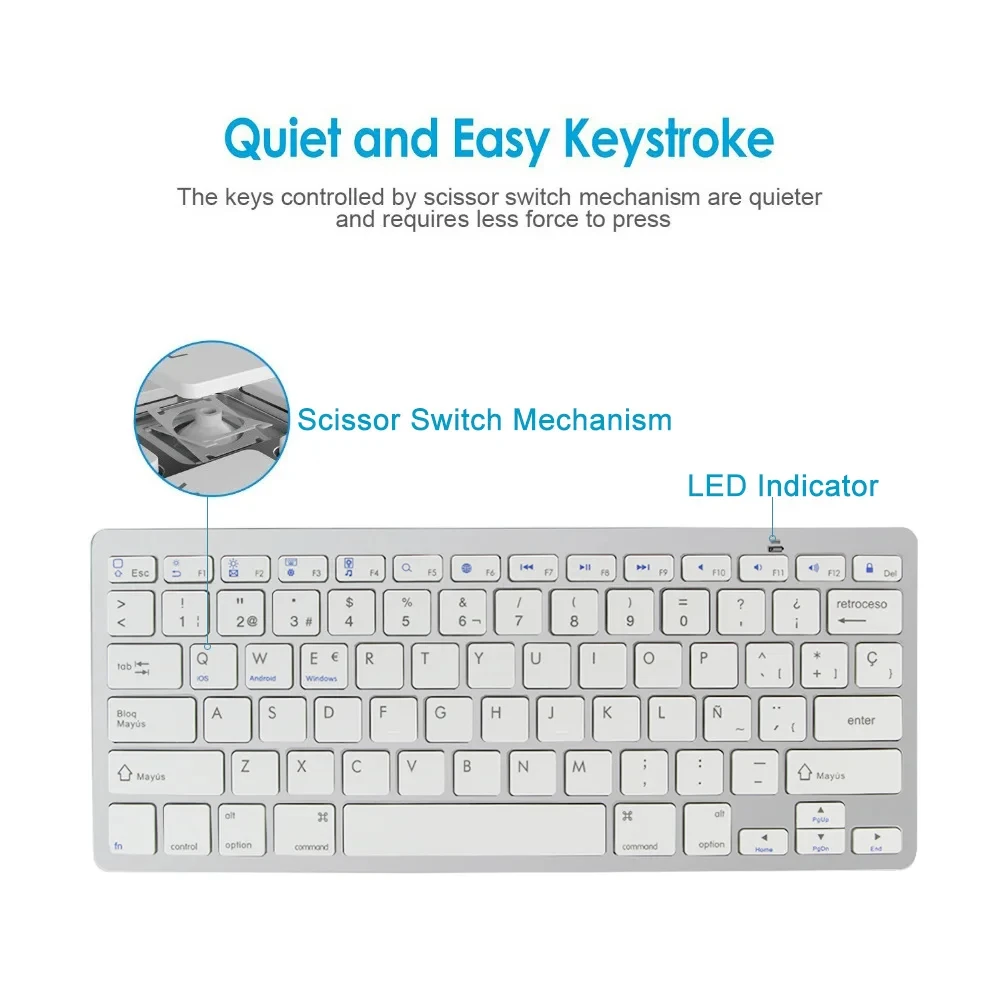
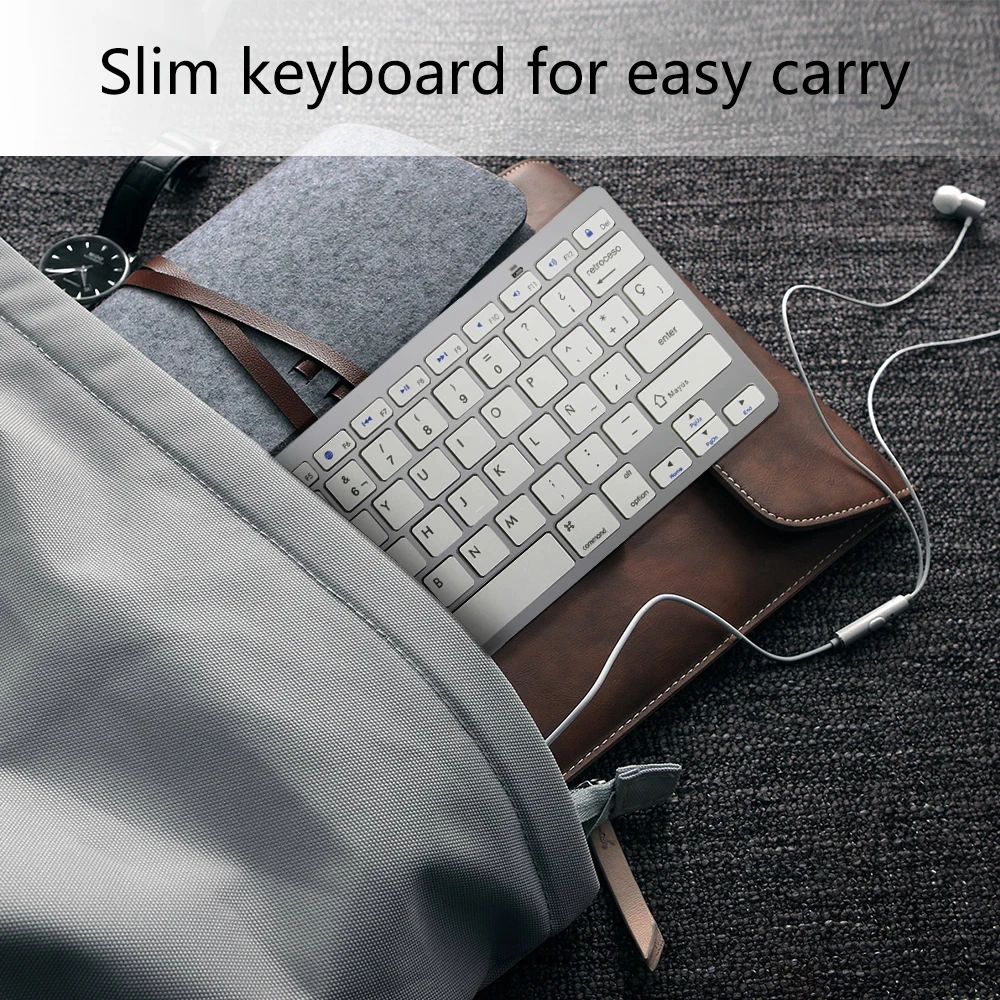
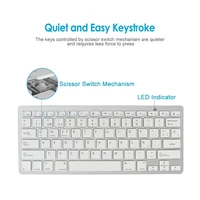
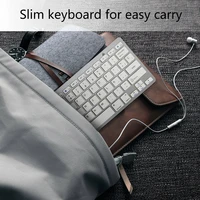
2. Ultra thin 78 keys keyboard, easy to carry . Quiet and Easy to Type
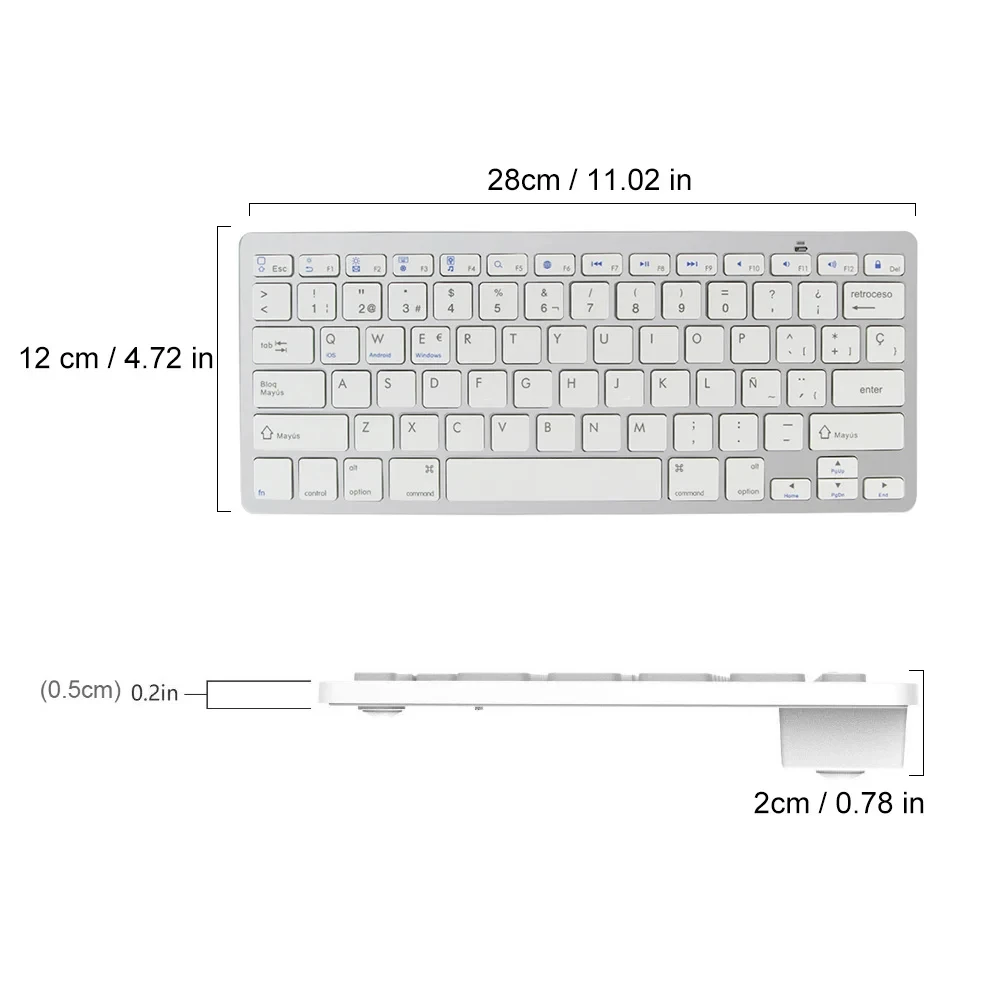
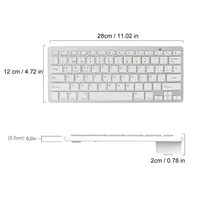
3. Size : 285x120x18mm, weight 290g
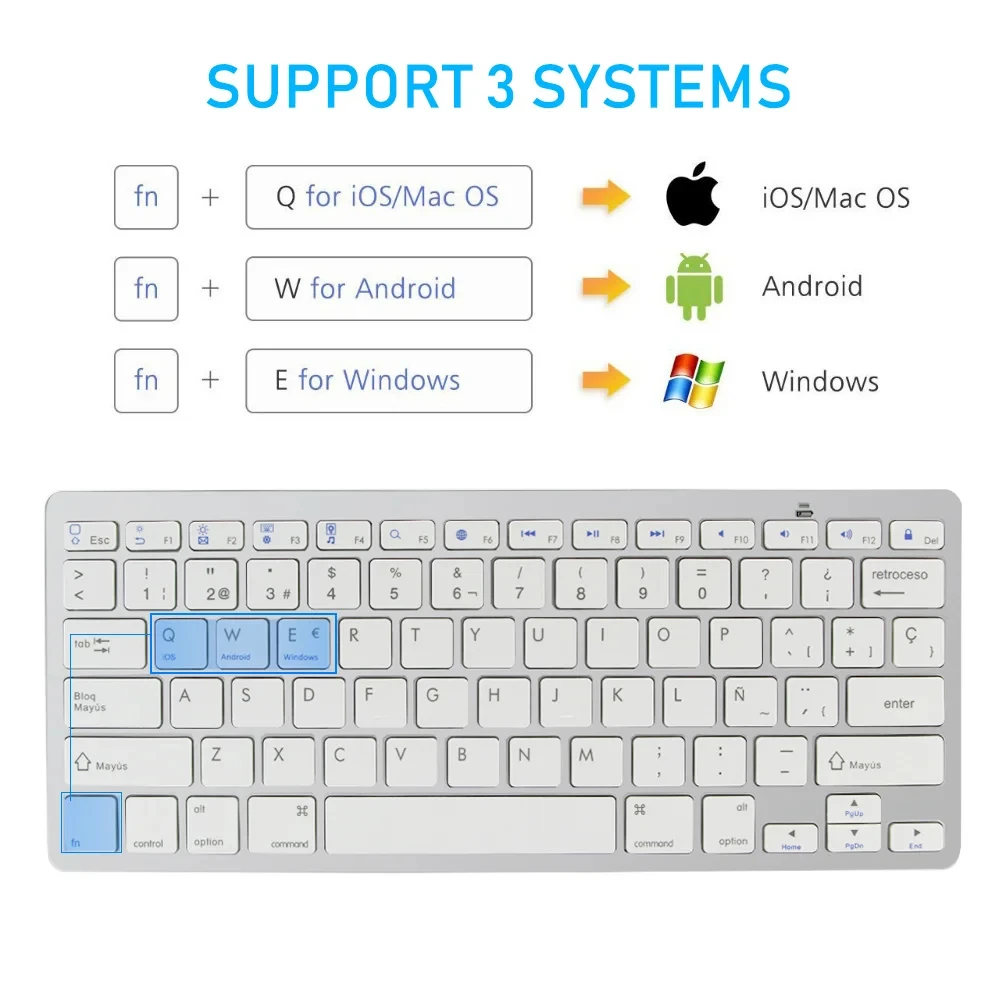
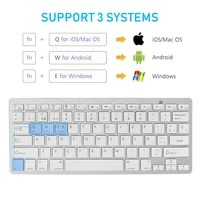
4. Compatible for Android/ IOS/ Windows/Mac OS,convenient for all office work
Notice:
For Desktop or Laptop computer with Windows 10 , when they connect with the Bluetooth Keyboard computer screen will pop up a dialog: Enter PIN number .
The PIN number is 000000
This is simple and normal for bluetooth keyboard.
The operation is as follows
1. Power on bluetooth keyboard
2. Open bluetooth in computer to add new device and search
3. When computer found bluetooth keyboard, press “Connection”
4. Computer Windows 10 version pop up a dialog : PIN enter bar, press 000000 by computer original keyboard , then use mouse to press Connection in computer
5. Fast press 000000 in bluetooth keyboard, and presse key :Enter( this is important, must press this key), connect successfully.


Reviews
There are no reviews yet.