
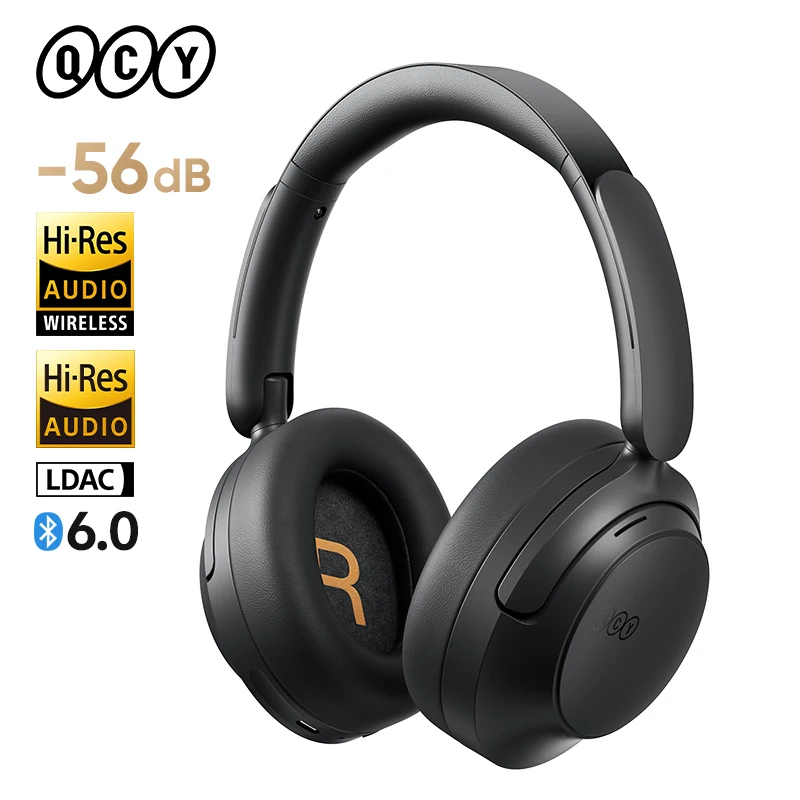


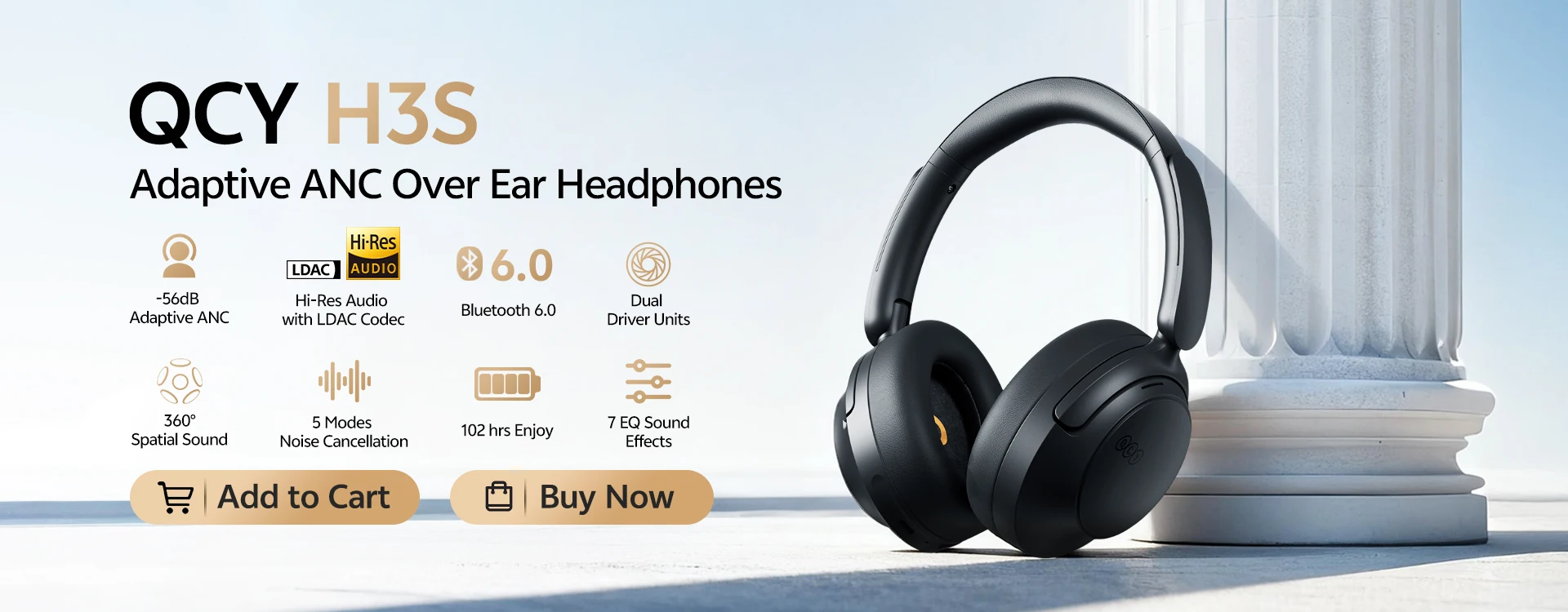
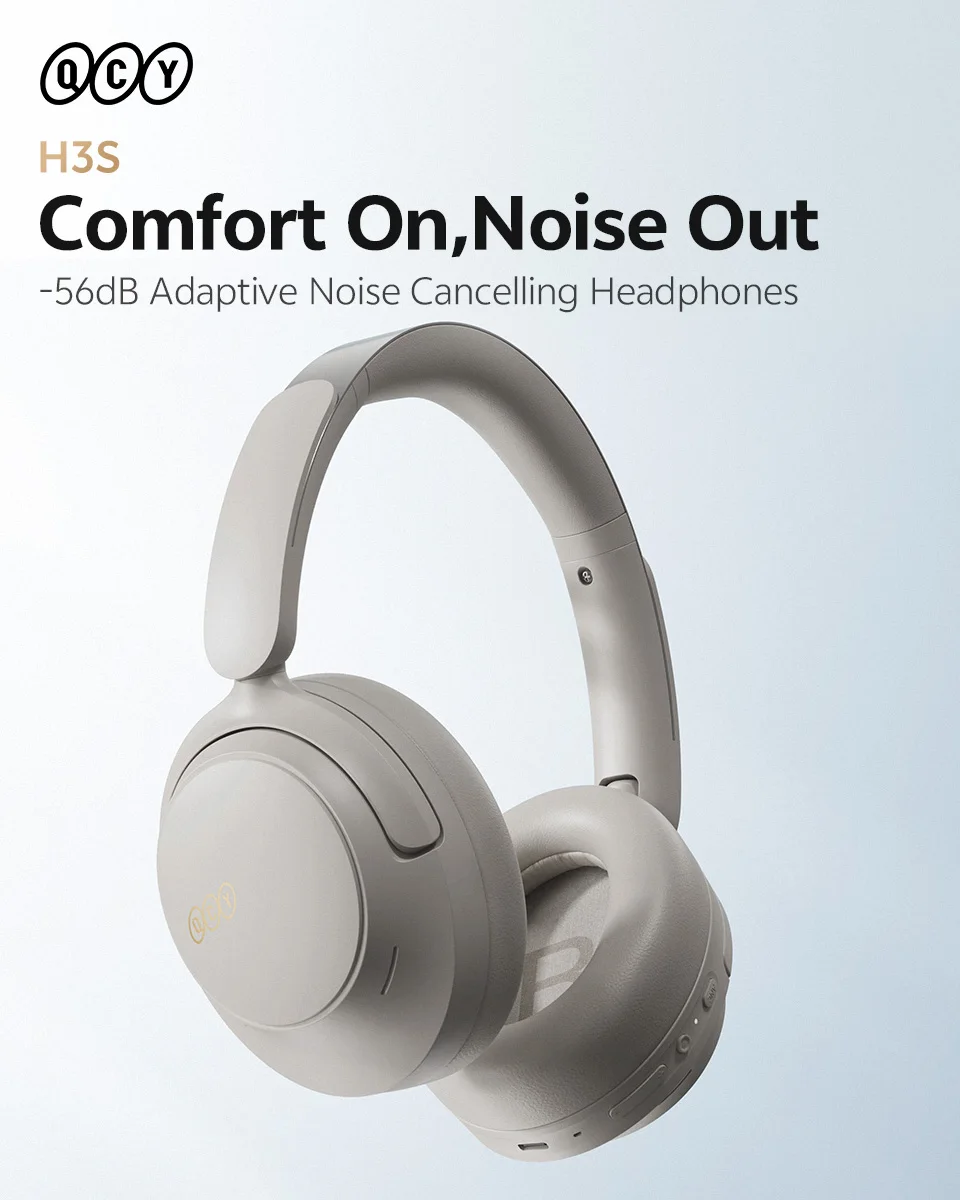
QCY H3S -56dB Adaptive ANC Over Ear Headphones Hi-Res LDAC Spatial Sound Wireless Earphones Bluetooth 6.0 Dual Driver 102Hrs Headset
Before Purchase Please Read:
QCY H3S without 3.5mm Aux port,didn’t support 3.5mm audio cable.
Key Features:
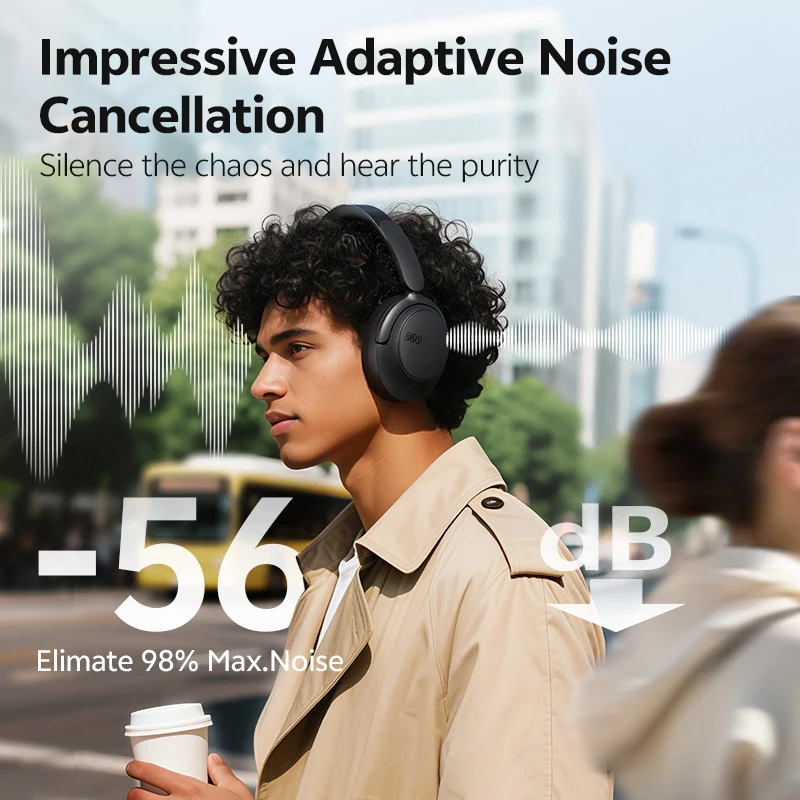
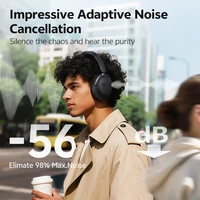
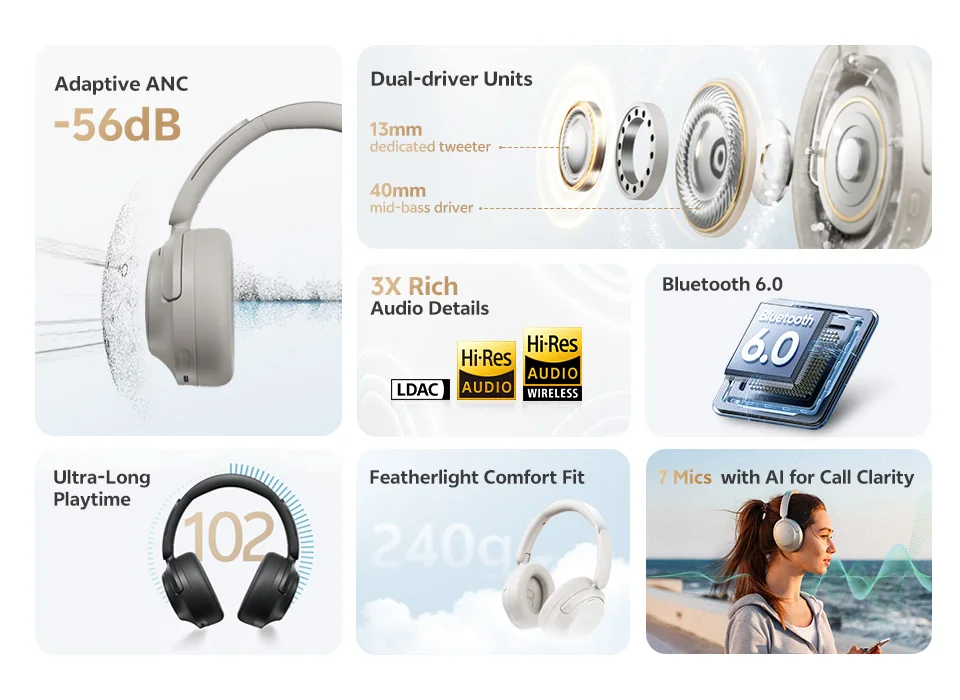
Adaptive ANC Noise Cancellation Up to -56dB
5 Modes Noise Cancellation(Adaptive/Crowded/Commute/Indoor/Anti-Wind)
7 Mics with AI for Call Clarity & DNN Clear Call Noise Reduction
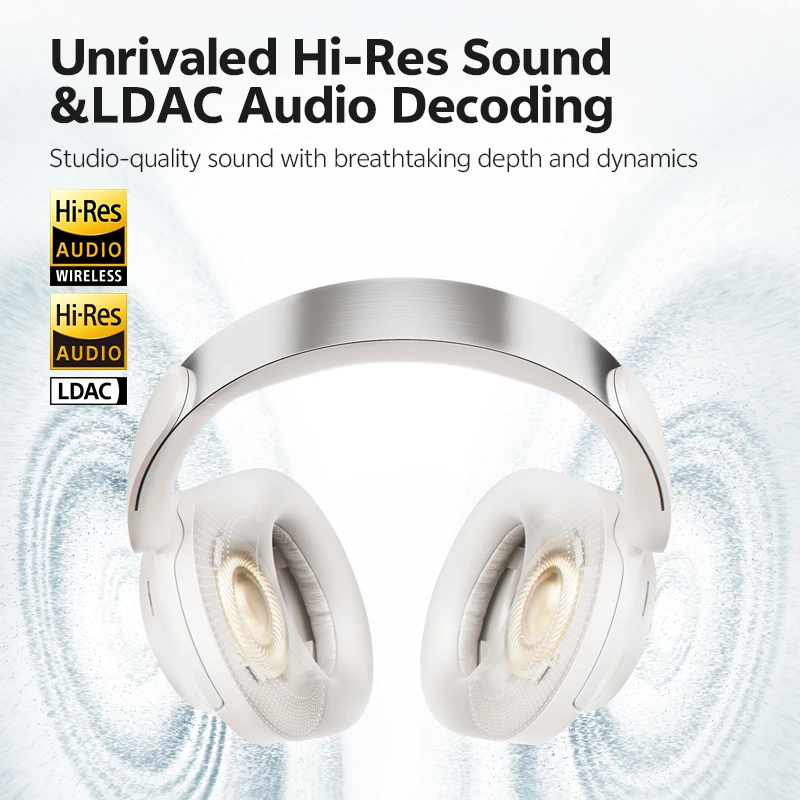
Hi-Res/Hi-Res Wireless Audio & Lossless LDAC Codec (iOS devices do not support LDAC)
Upgrade Transparency Mode & 60ms Low Latency
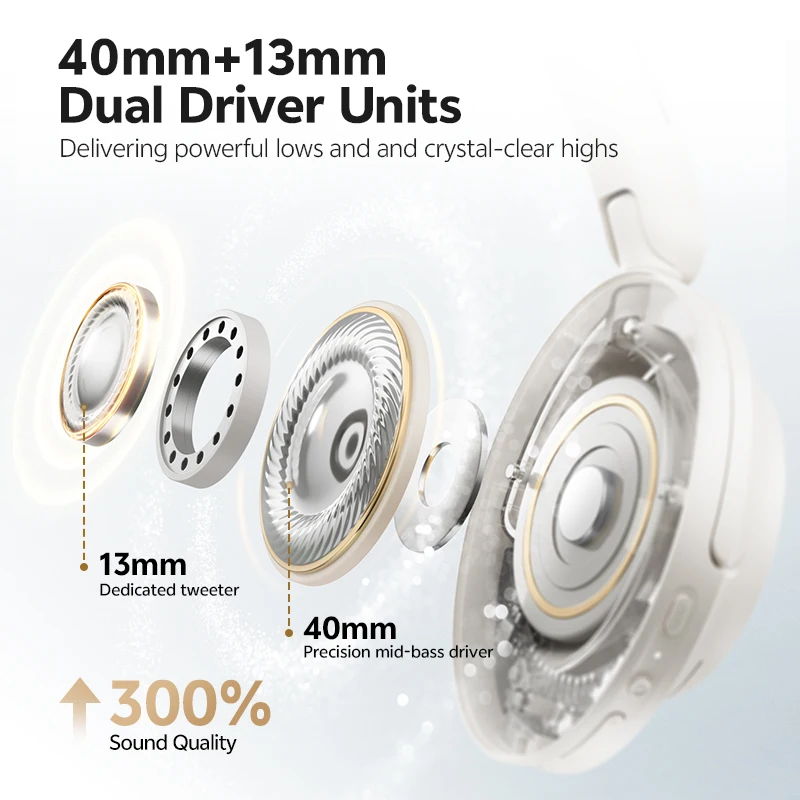
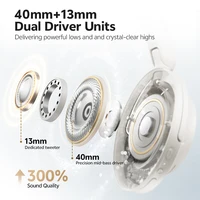
40 mm + 13 mm Dual Driver Units(40mm mid-bass driver,13mm dedicated tweeter)
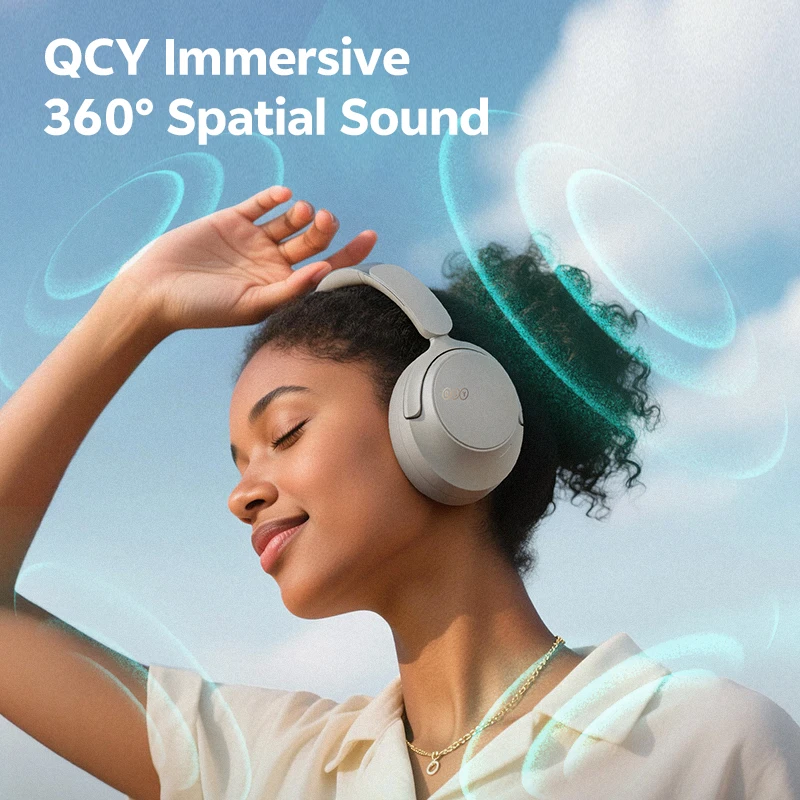
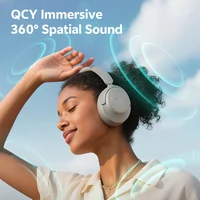
360° Spatial Sound(when spatial sound mode on,LDAC will be turn off)
3 Situational Modes Switch(Gaming/Music/Movie)
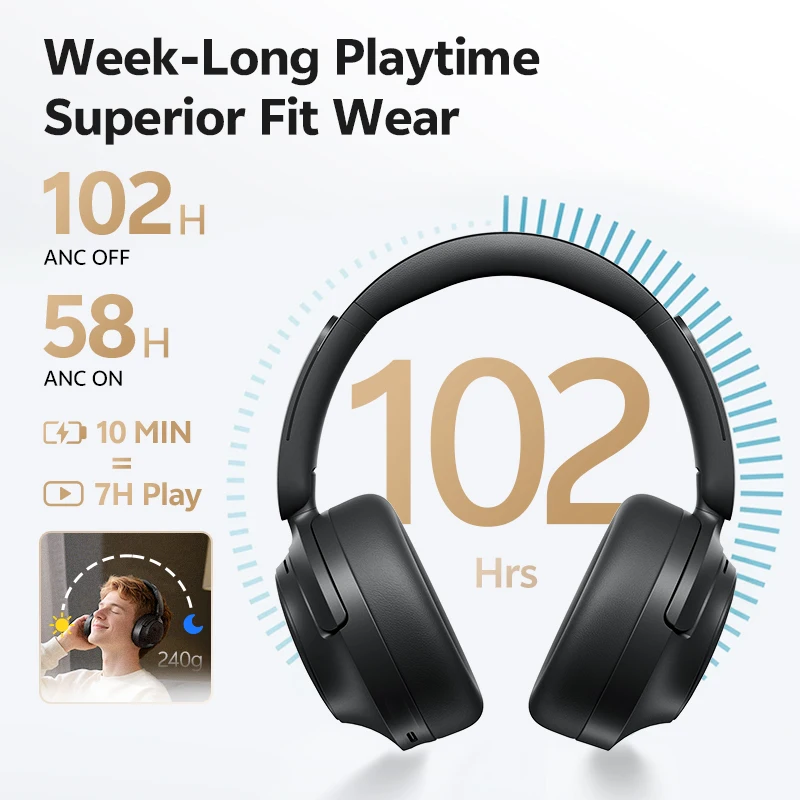
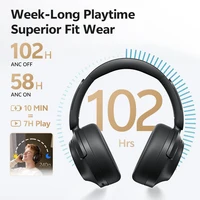
102Hrs Ultra-Long Playtime & Quick Charge
7 EQ Sound Effects & Personalize More on the QCY App
Wireless & Type-C Wired Connection(package without Type-C Audio Cable)
Bluetooth 6.0 & Dual Device Connection
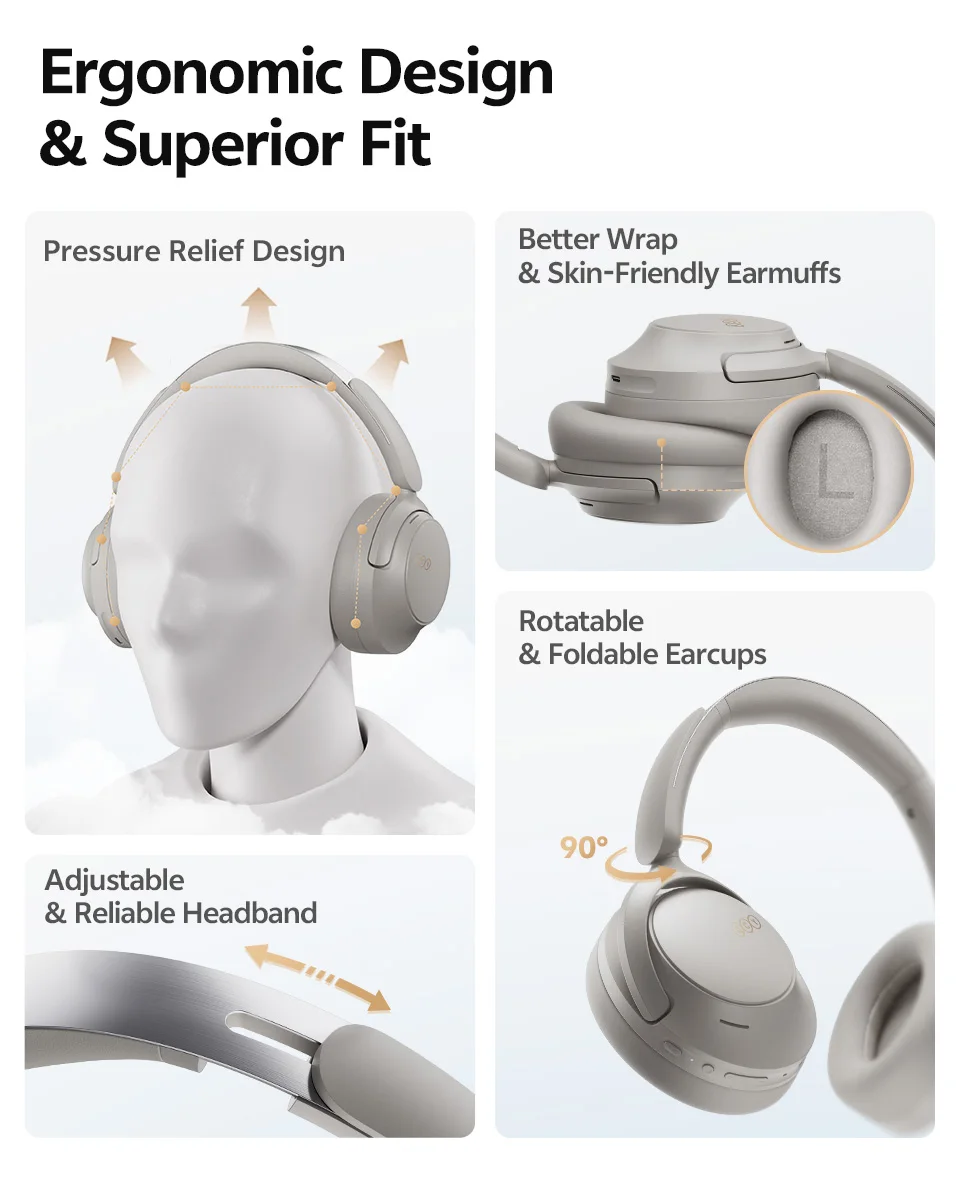
Ergonomic Design & 240g Feather light Comfort Fit
 Silence the Chaos,Hear the Purity.
Built-in 7 microphone arrays (6 of them are ANC mics), H3S achieves an impressive -56dB noise reduction, isolating you from the outside world for a truly immersive listening experience.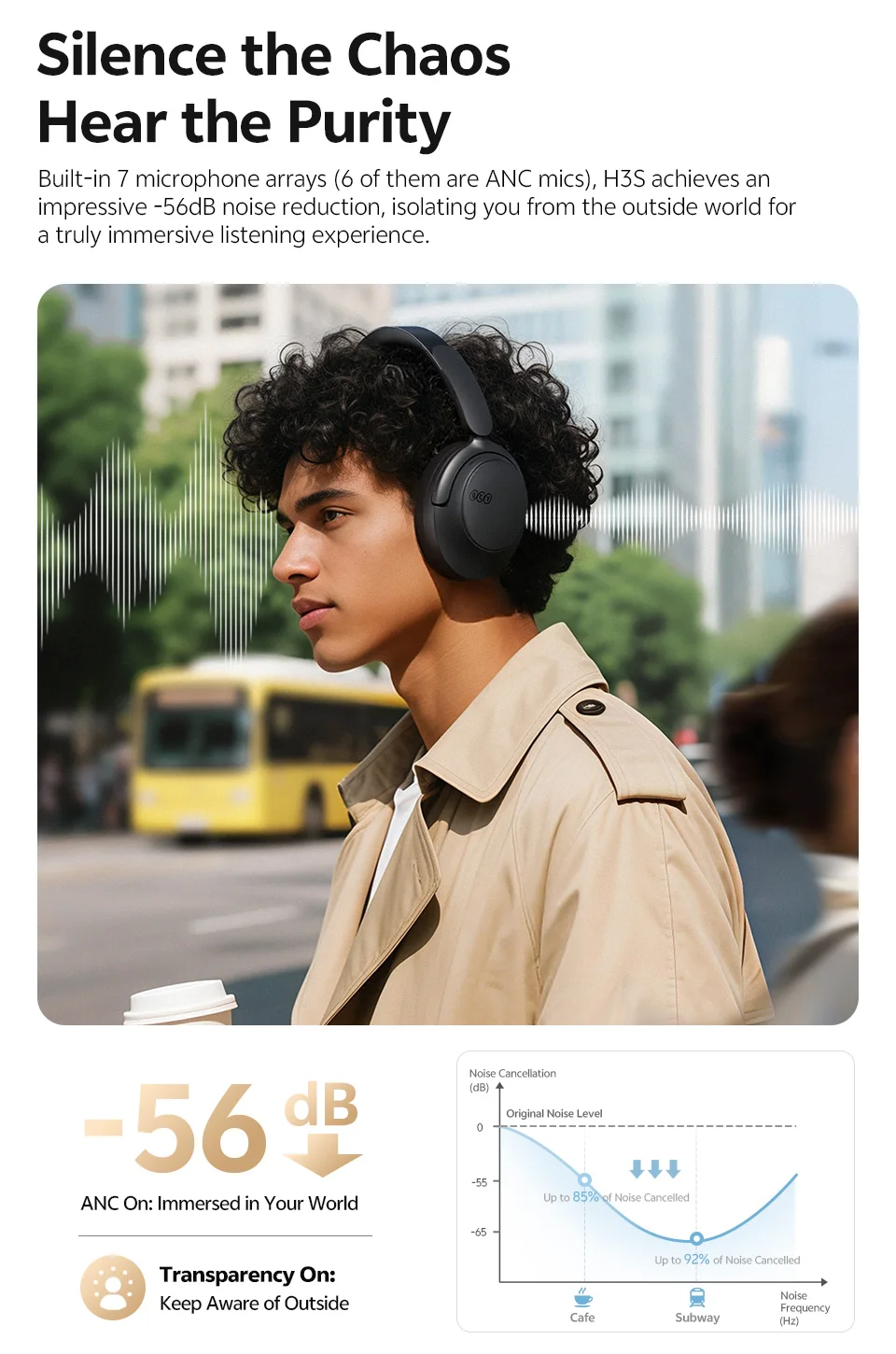 Make Every Note Heard
Thanks to 3 anti-wind noise microphones and a DNN neural network algorithm to separate the human voice from the background noises, you will never missthe important calls and information anytime and anywhere.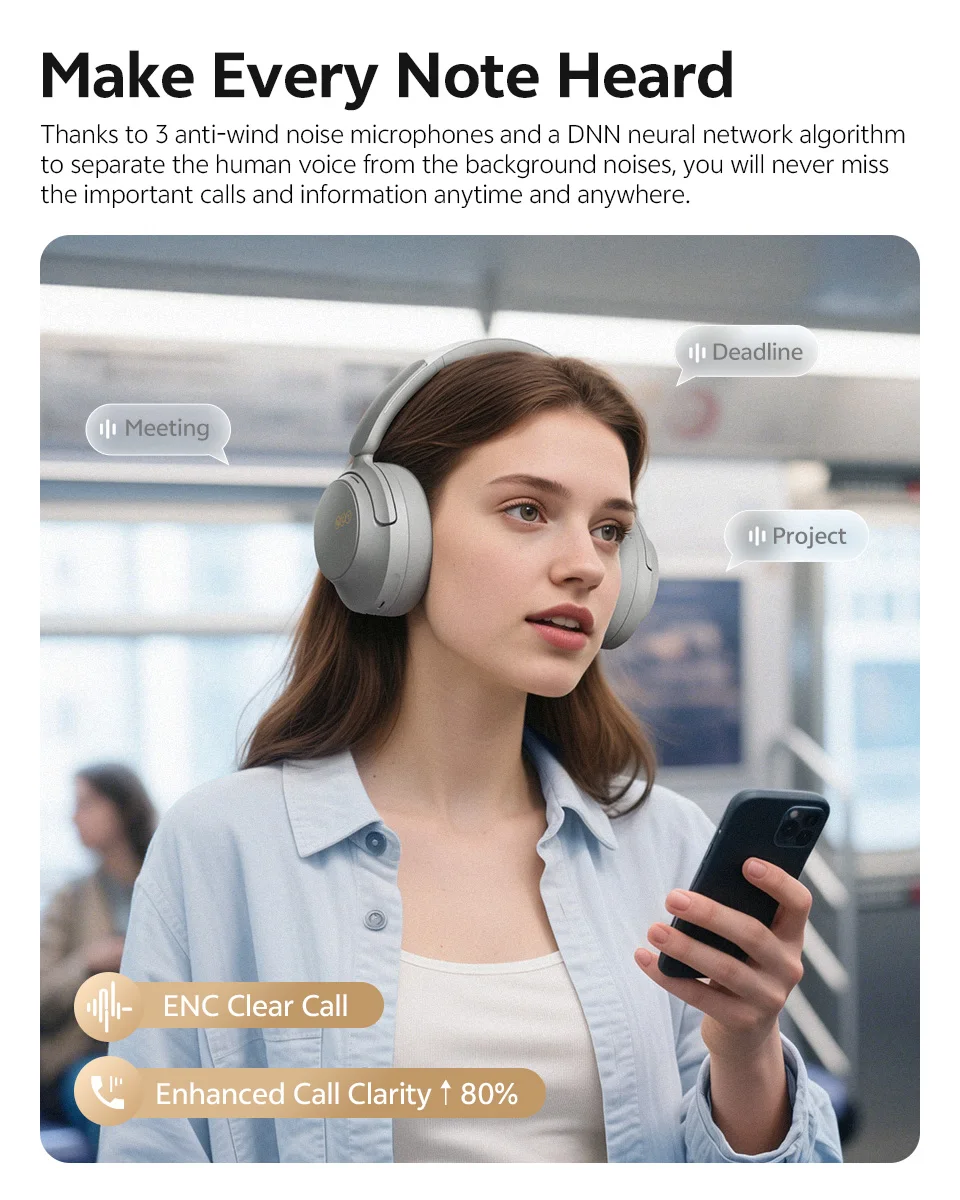 Unrivaled Hi-Res Audio Clarity
With Hi-Res Audio certification and LDAC lossless transmission, H3S brings youstudio-quality sound with breathtaking depth and dynamics.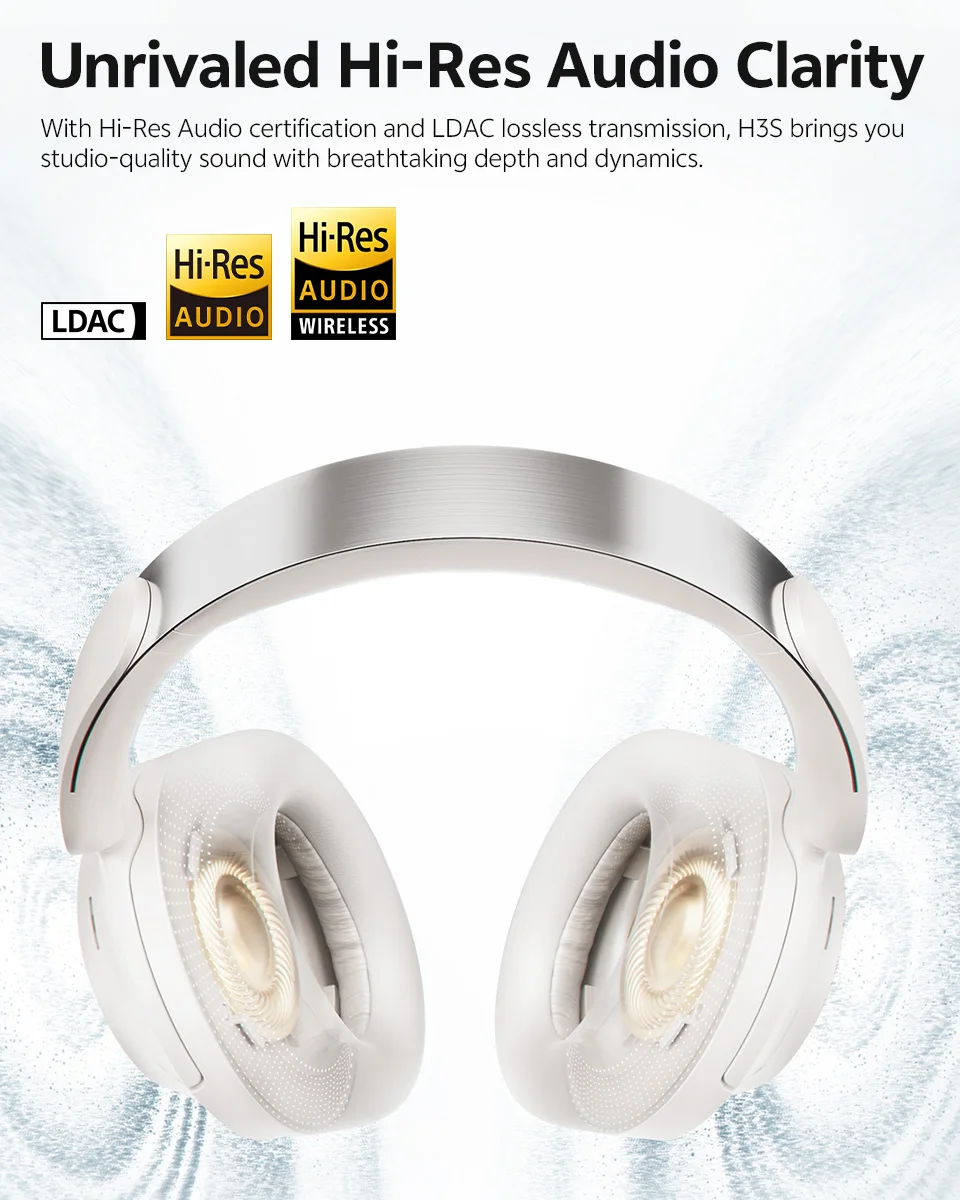 40mm & 13mm Dual Driver Units
H3S features a professional dual-driver system:
A 40mm precision mid-bass driver and a 13mm dedicated tweeter for true physical crossover, delivering powerful lows, crystal-clear highs, and silky smooth extension that captures every nuance.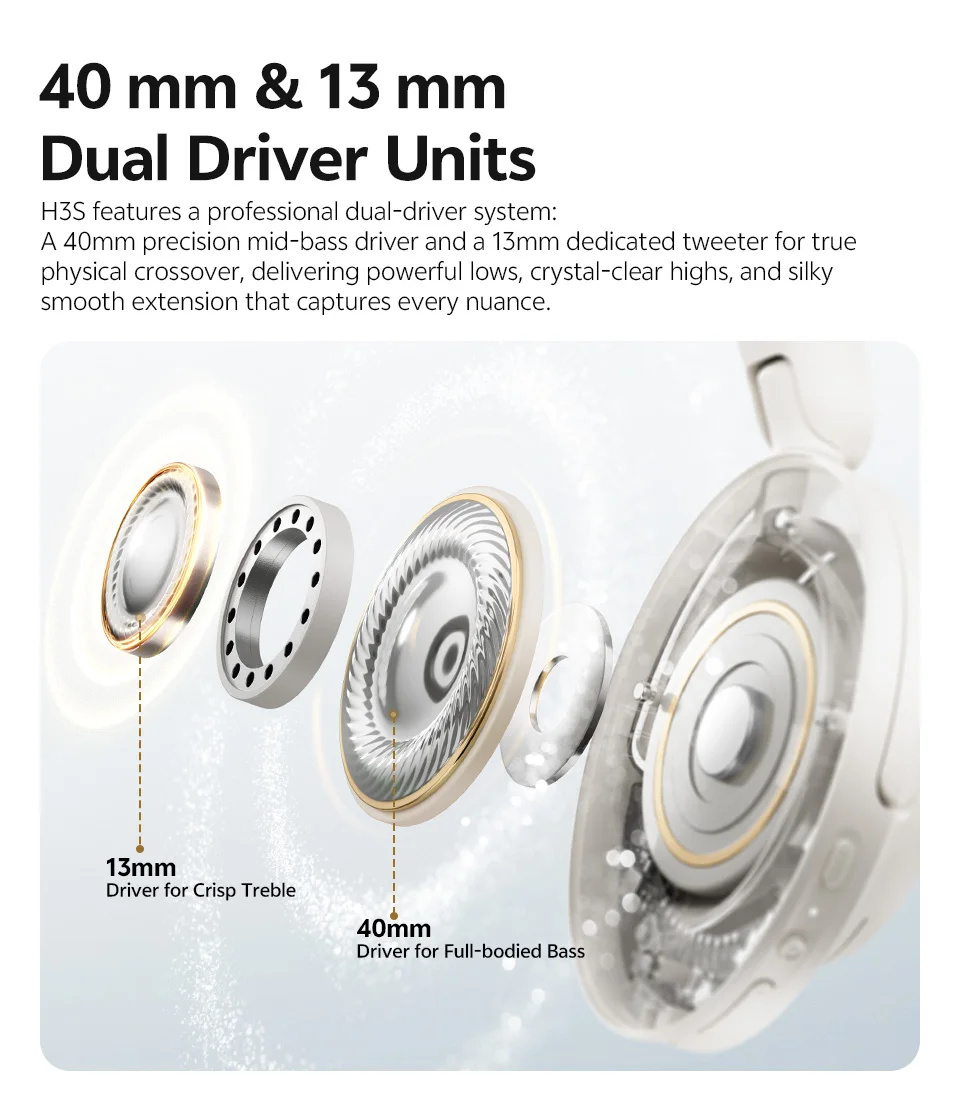 360° Spatial Sound
Featuring a hi-resolution spatial model algorithm, QCY H3S delivers rich sound layers and a 3D listening experience.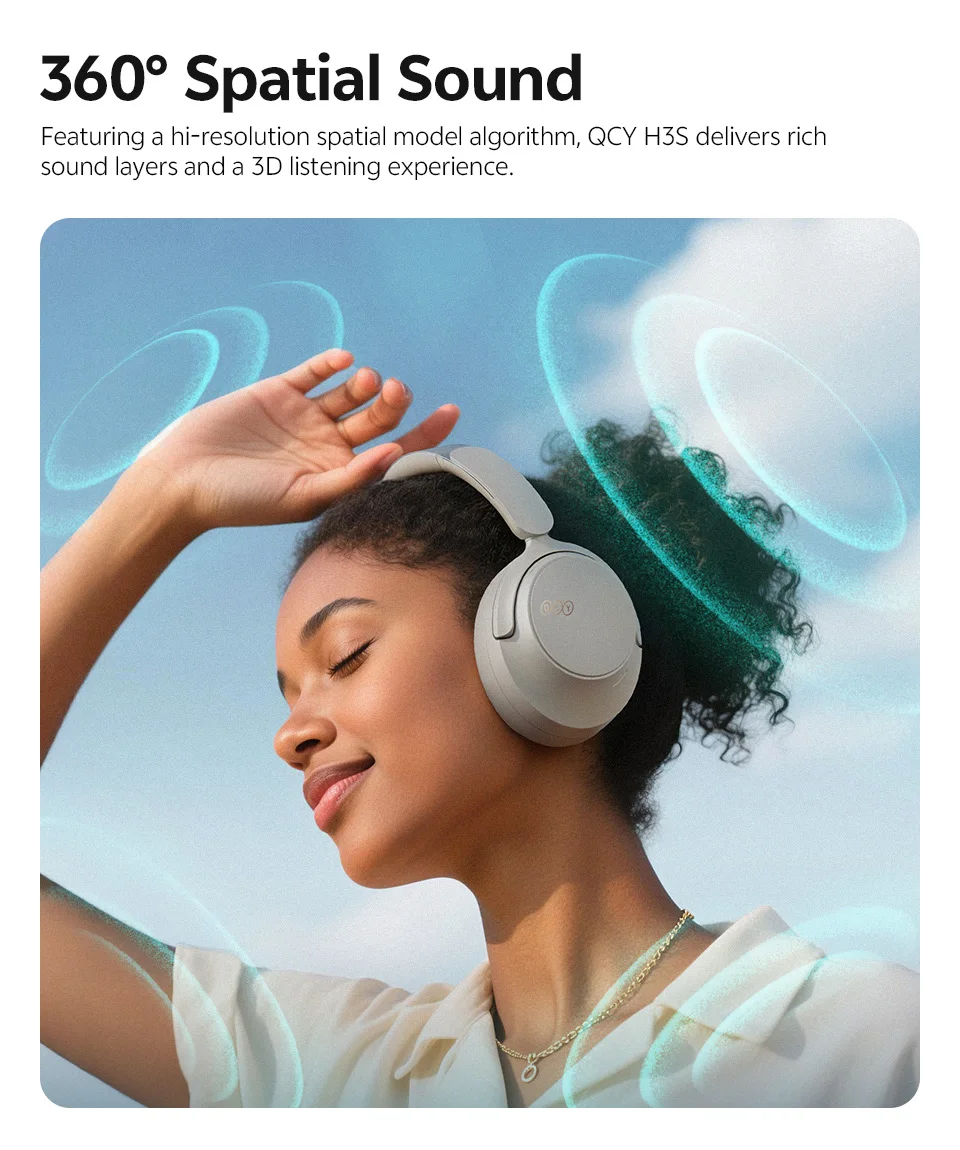 Personalize Your Sound on the QCY App
Personalize your listening on the QCY App with tailor-made audio modes for every mood and moment.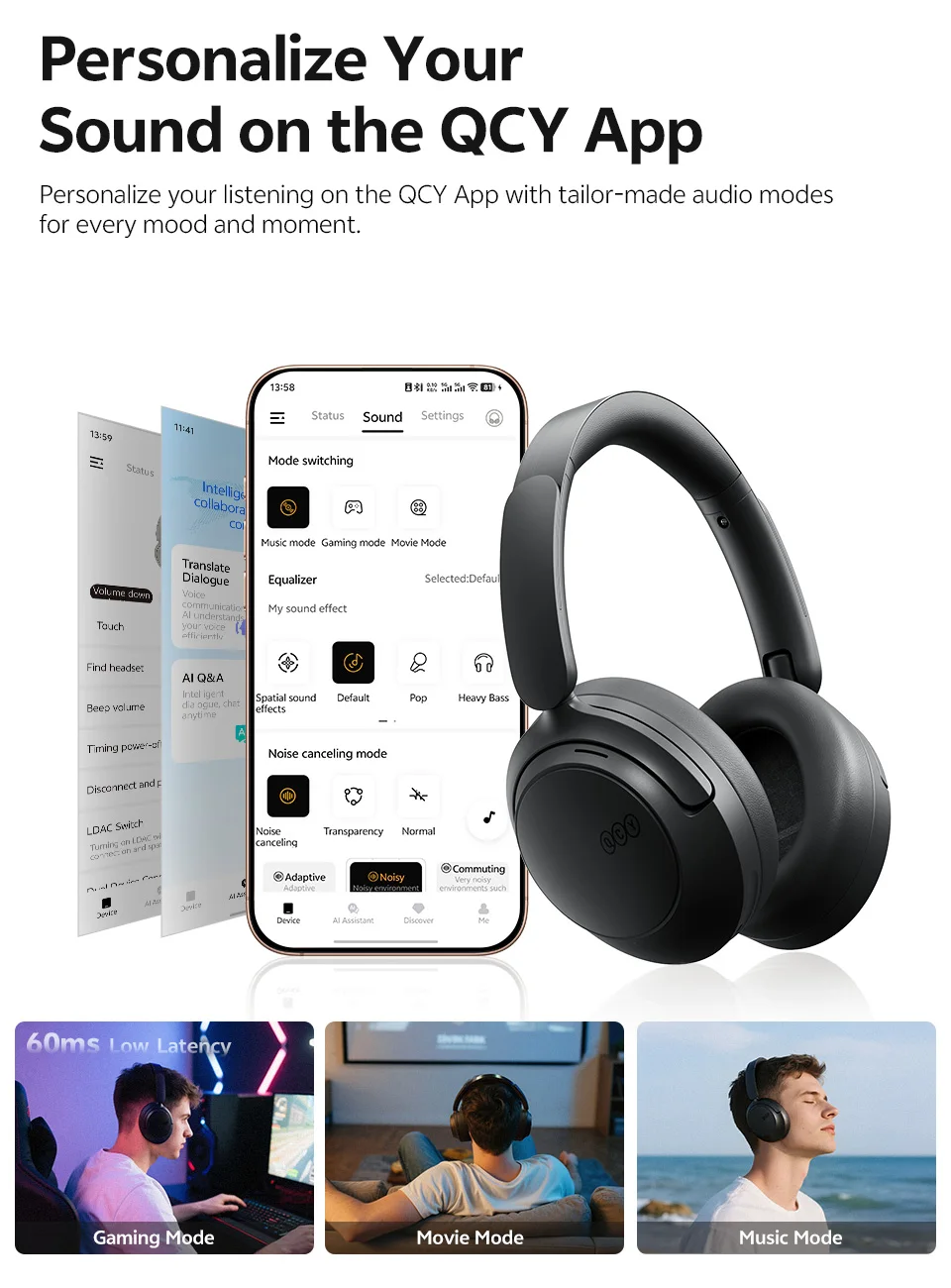 Designed for All-Day Wear
With a carefully designed structure that evenly distributes pressure and a weight of only 240g, the H3S is incredibly lightweight but robust, offering only pure and immersive enjoyment.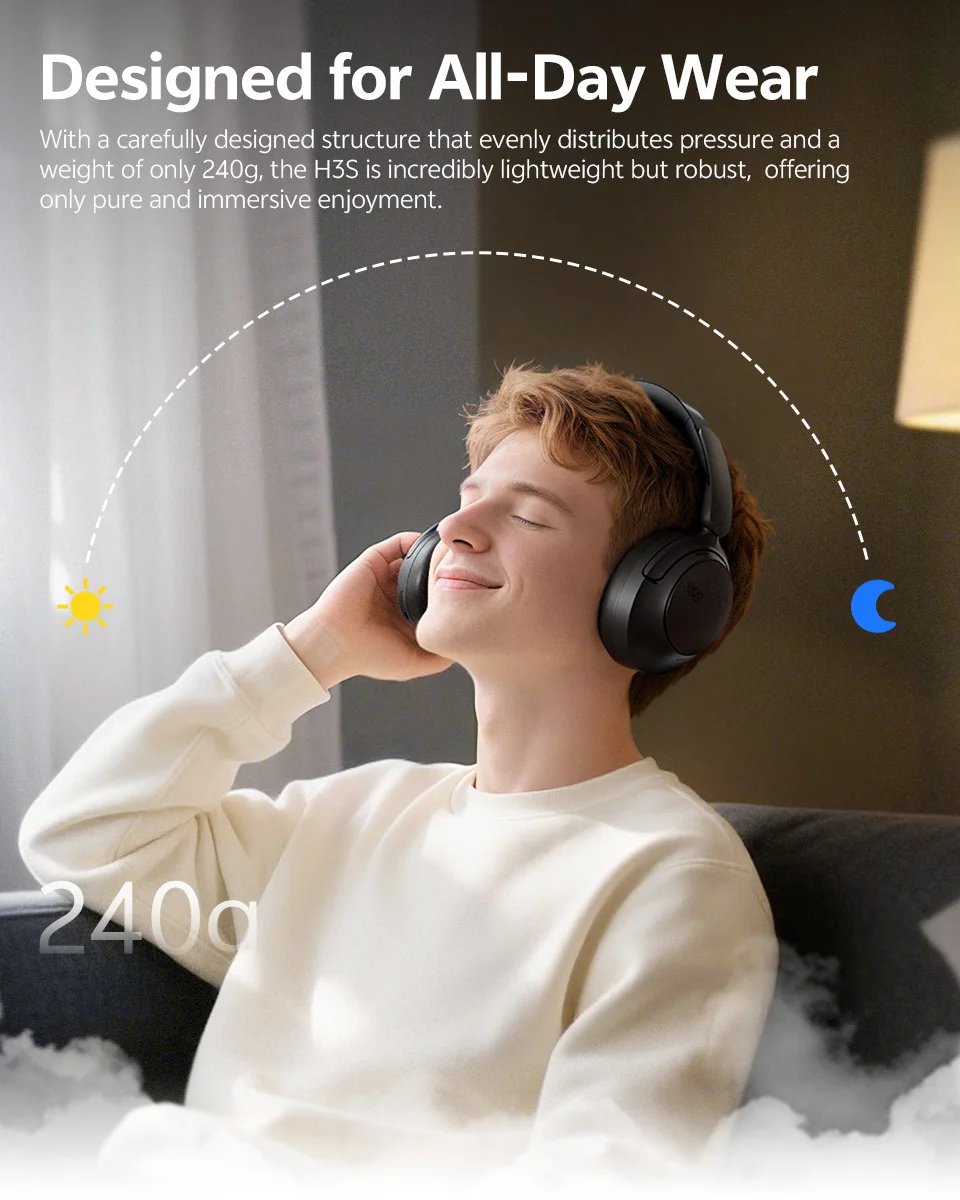 Ergonomic Design& Superior Fit
 Up to 102H Pure Enjoyment
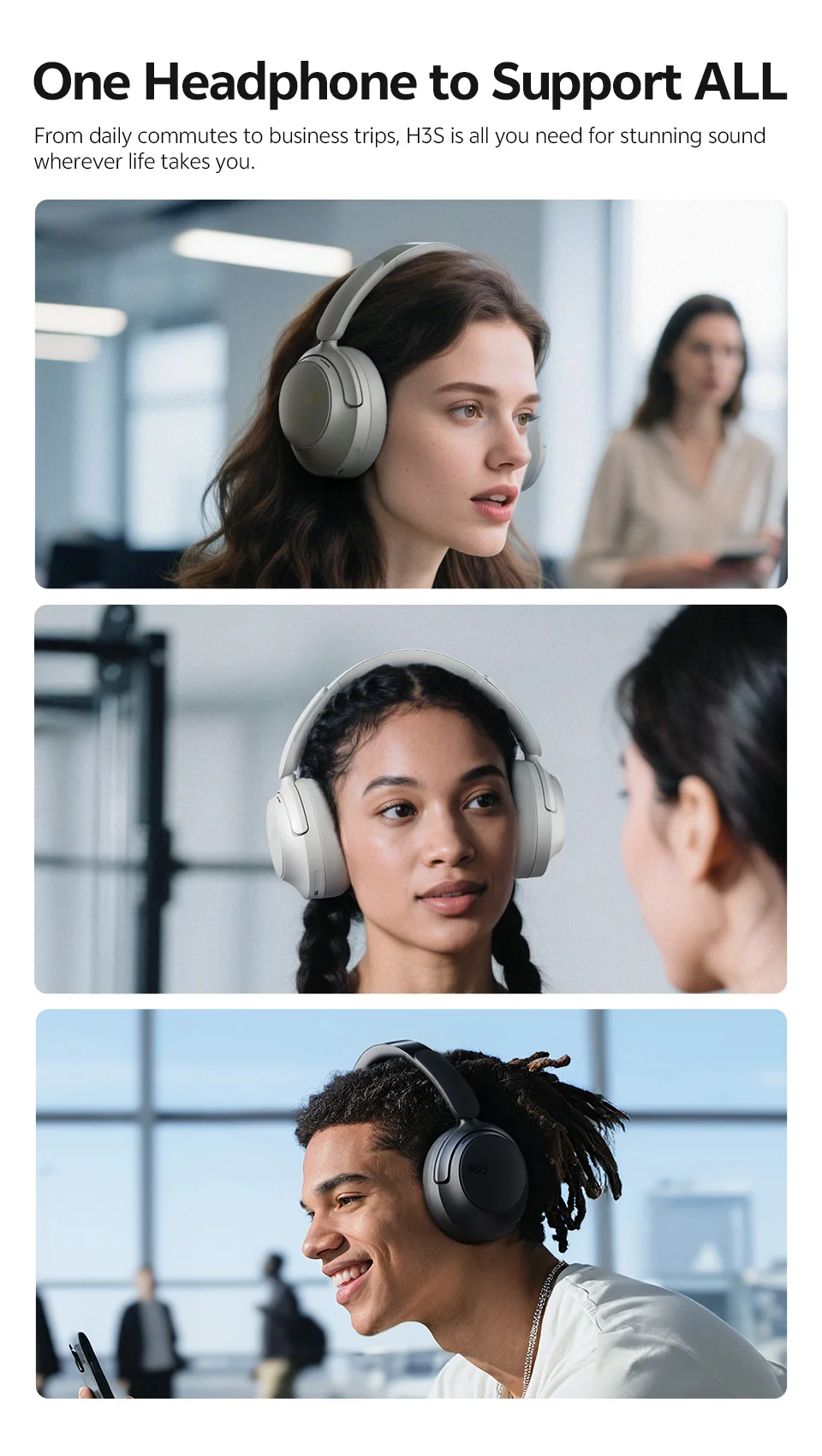
Equipped with a 750mAh high-capacity battery, H3S delivers up to 102 hours of playtime on a single charge. 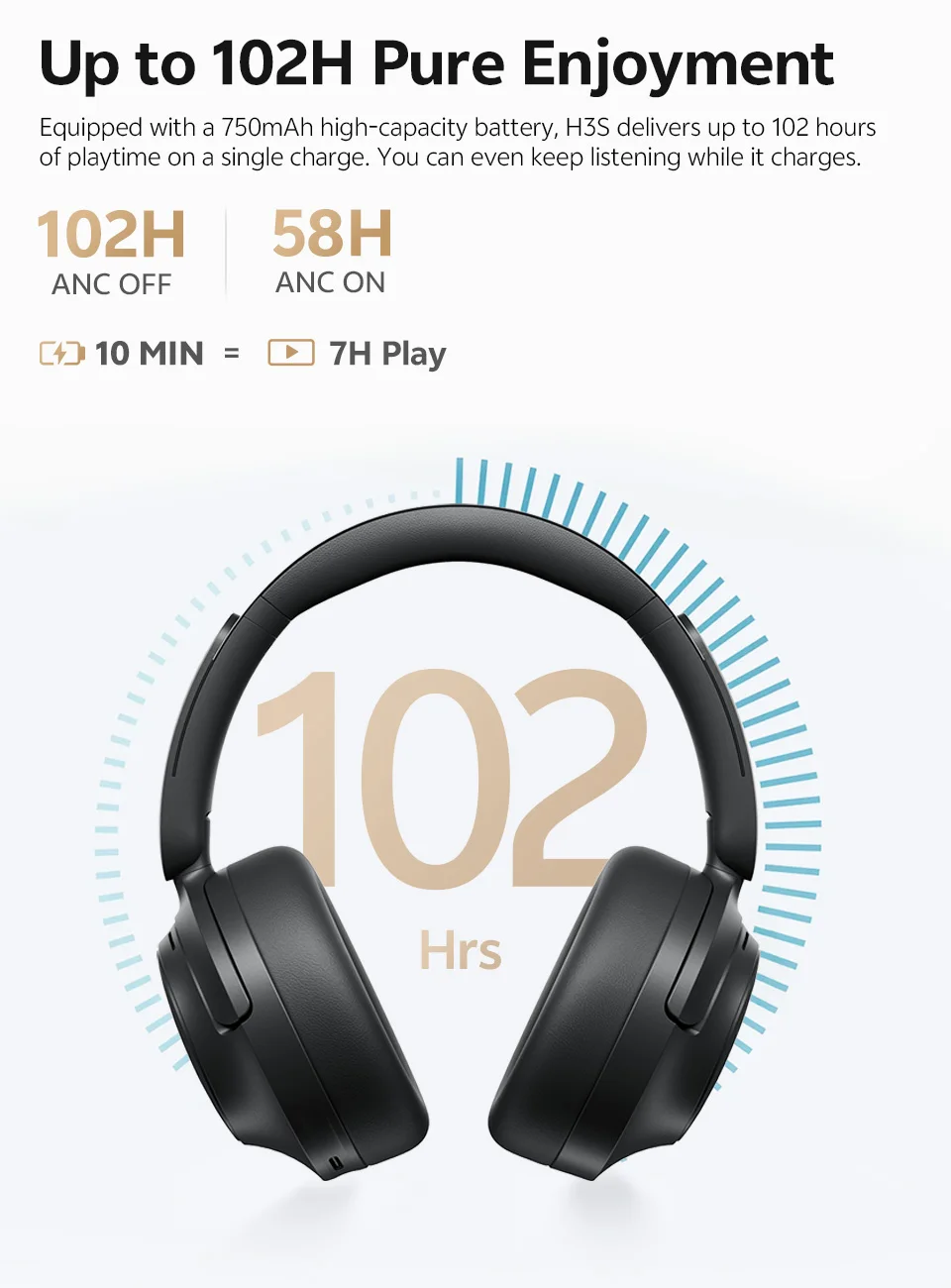 One Headphone to Support ALL
From daily commutes to business trips, H3S is all you need for stunning sound wherever life takes you.
 Seamlessly Switch Between 2 Devices
Connected to two devices at once, and you will never miss a beat whether on your laptop,phone,tablet or console.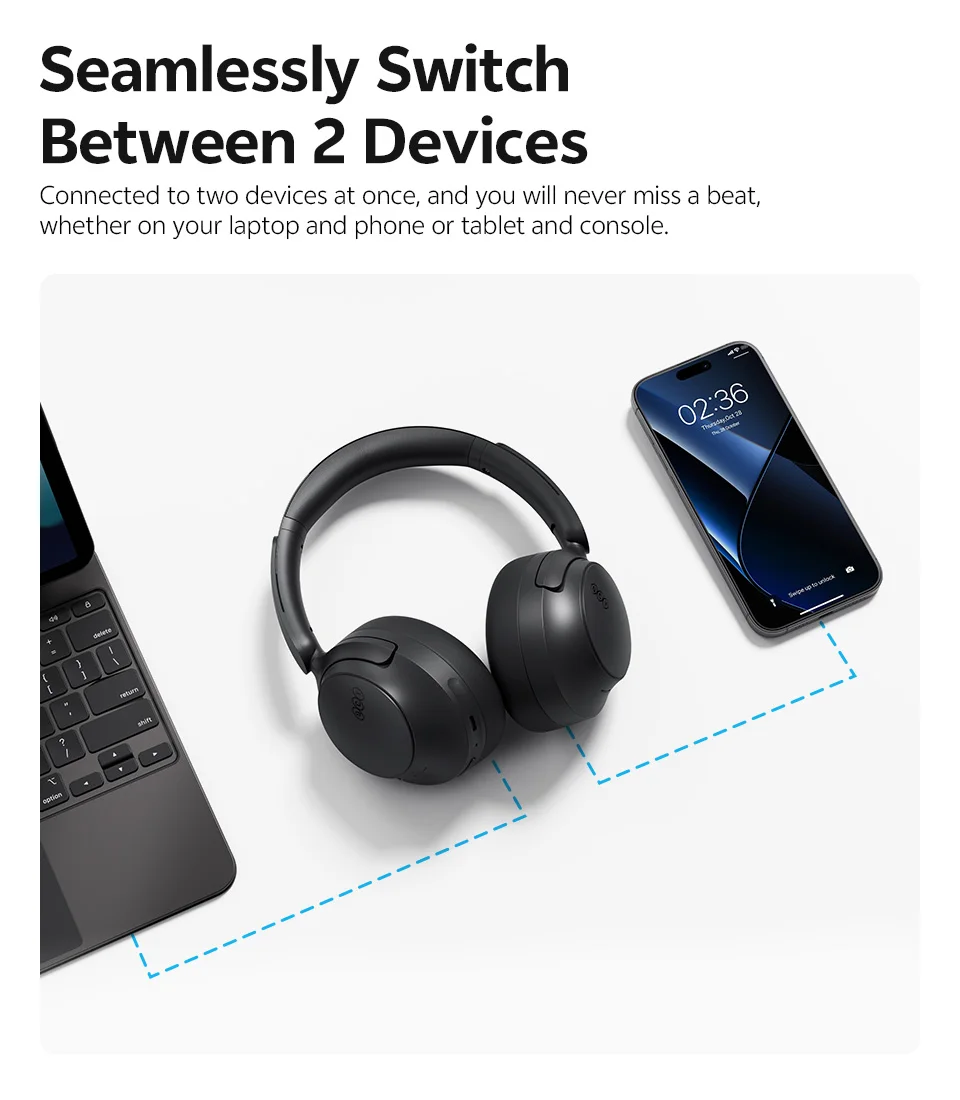 More Ways to Stay Connected
H3S supports both Bluetooth wireless and Type-C wired connections, giving you flexibility wherever you go.
Note: (Package without Type-C Audio Cable)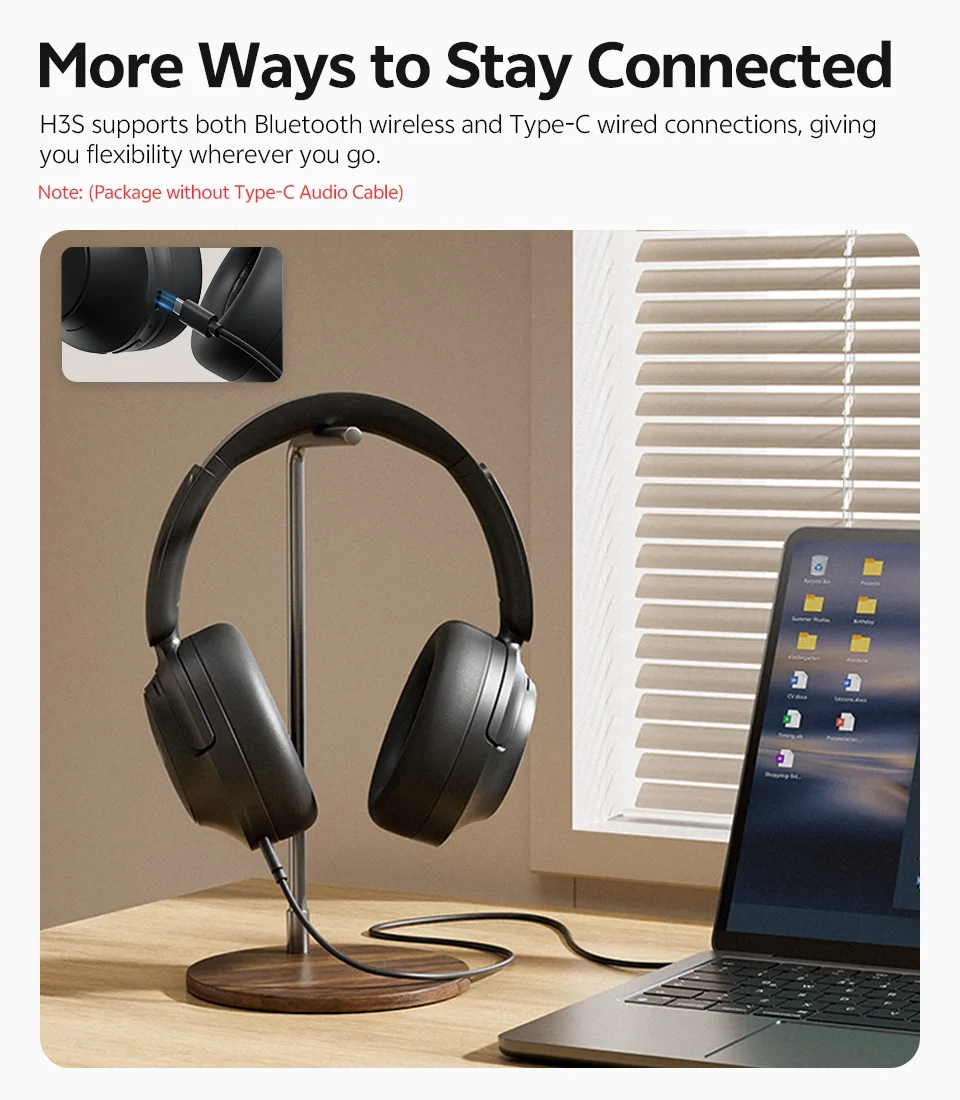 Easy to Operate
Effortlessly achieve what you want through the maneuverable buttons and convenient instructions.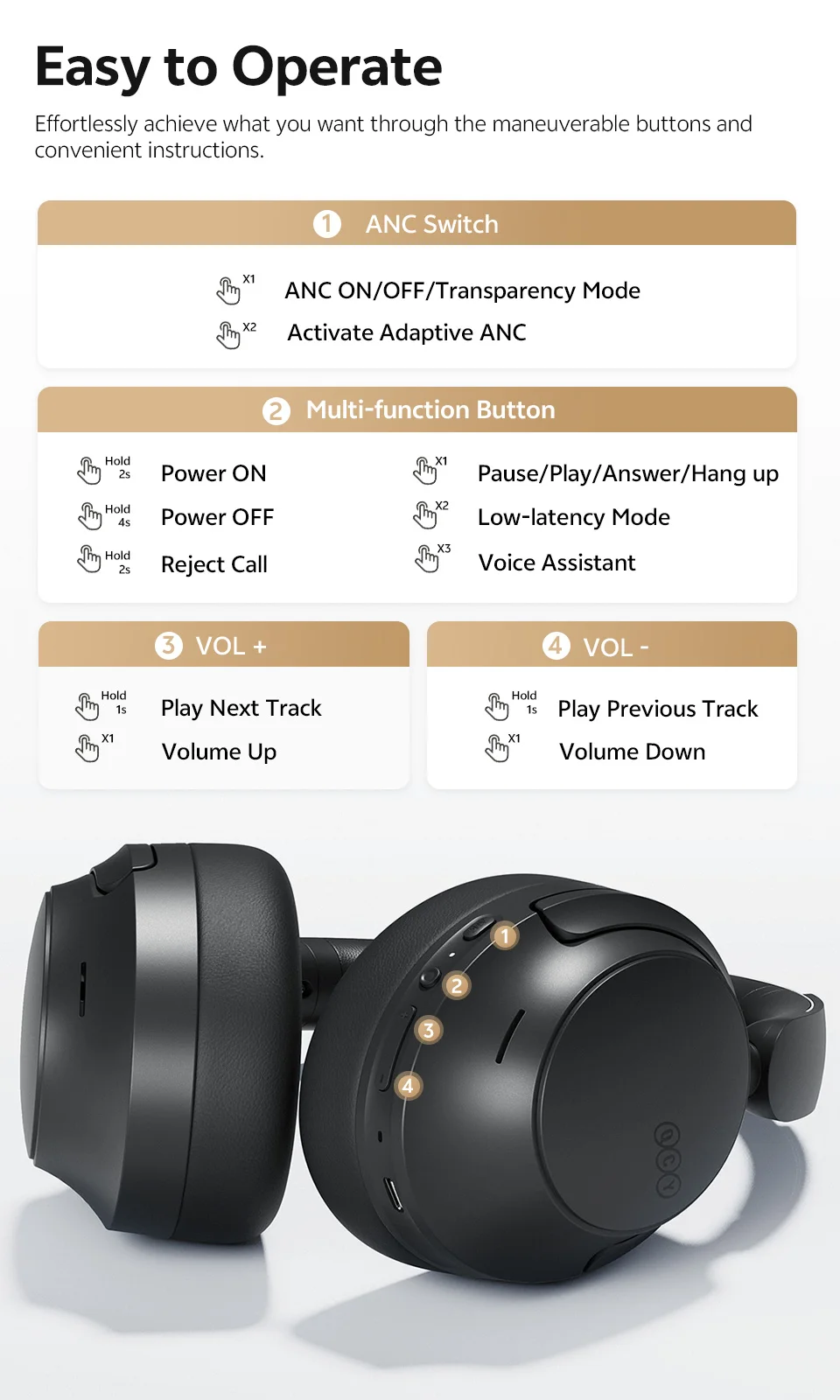 What’s in the Box
QCY H3S x1
Type-C Charging Cable x 1
User Manual x1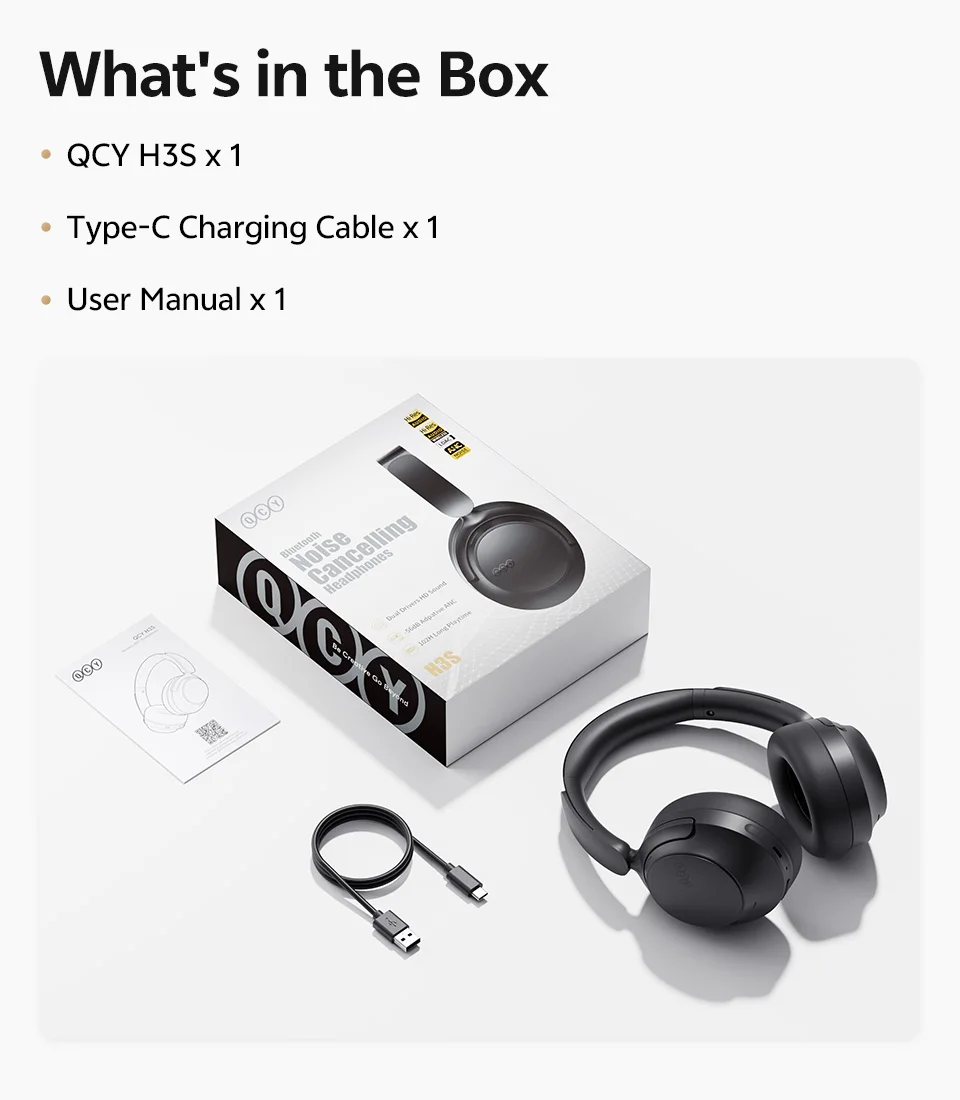 Specifications:
Product Name: QCY H3S
Bluetooth Version: 6.0
Compatible Systems: iOS / Android
Bluetooth Range: 10m
Water Resistance Range: IPX5
Battery Life (ANC on): 58H
Battery Life (ANC off): 102H
Battery Capacity: 750mAh
Charging Port: Type-C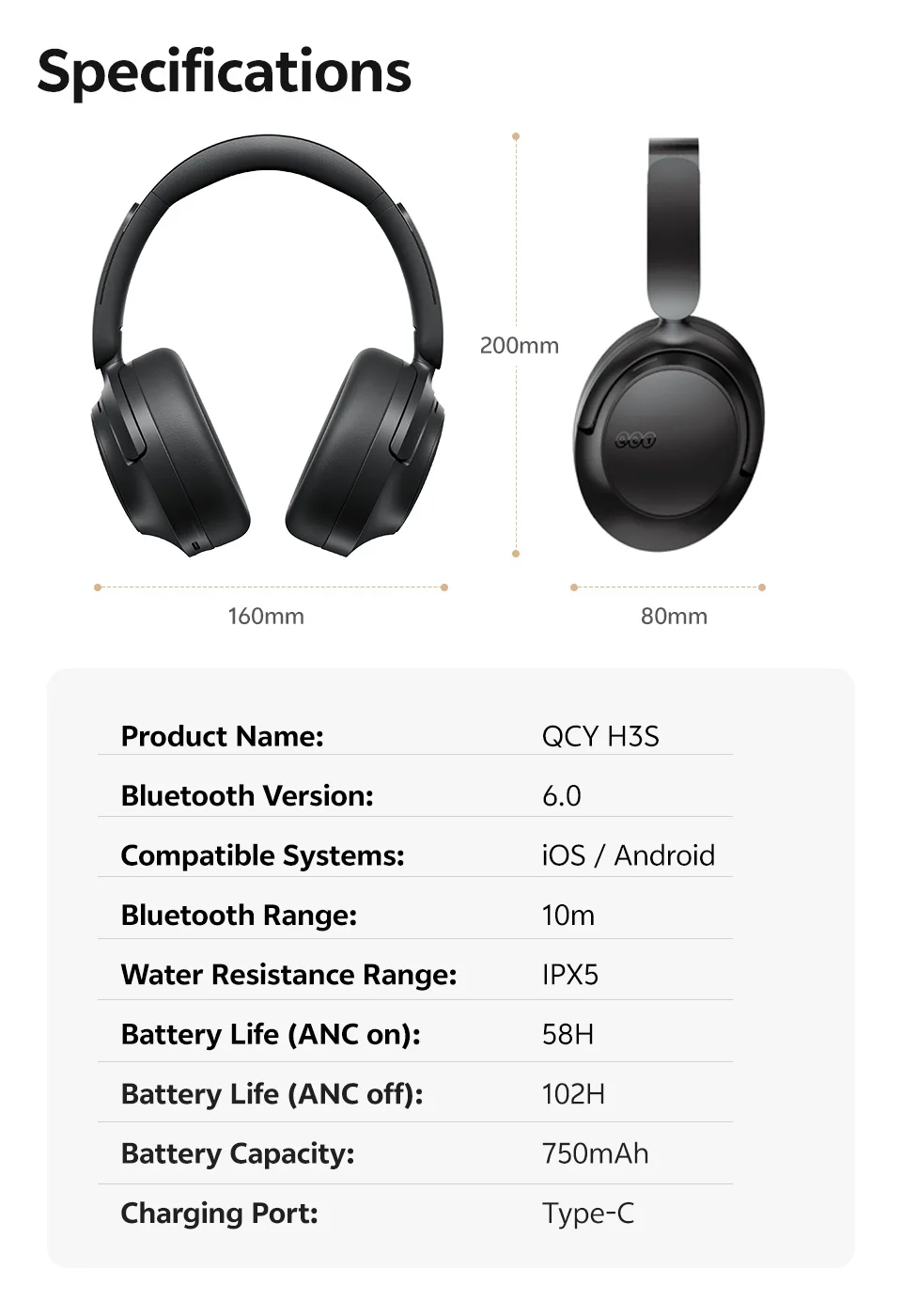
FAQ:
Q:What should I do if the headphones received unable to turn on?
A:Confirm that the over ear headphones has power left (press the power button and check LED light is illuminated).
If headphones power off,please connect it with your included USB cable and plug it into a USB power source for charging.
Q:How to solve the problem that the mobile phone prompts that it cannot connect?
A:Delete the pairing record on the mobile phone, and then search for pairing and connect again.
Q:How to solve the problem that there is no sound when listening to music or calling?
A: There is a settings icon on the right side of the Bluetooth connection name on Android phones. Click to enter, turn off the mobile phone audio and media audio, and then turn them on again. If there is still no sound, please re-pair the earphones with the mobile phone.
Q: Why is there a delay in video or games?
A: Affected by factors such as the use environment, network, and mobile phone Codec, there will be different degrees of delay when the mobile phone transmits audio data to the earphone.
Q: How to solve the problem of stuck or intermittent sound?
A:If there are a lot of Wi-Fi, 5G and 4G signals, high-power electrical appliances around, it may cause stuck and intermittent sound. Please Change the environment or re-pairing can solve the problem.
Q: How do I update the version of my headphones?
A: Application: Device,Settings,Firmware Upgrade. If it prompts that the upgrade cannot be made, it indicates that it is already the latest version.
Q: The headphones can’t connect to the APP?
A: You can set the language of the application to English before connecting the headphones.
Other Tips:
1. Before using the headphones, please read the manual carefully and keep it for future references.
2. The headphones need to be fully charged prior to first-time use.
3. lf the headphones are left unused for over two weeks, please recharge.
4.When spatial sound mode on,LDAC will be turn off.
5.Please use the chargers made by qualified manufacturer.
6. lf headphones fail to be found by phone, please re-turn them connectable or restore factory settings.
7.lf a program error of phone occurs, please turn off and on Bluetooth function or reboot the phone.

Reviews
There are no reviews yet.