
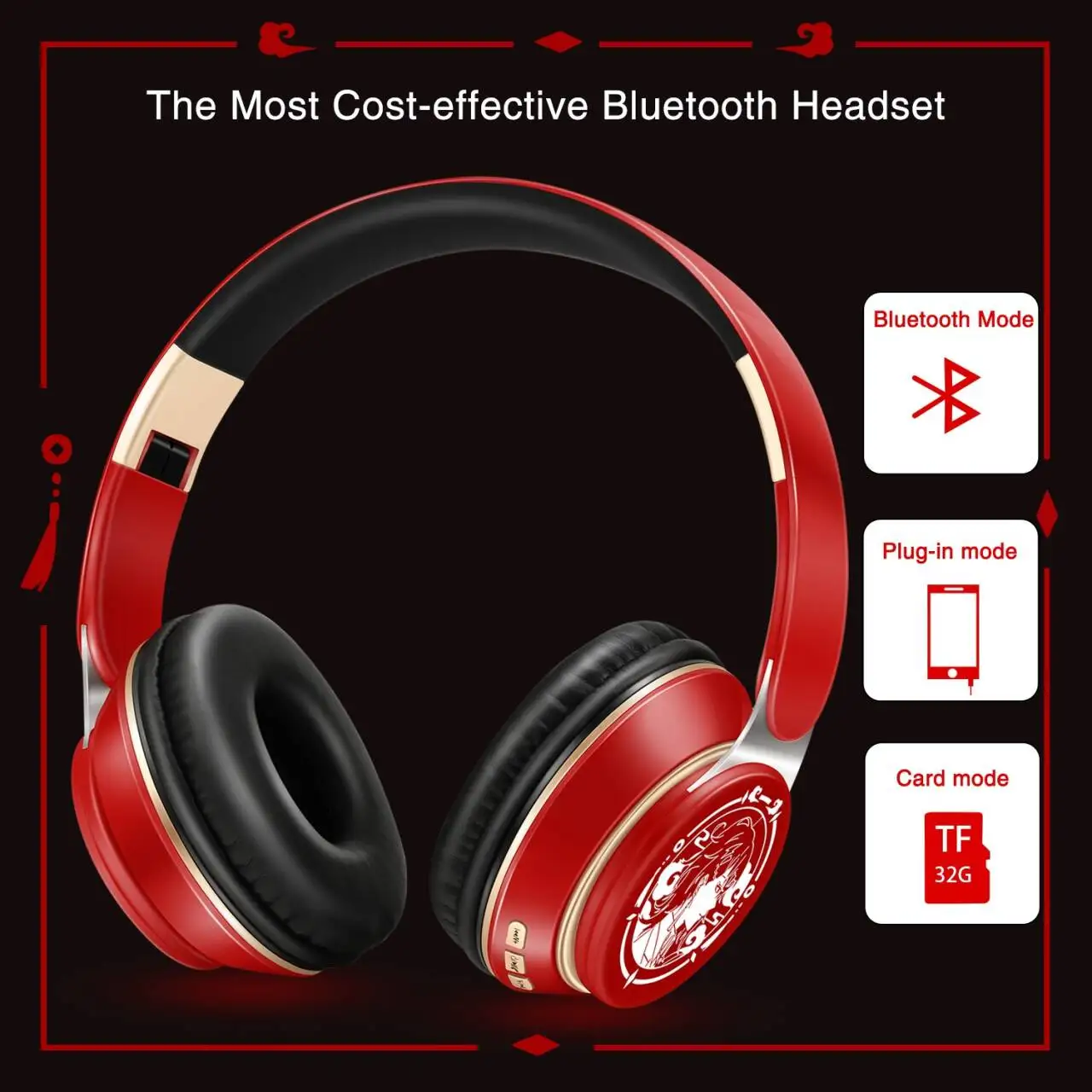
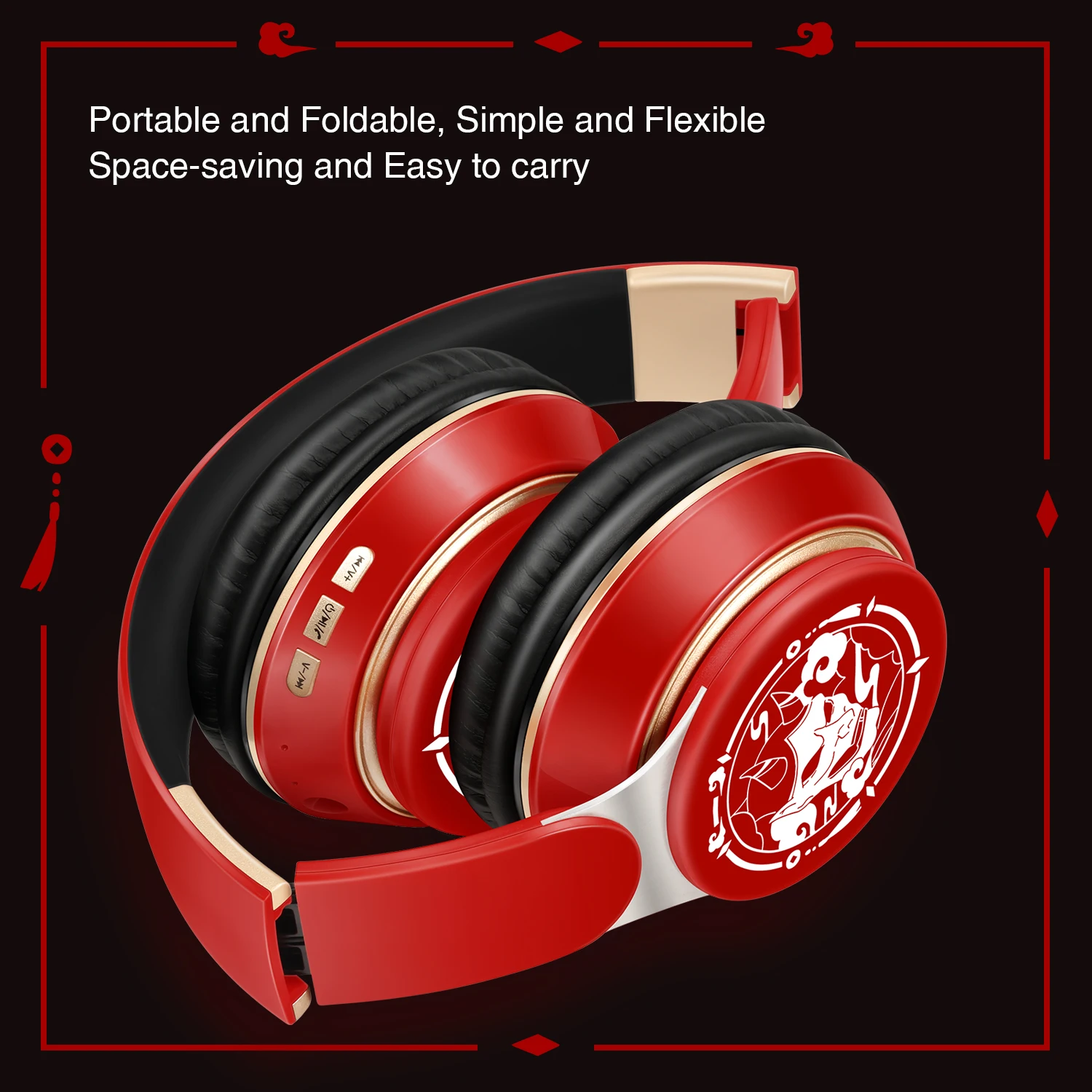
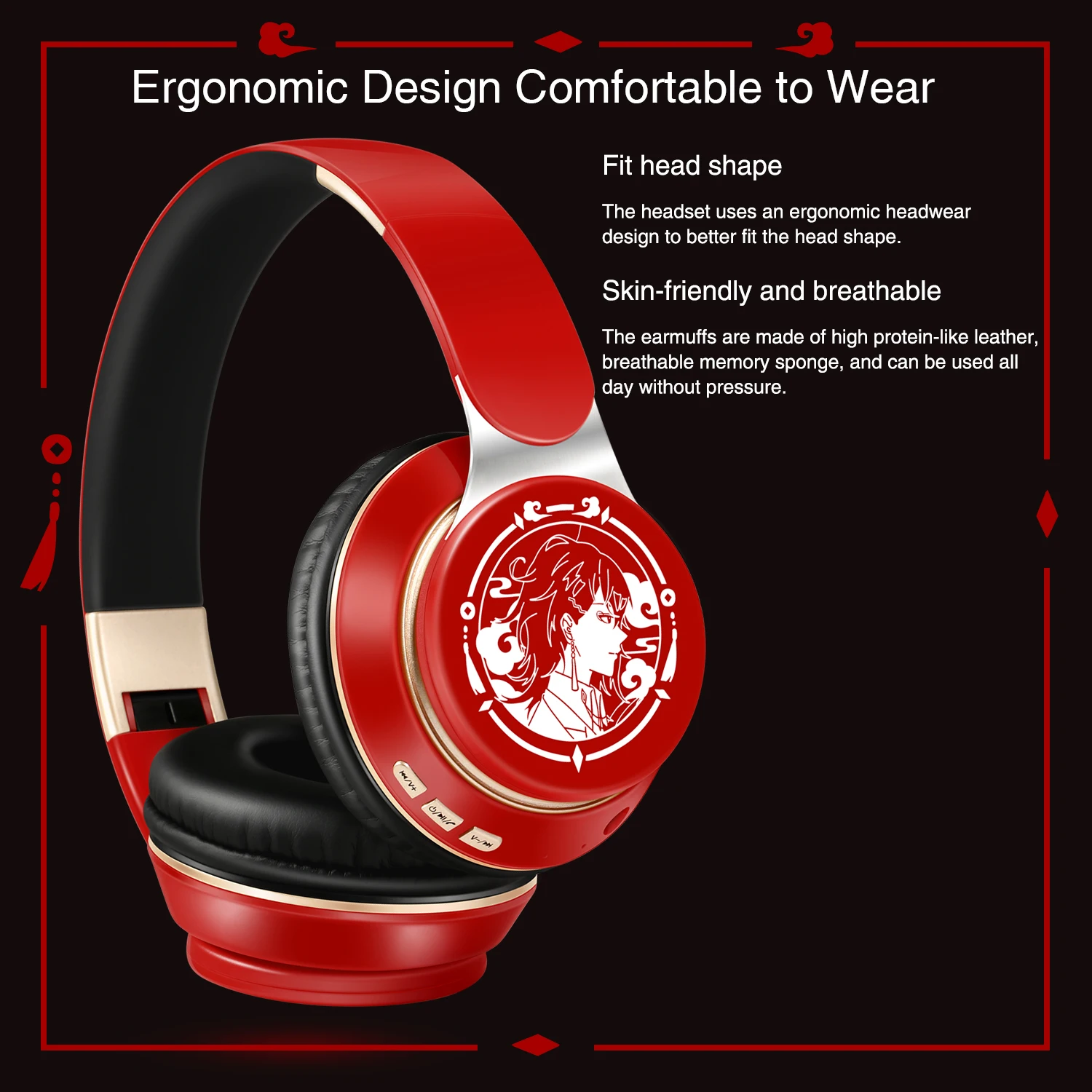
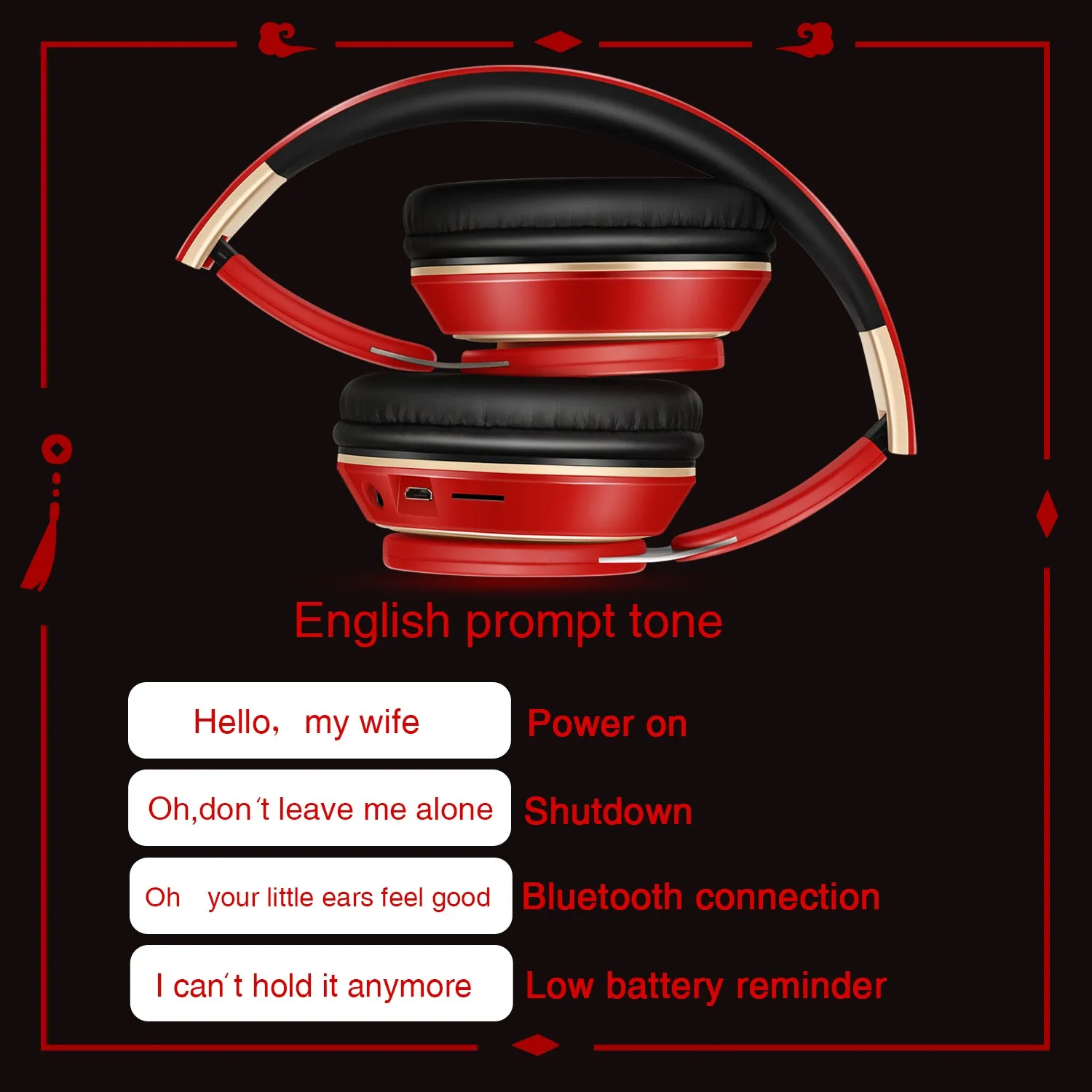
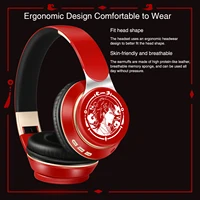
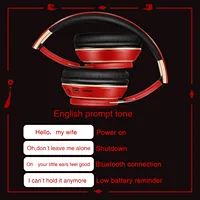
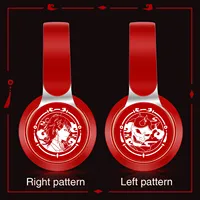
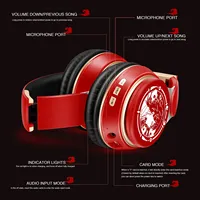
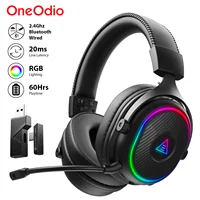
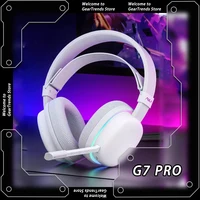
New Popular Bluetooth Headphones Stereo Headset Wireless Original Earphones Cosplay Game with MP3 FM & Microphone Students Gift


Bluetooth Headphone x 1
USB charge Cable x 1
User Manual x 1

Q:How to charge the headphone
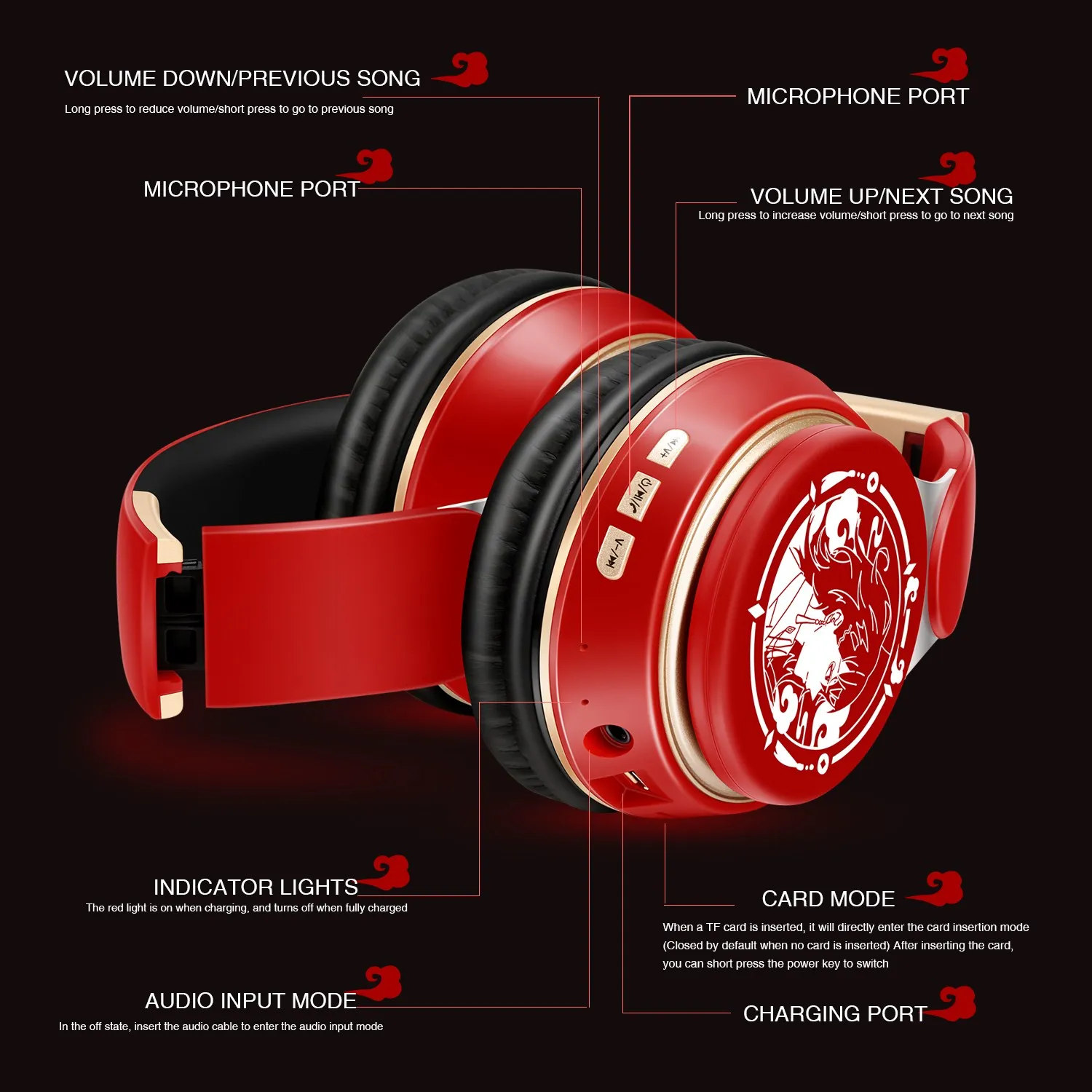
A:Connect your computer and headphone with the USB cable.
Q:How to start the headset and listen the music on the computer?
A:Please be sure your computer have a bluetooth function and turn on the bluetooth, then press headphone’s ON/OFF key and you will see the indicator light blinking and get ready to pair, search “LPT690″and pair until connected. Use your computer to start music and enjoy it with the headset.
Q:How to operate the bluetooth headphone with mobile phone?
A:1).Turn on bluetooth on mobile phone,press headphone’s ON/OFF key and you will see the indicator light blinking and get ready to pair, search and pair until connected.
2). If someone call you, you just need press the Hang up/Pause button, and you can chat with your friend on the phone. Finished your talking, you just need press the Hang up/Pause button, and you can continue your music.


Reviews
There are no reviews yet.