
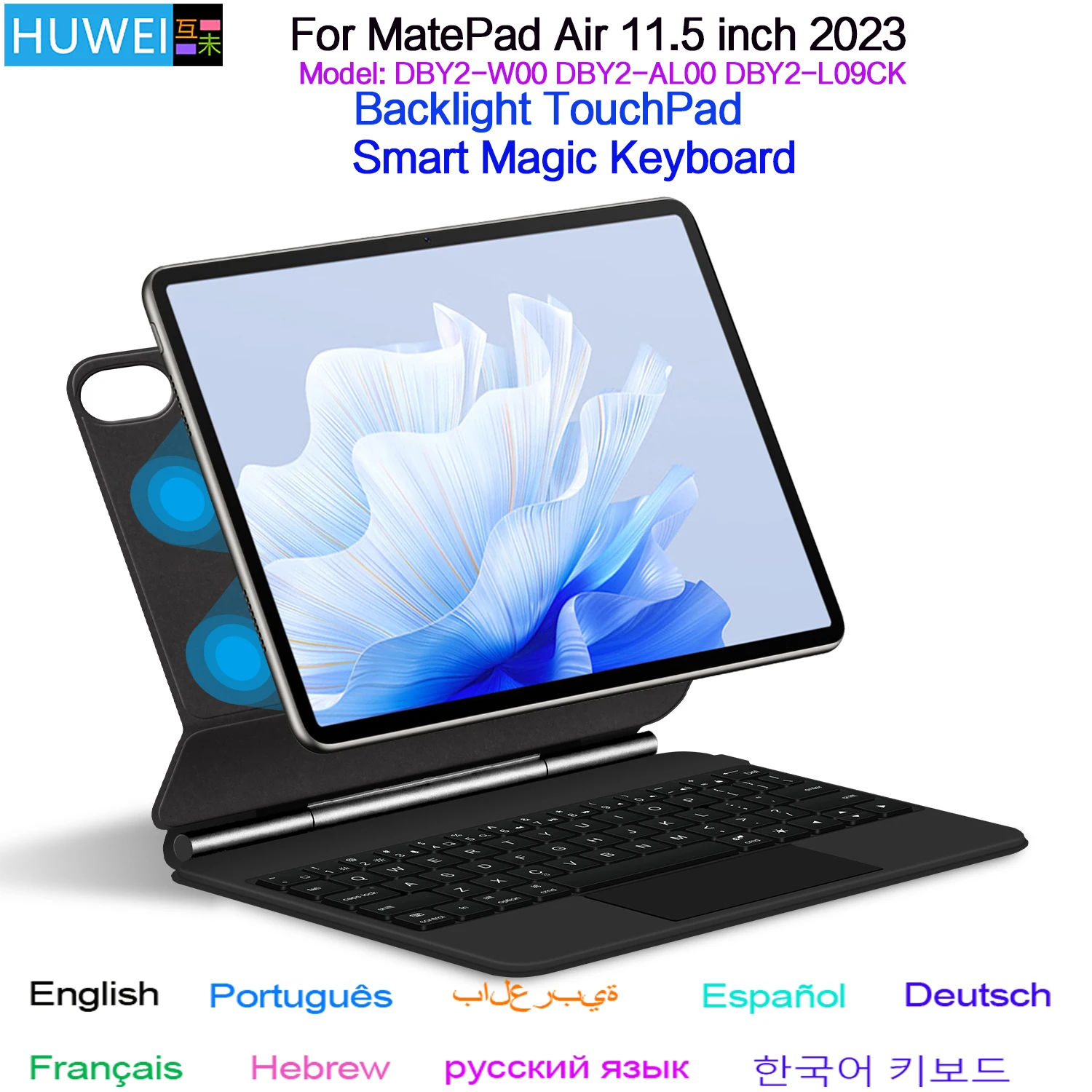
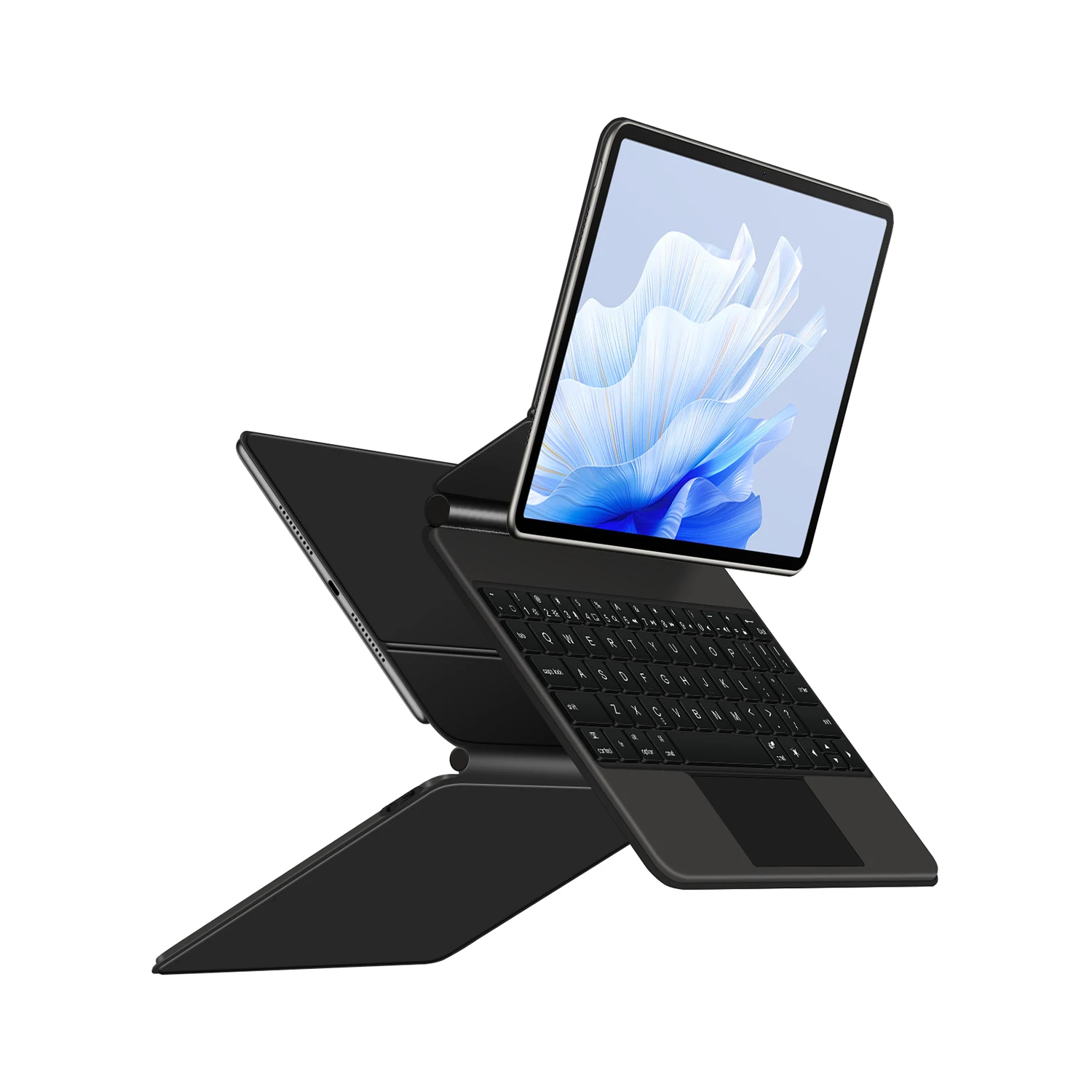
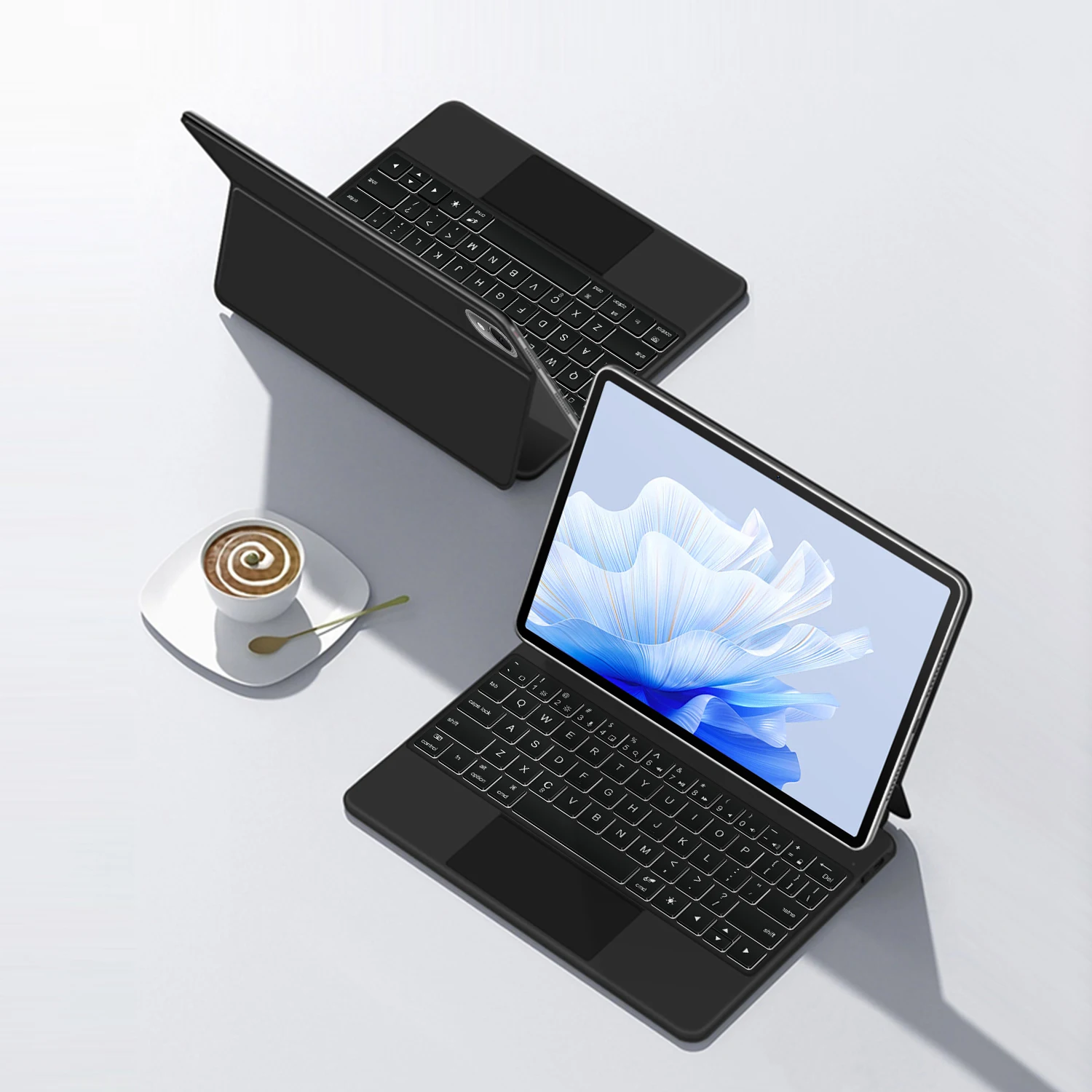
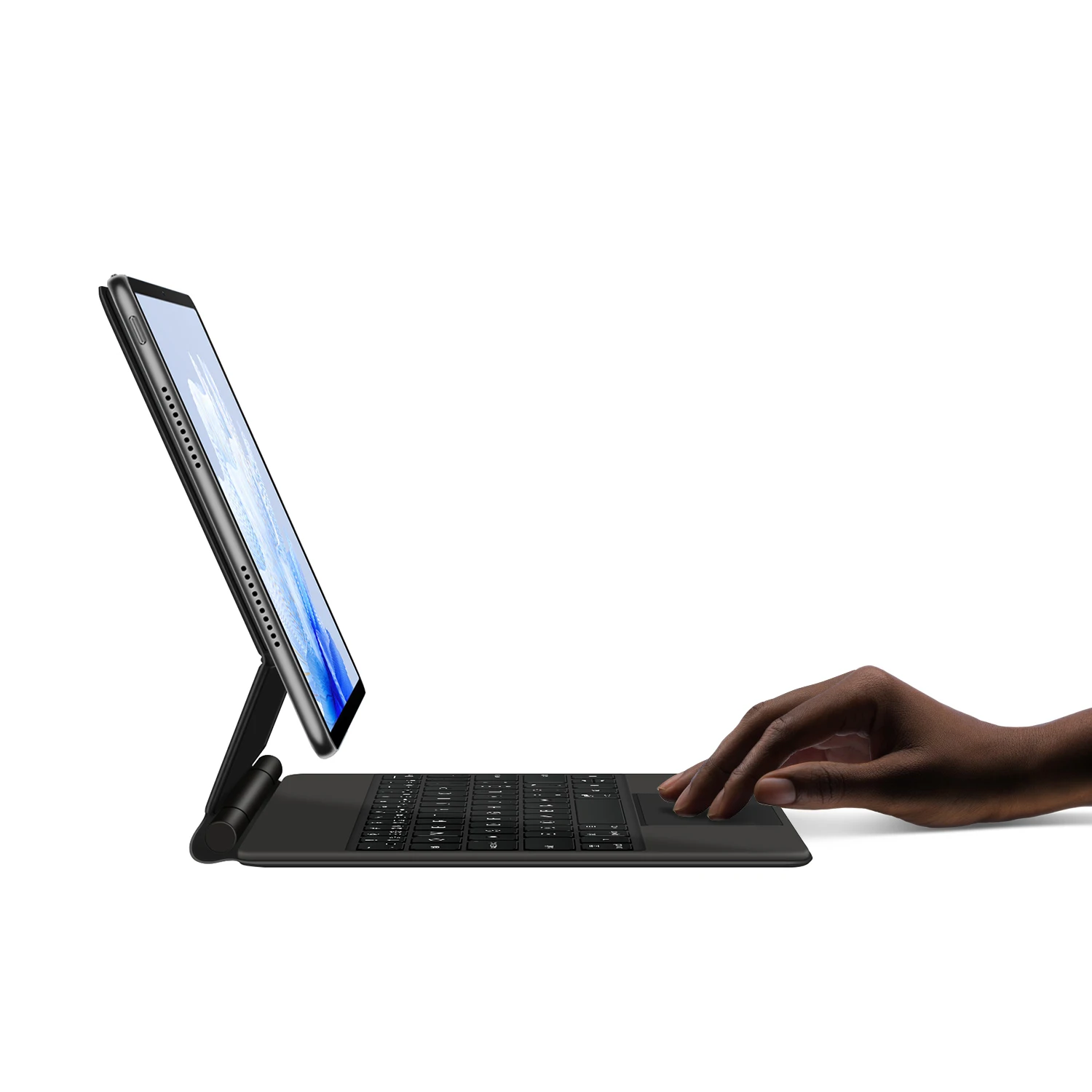
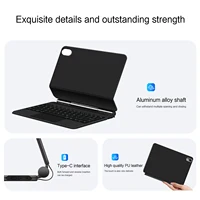
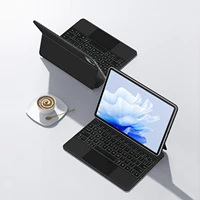
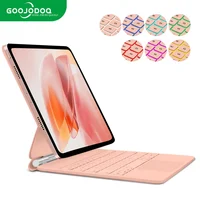
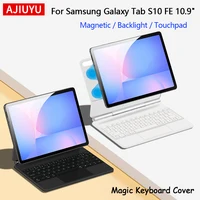
For Huawei MatePad Air 11.5 Magic Keyboard,
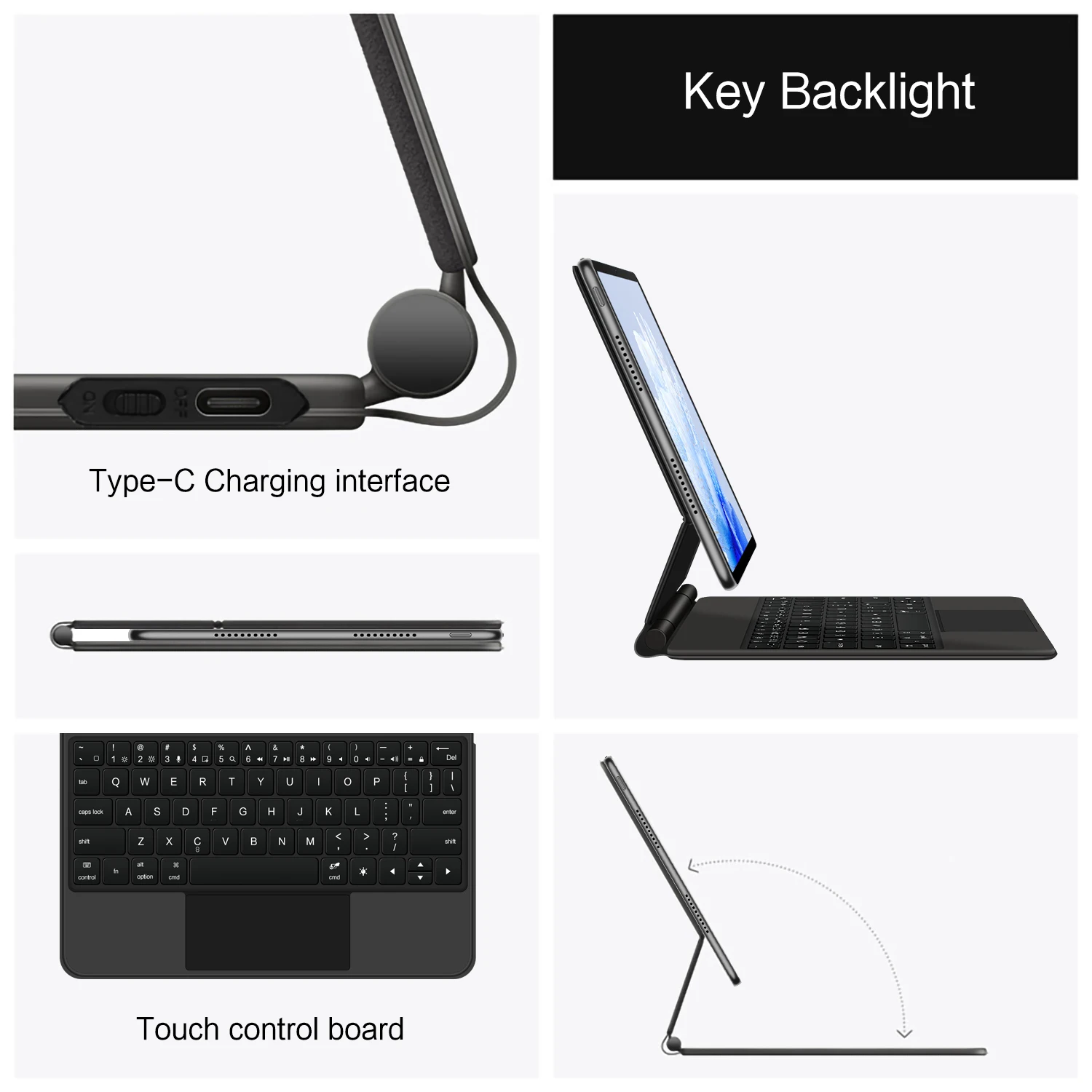
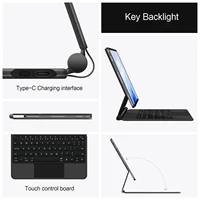
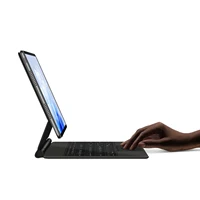
Magnetic adsorption, backlight, touch panel, multi angle support、Wireless Bluetooth connection
1.Turn tablet to the back find your specific model,Par exemple: DBY2-****
2.Find the “Settings”–Click the “About”–Find the “Model”
3.Please select the correct model number for your tablet purchase after viewing it.
Compatible Huawei Mode:
Only For Huawei MatePad Air 11.5 inch 2024 (Model: DBY2-W00 DBY2-AL00 DBY2-L09CK)
Note: Not compatible with MatePad 11.5 inch 2023 and MatePad 11.5 S 2024,
1. Number of buttons: 64
2. Battery: Lithium battery 500mAh
3. Stand-by time: 150 days
4. Working Time: 5 hours (with backlit on),120 hours (with backlit off)
5. Working Voltage: 3.0 – 4.2V
6. Charging current:<250 mA
7. Effective distance: 10 meters
8. Backlit Light: 7 colors backlit
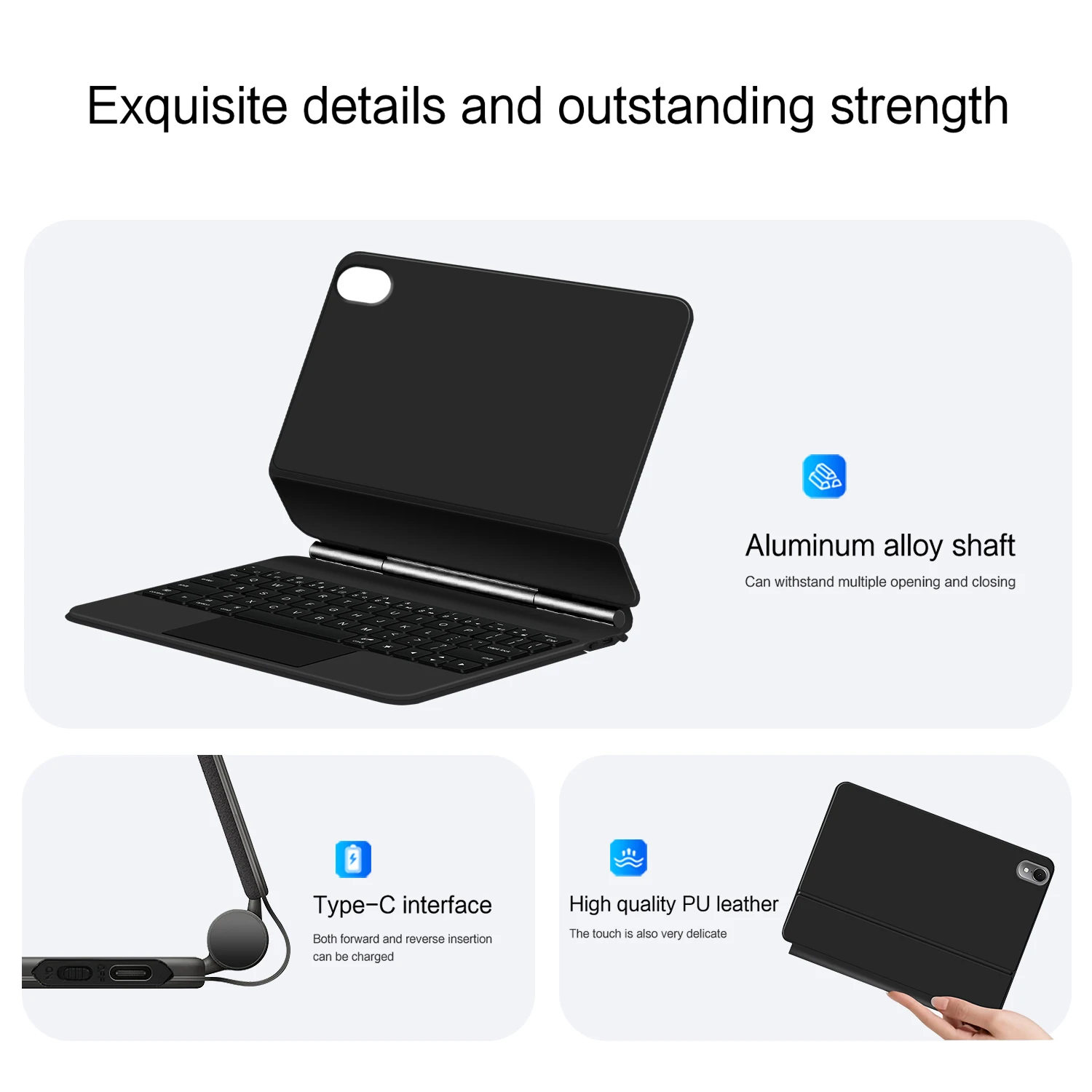
9. Charge Port: Type-c
10. Material: Anti fouling and durable PU material
11. Key life:3 million
12. Charging times: 3 hours
13. Color: Black
Note 1:You need to upgrade iPad OS to version 15.0 or higher to use the touchpad.
Note 2:After Open the Power, Please Click “Fn” and “C” 【Fn+C】Button Together to Open the Keyboard’s Bluetooth. It is Very Important.
Note 3:Switch language: Open Settings – Language and Input Method – Physical Keyboard – Add Language Layout
【1-1】Input method switching: Control+spacebar.

Attention Please
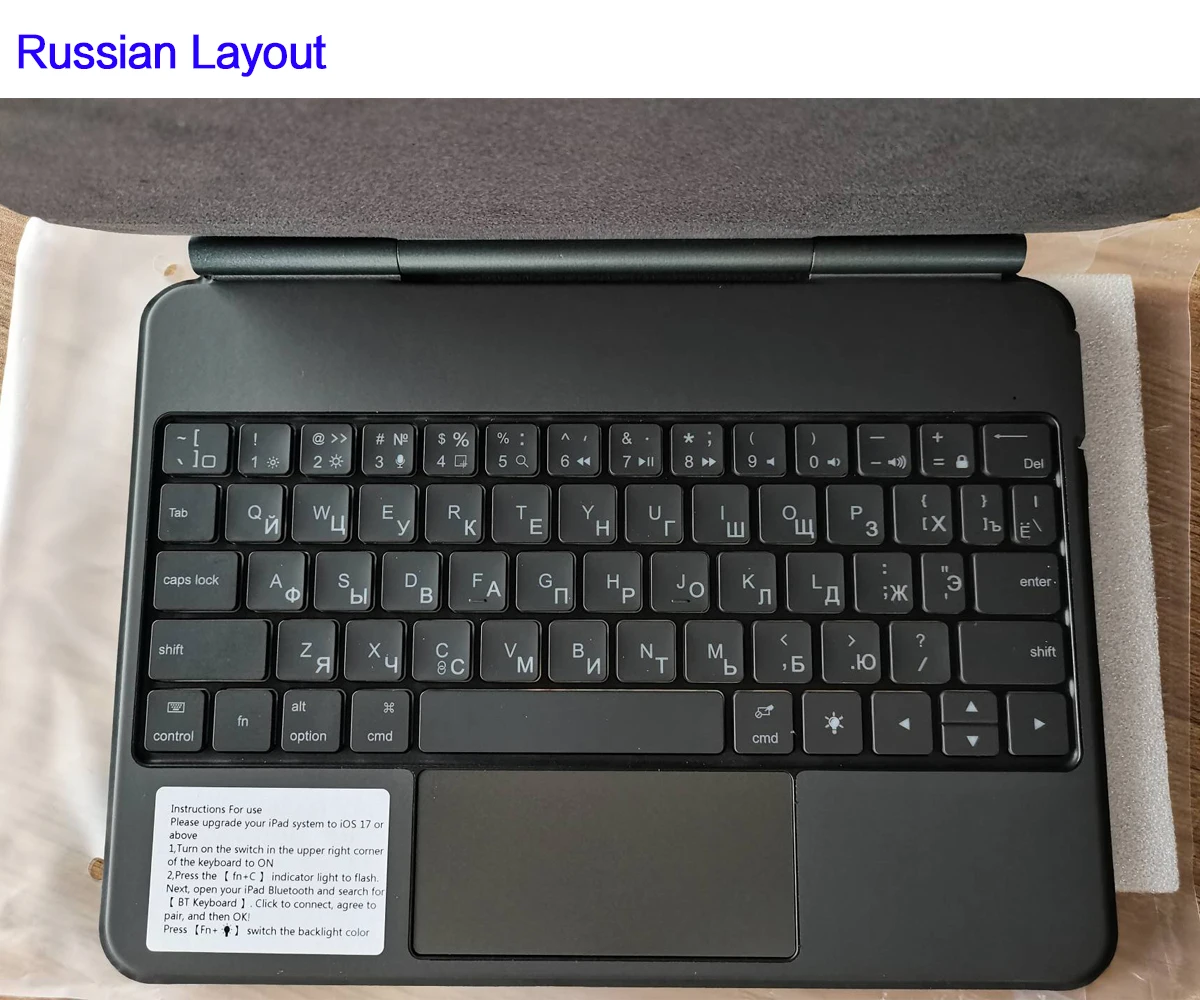
English versionkeyboard : There are English letters on the keyboard only.
Multi-language versionkeyboard : English letters and carved language letterstogether
The keyboard Core defaults to English, and the characters engraved on the keyboard are only a Surface display.so in some countries, even if the input method is switched, the special symbols do not necessarily match the keyboard function layout(You can hold down the Shift combination).If you mind, please do not purchase!!.




Reviews
There are no reviews yet.