

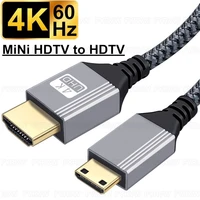
🚀 8K DisplayPort to HDMI (One-Way Transmission) Cable Details
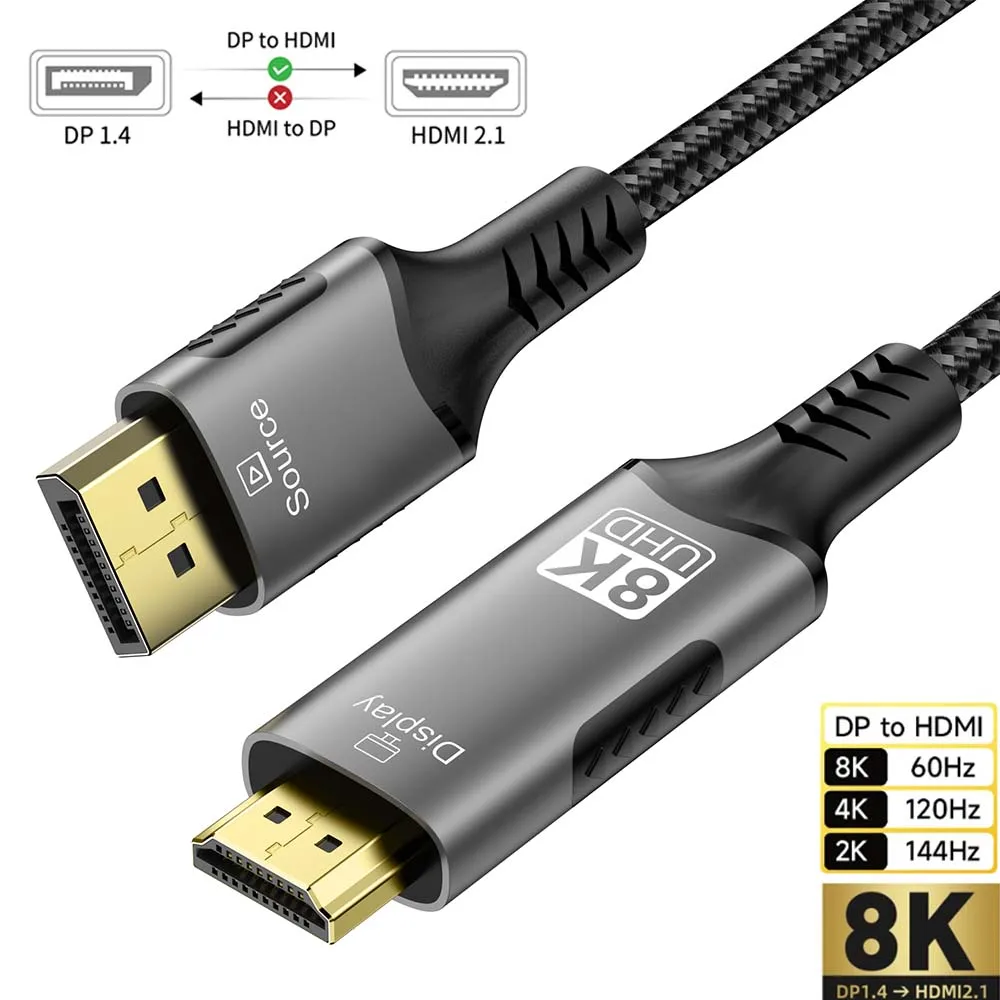
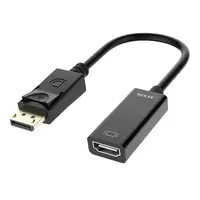
Product Name: 8K Ultra HD DisplayPort to HDMI Unidirectional Cable (DP→HDMI)
Core Performance Parameters

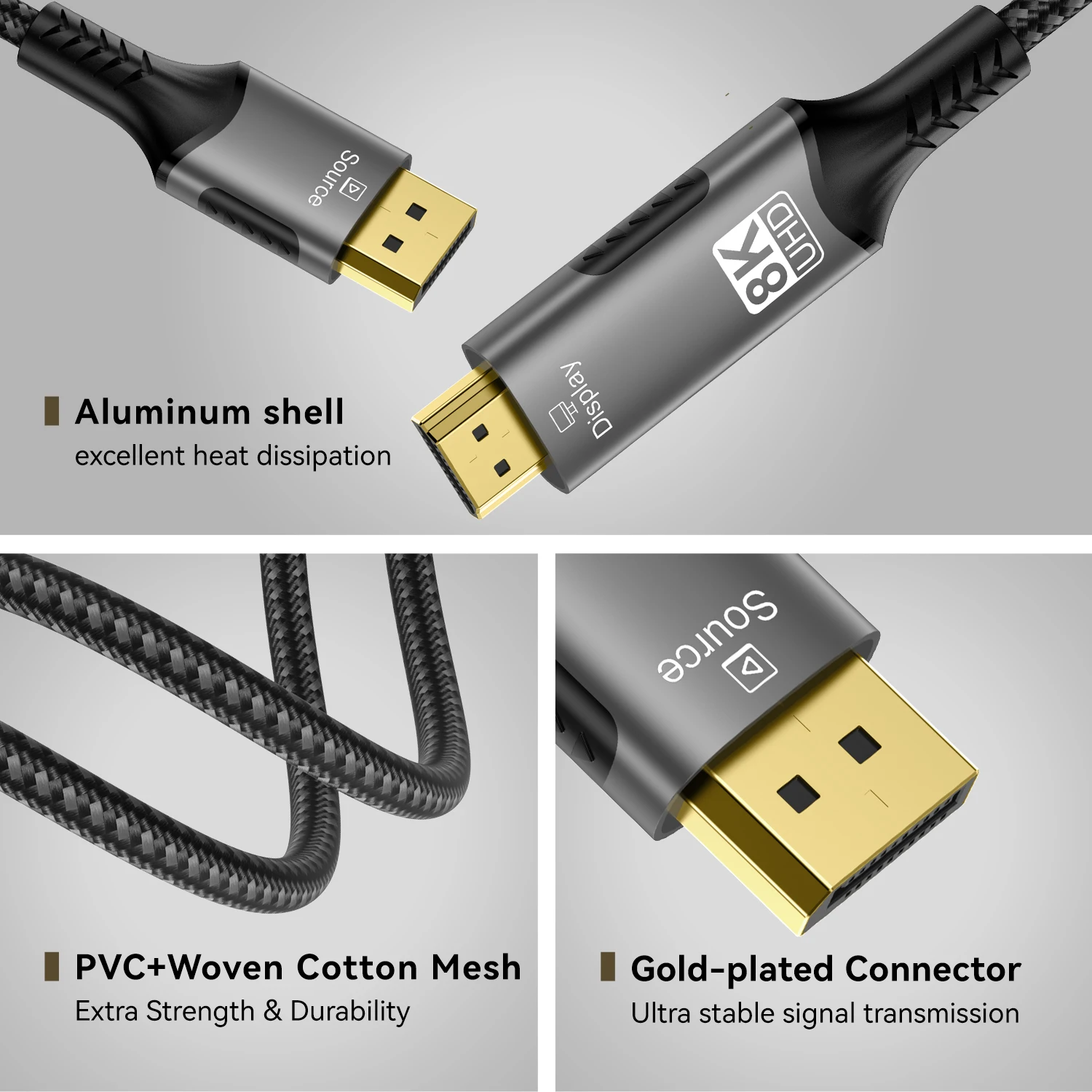
Core Advantages
Lossless 8K Image Transmission: Achieves 8K@60Hz ultra-high resolution via HDMI 2.1 standard. Combined with Dynamic HDR technology, delivers finer shadow details and color gradation (refer to HDMI 2.1 48Gbps bandwidth technical specifications).
Gaming-Grade Low Latency: Supports VRR (Variable Refresh Rate) and ALLM (Auto Low Latency Mode) to minimize screen tearing and input lag, compatible with high-end gaming consoles like PS5/Xbox Series X.
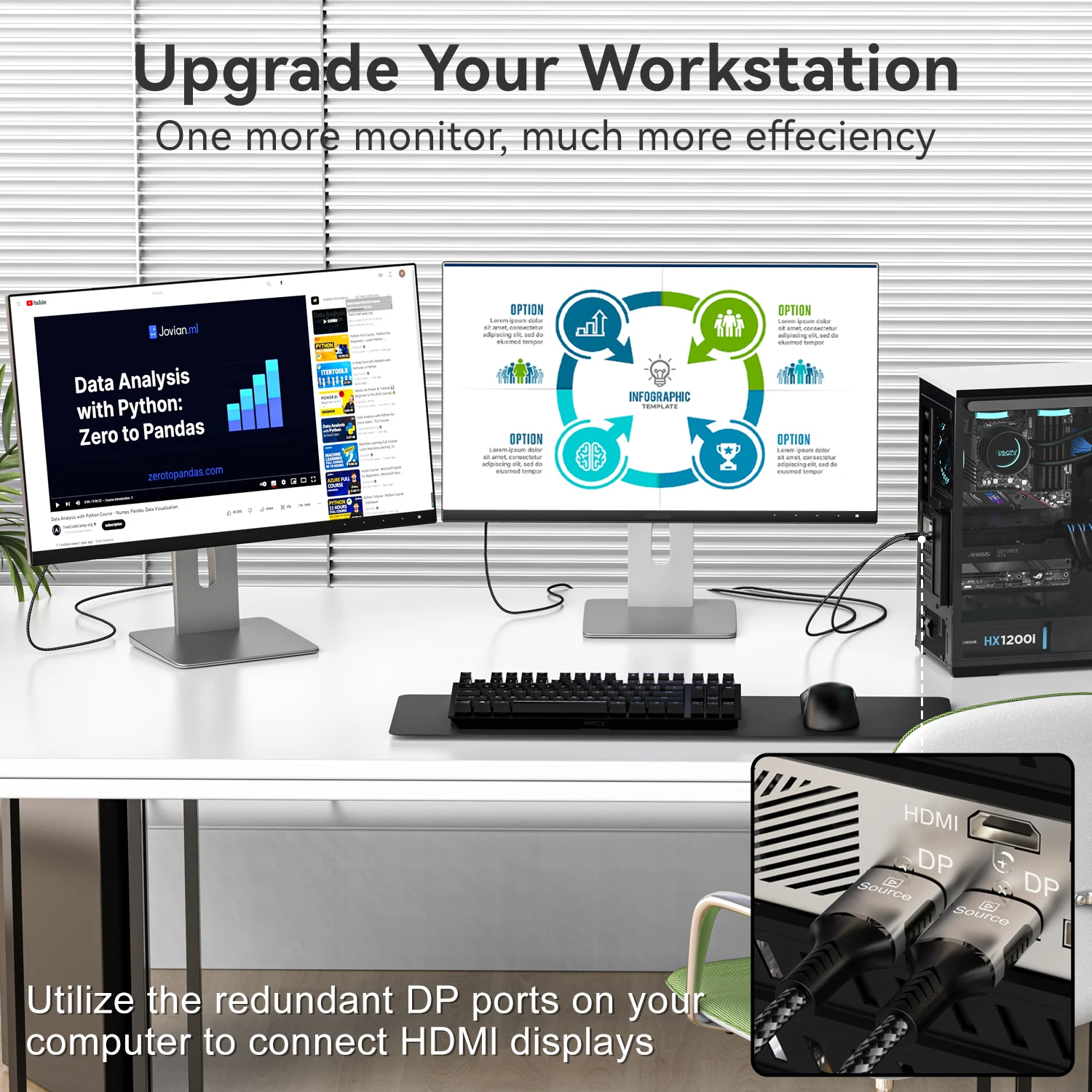
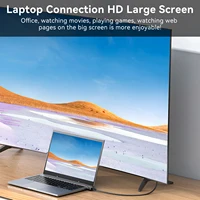
Multi-Scenario Compatibility:
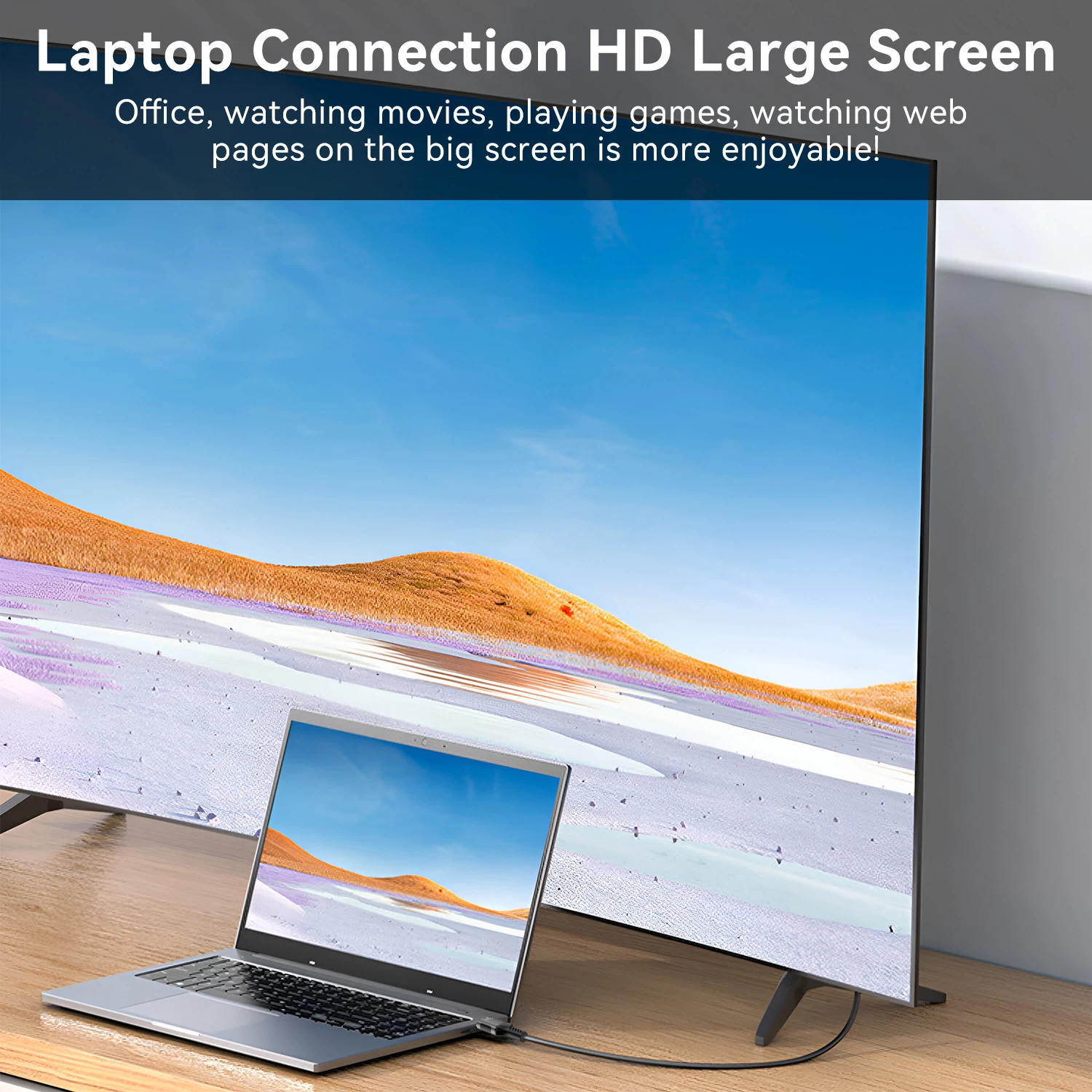
Professional Design: Connects 8K displays to graphics workstations, supporting 10-bit color depth (1.07 billion colors) and BT.2020 wide color gamut.
Home Theater: Connects to Blu-ray players/projectors, decoding Dolby Atmos and DTS:X immersive audio.
⚠️ Key Considerations
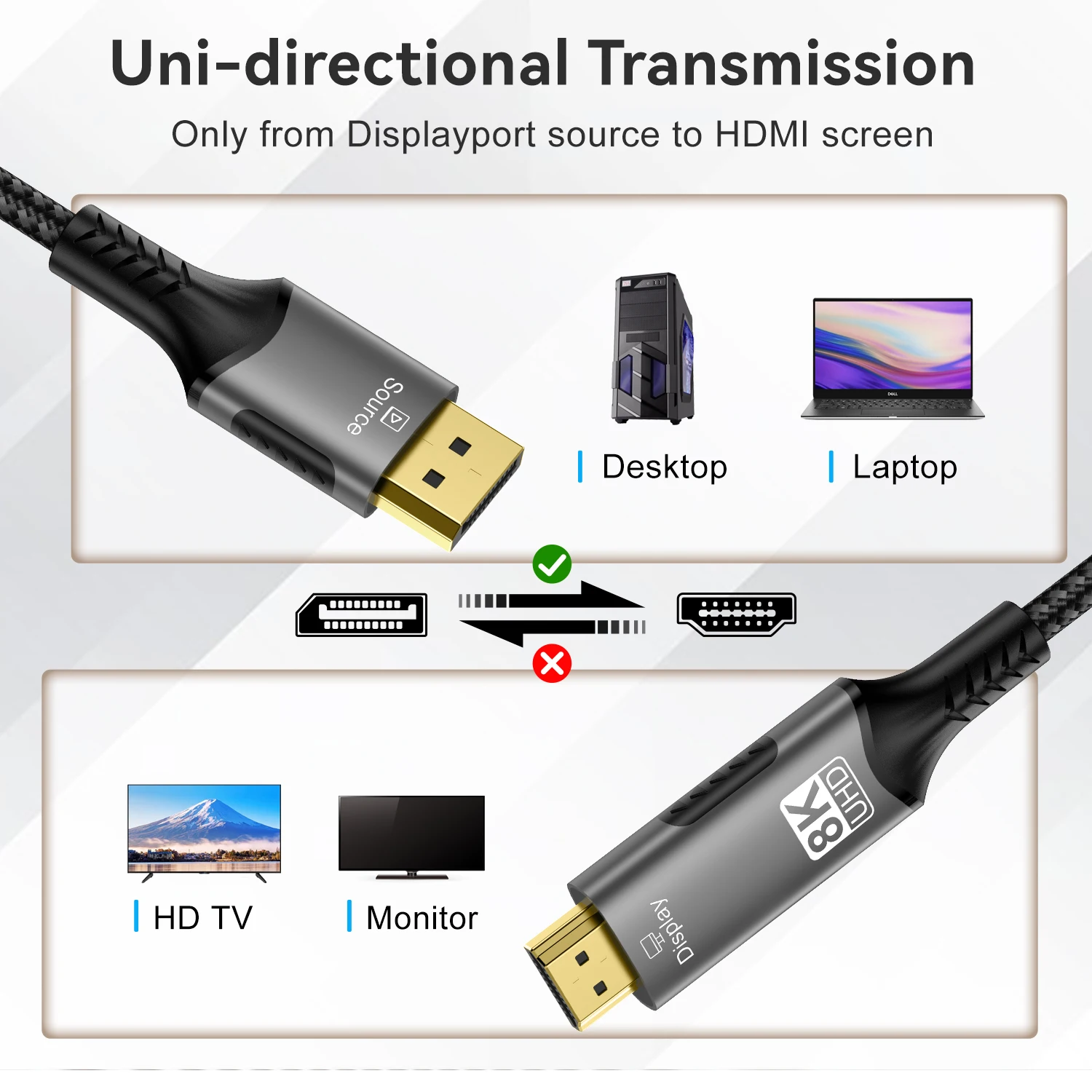
1. Unidirectional Transmission & Interface Limitations
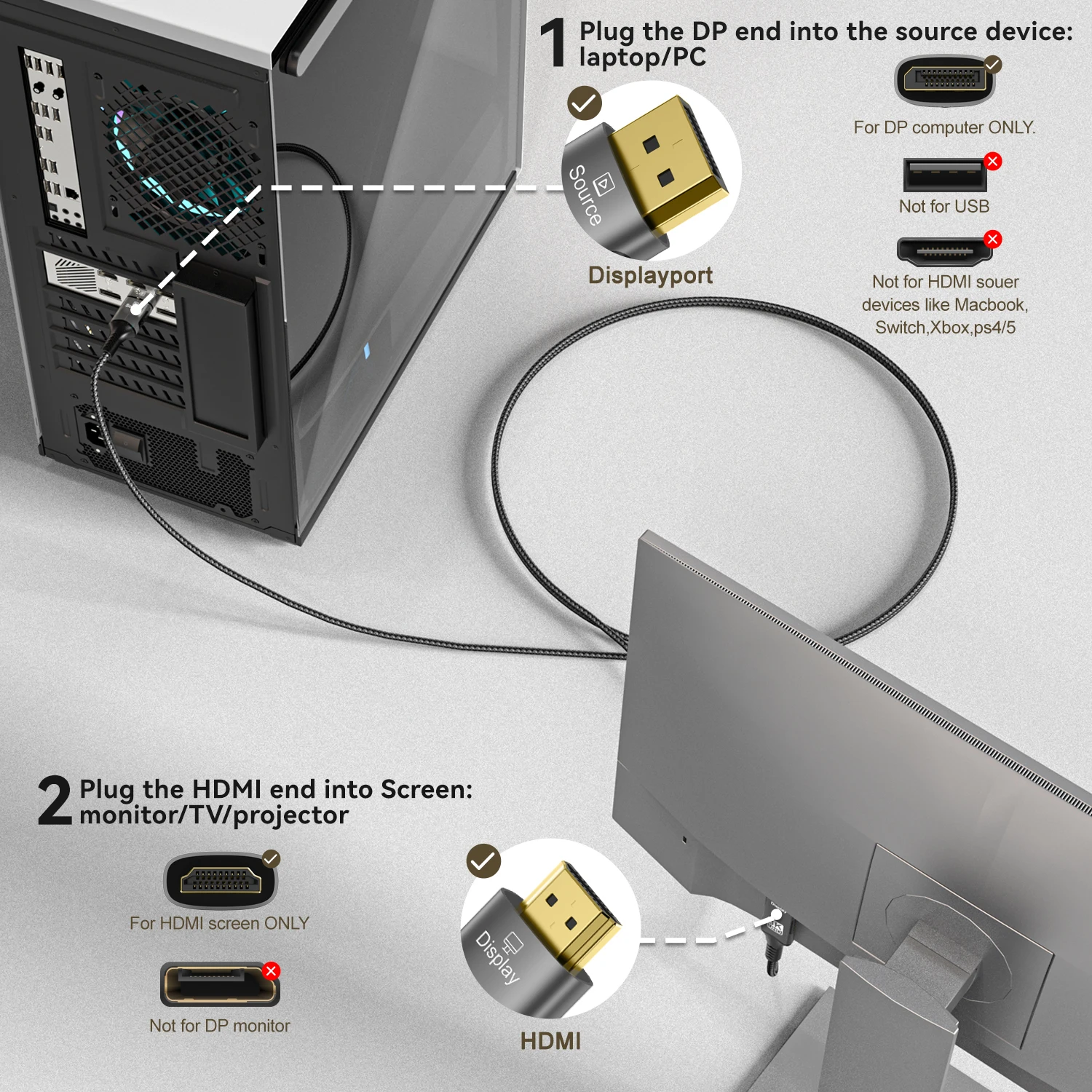
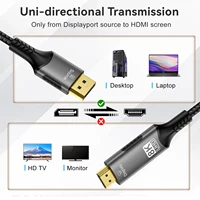
Transmission Direction: Supports only DP→HDMI unidirectional signal conversion; cannot be used in reverse (e.g., HDMI device mirroring to DP monitor).
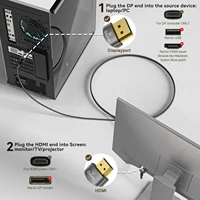
DP Interface Functionality: Source device’s DP port must support DisplayPort 1.4 or higher and DP Alt Mode video output (some data-only DP ports are incompatible—e.g., “full-function Type-C to DP” ports on certain ultrabooks require additional verification).
2. Device Compatibility Verification
Display Requirements: HDMI port must be HDMI 2.1 (HDMI 2.0 or lower supports max 4K@60Hz). Enable “8K Enhanced Mode” in the display’s “Input Source Settings” (disabled by default on some TVs).
Drivers & Settings: Update Windows/macOS to the latest graphics drivers. Manually select “8K@60Hz + RGB 4:4:4 chroma sampling” in “Display Settings” (default may be 4:2:0 compressed format).
3. Signal Stability Assurance
Cable Length Restrictions:
Copper cables ≤3m recommended (exceeding 3m may cause screen flickering due to signal attenuation; use “active copper cables” with signal amplification chips).
Long-distance transmission (5-15m) requires fiber-hybrid cables (e.g., Huaguang Yuning 8K HDMI AOC fiber cable) to avoid strong electromagnetic interference (keep away from routers and microwaves).
Connection Guidelines:
– For DP connectors, press the locking button when inserting/removing to prevent pin bending from forceful pulling.
– Ensure HDMI connectors are fully latched (hear a “click” sound).
4. Troubleshooting Common Issues





Reviews
There are no reviews yet.