

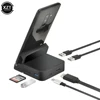
Precautions for use
·Must connect the PD power supply first before use,
and then use a USB-C to USB-C cable to connect the laptop to the HUB.
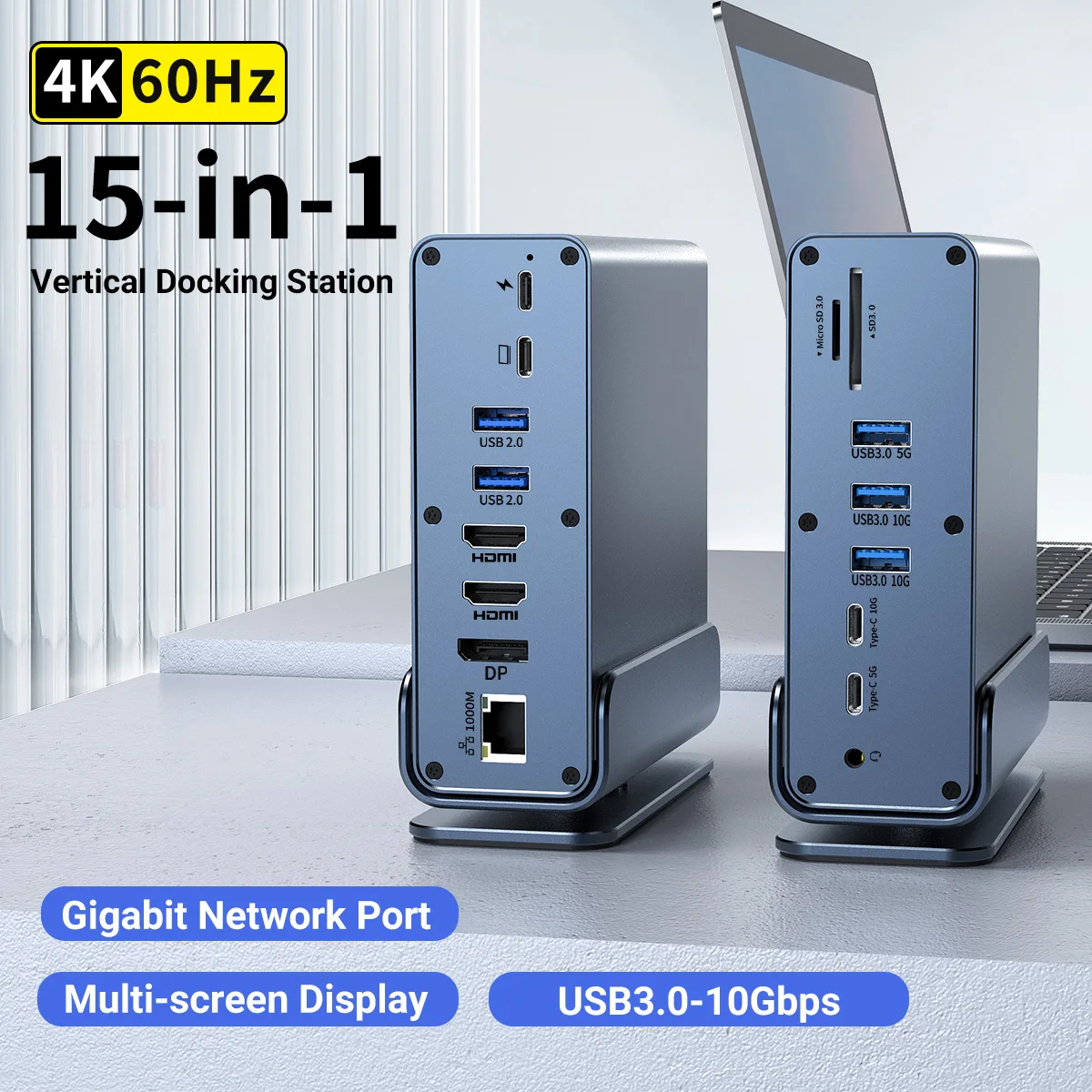
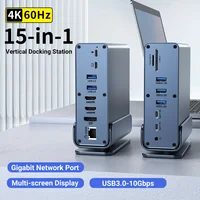
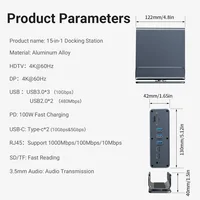
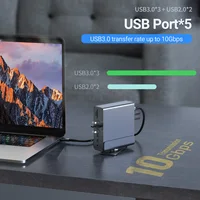
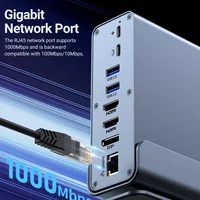
This universal dock, with a high-quality chip, offers 15 ports
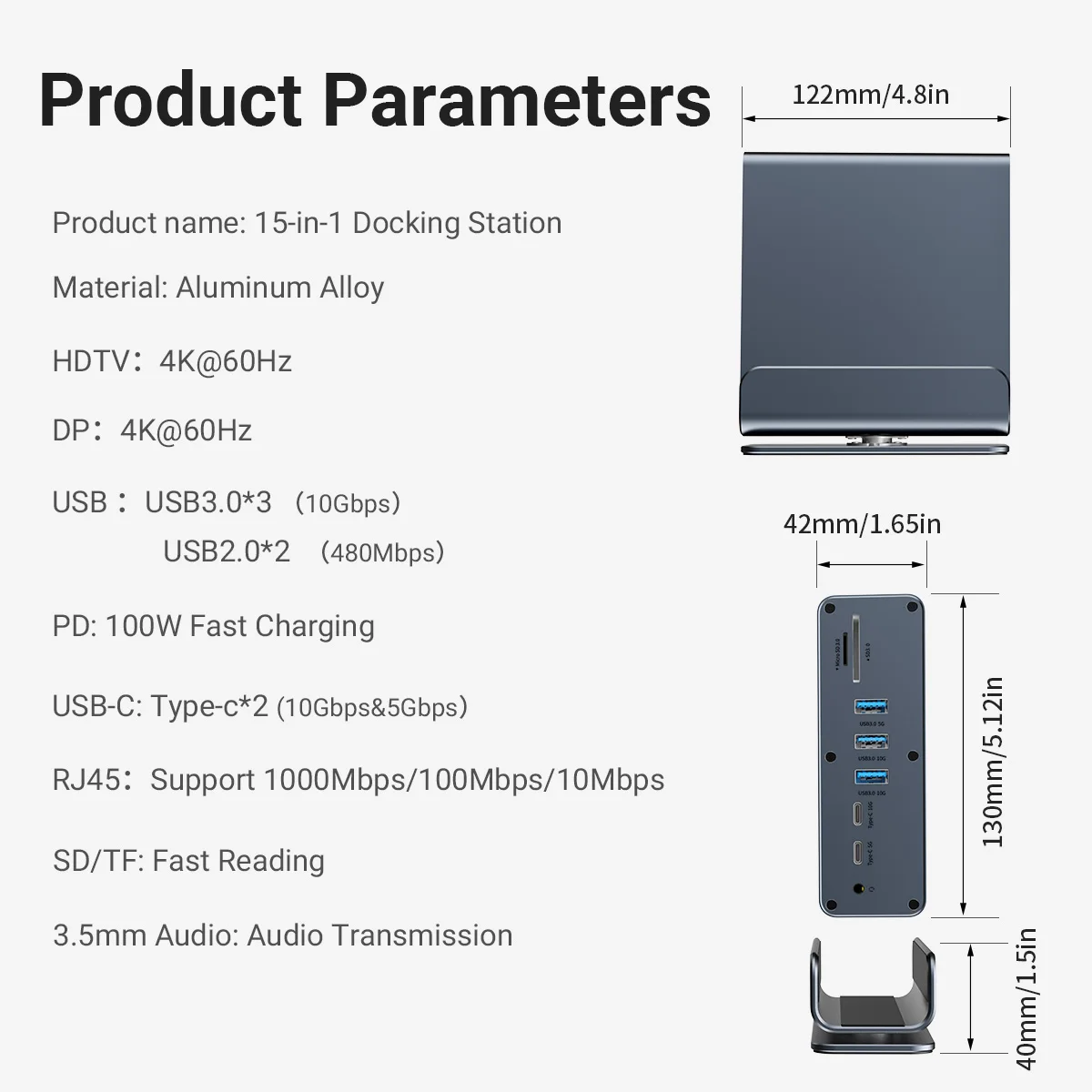
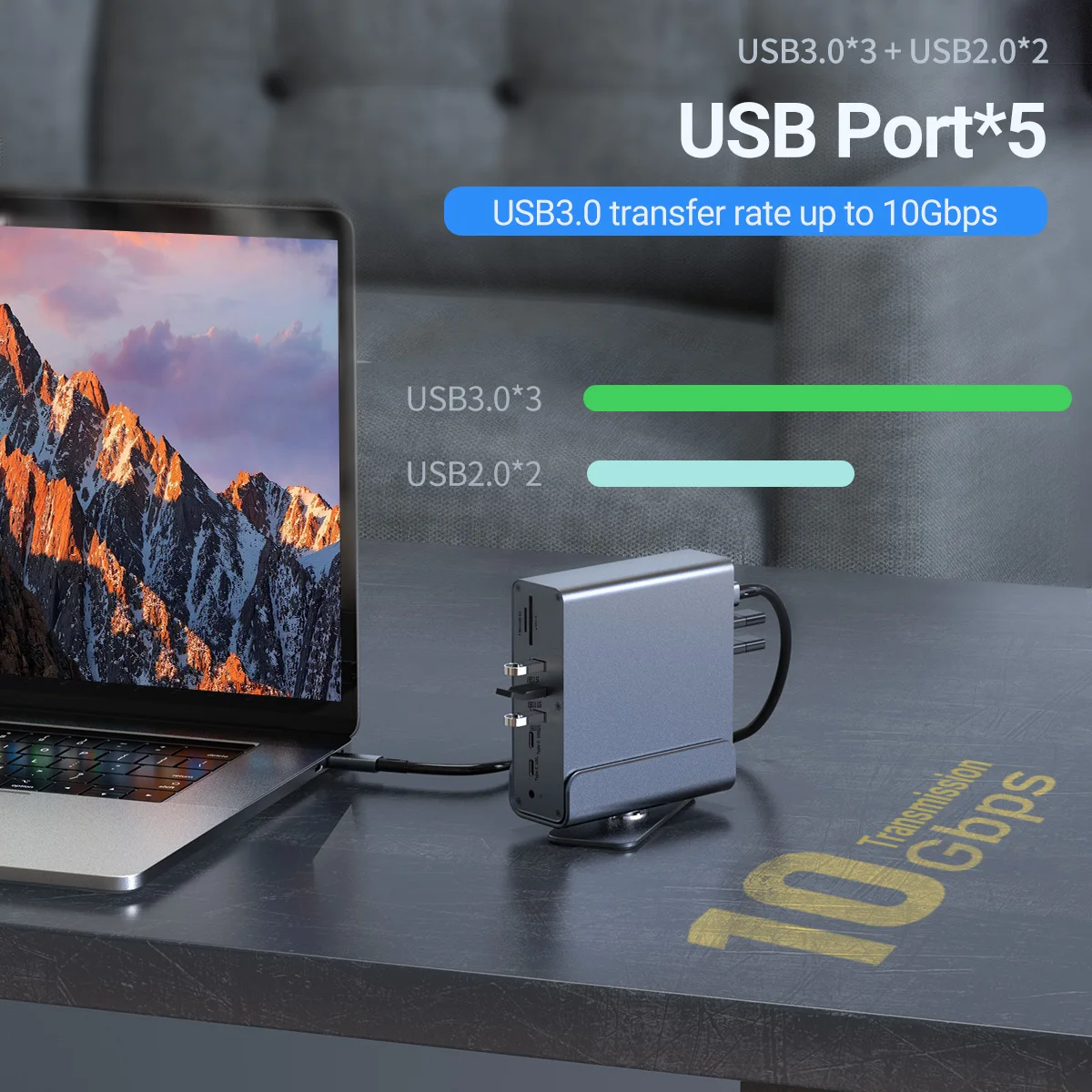
(HDMI2.0×2, DP1.4, USB3.0×3, PD3.0, USB2.0×2, USB-C3.0×2, SD/TF3.0, RJ45 1000M, 3.5mm Audio)
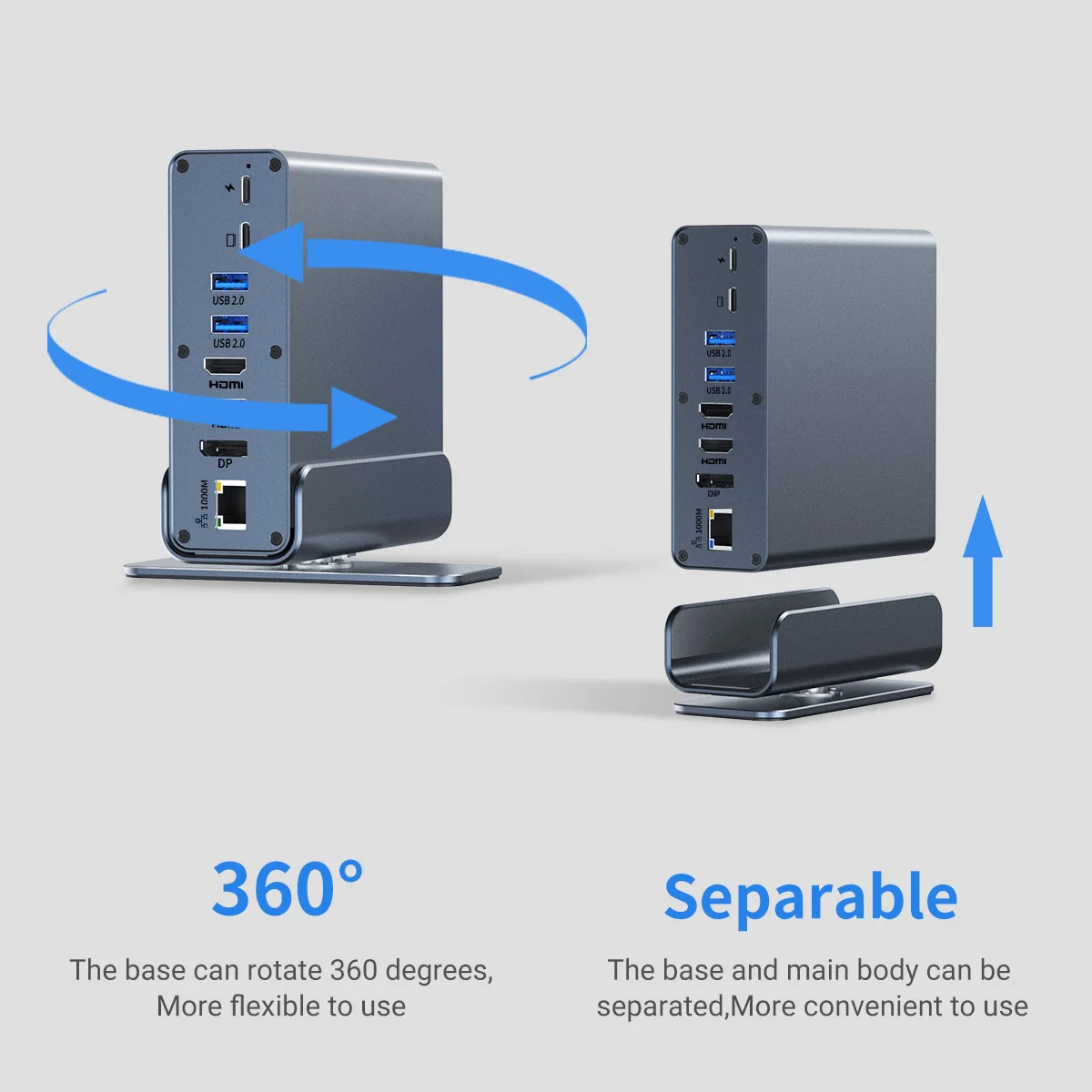
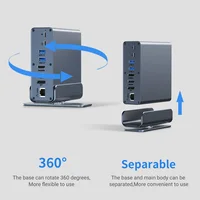
with over-current/voltage/heat protection. Works flat or vertical, connecting all devices to your laptop easily.
·Screen-projection laptop requires standard USB-C 3.1 or higher.
·Do not use USB-C to USB-A adapters to connect this device to the laptop.
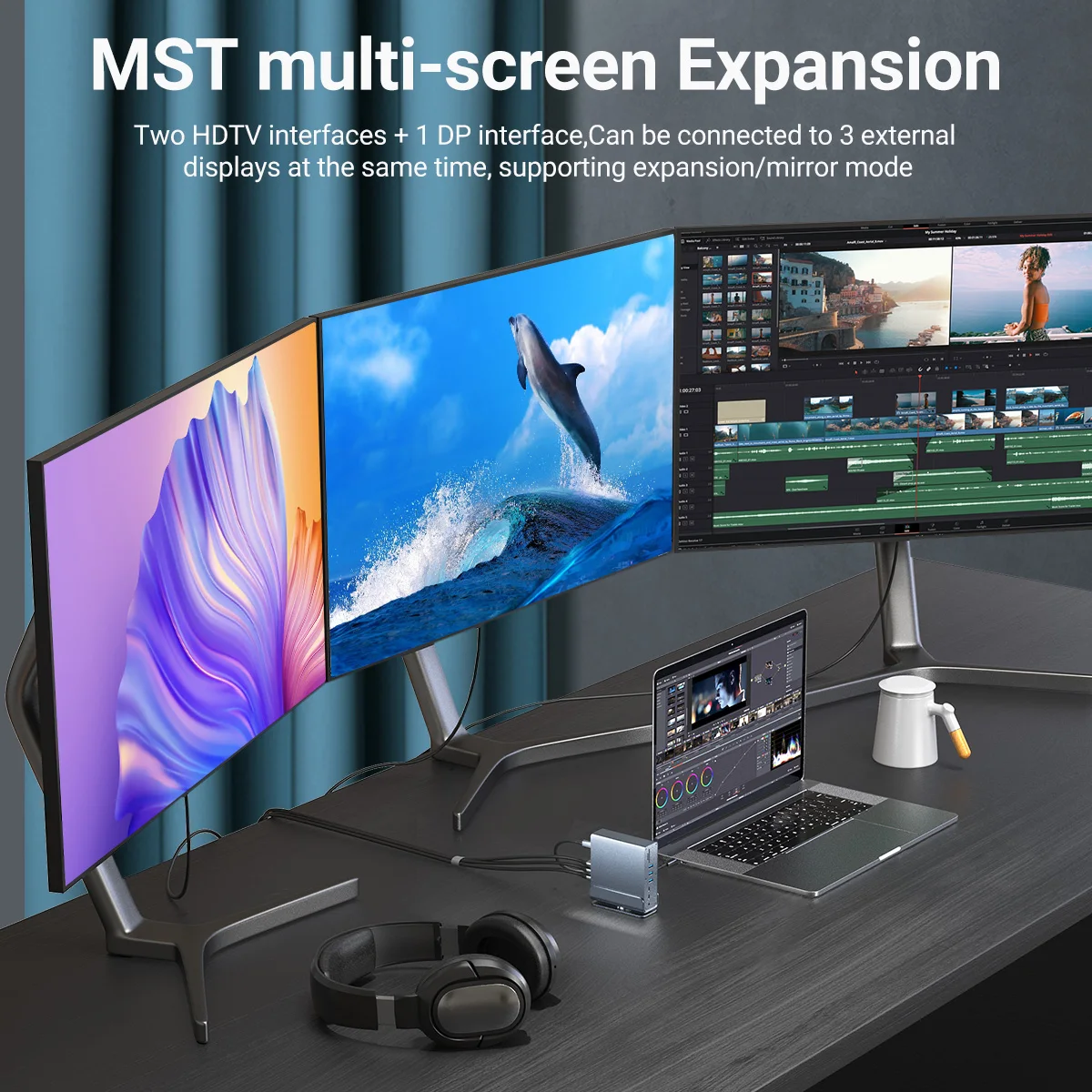
·Single HDMIDP output supports up to 4K60Hz using 2-3 ports may reduce resolution.
·Connect laptop’s power adapter to USB-C PD port when using high-consumption devices.
·USB ports low output, not recommended for charging PD port charging only, no data transmission.


Notice:
*Please make sure that the laptop you want to use for Screen Projection comply with standard USB-C 3.1 OR HIGHER INTERFACES.
*DO NOT use a USB-C to USB-A adapter to connect this device with your laptop.
*Before use this vertical hub,please connect the second USB-C PORT of the HDMI side and the source device like laptop/tablets via the usb-c to usb-c cable.
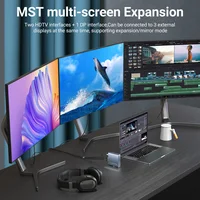
*When using the video output separately(HDMI OR DP INTERFACE),the resolution can reach up to 4K@60Hz,combined using any two or three ports(HDMI*2/HDMI+DP/HDMI+HDMI+DP),the resolution may be reduced. It’s not suggested to connect three monitors at the same time.
*Only Windows support MST, Mac OS DOSE NOT support Triple Display.
*Please connect your laptop’s power adapter to the USB-C Power Delivery port when using high consumption devices.
*The USB ports are not recommended to charge devices due to low output,the PD charging port is for charging only, not for data transmission.
FAQ:
1.What devices is this product compatible with
Universal for full featured type-c Windows&Thunderbolt 3/4 Laptop.Such as HP Dell Lenovo Samsung Surface and Macbook pro/Air and More devices equipped with USB-C 3.1 OR HIGHER INTERFACES.
2.How to use
Just plug and play,no driver needed.

Reviews
There are no reviews yet.