
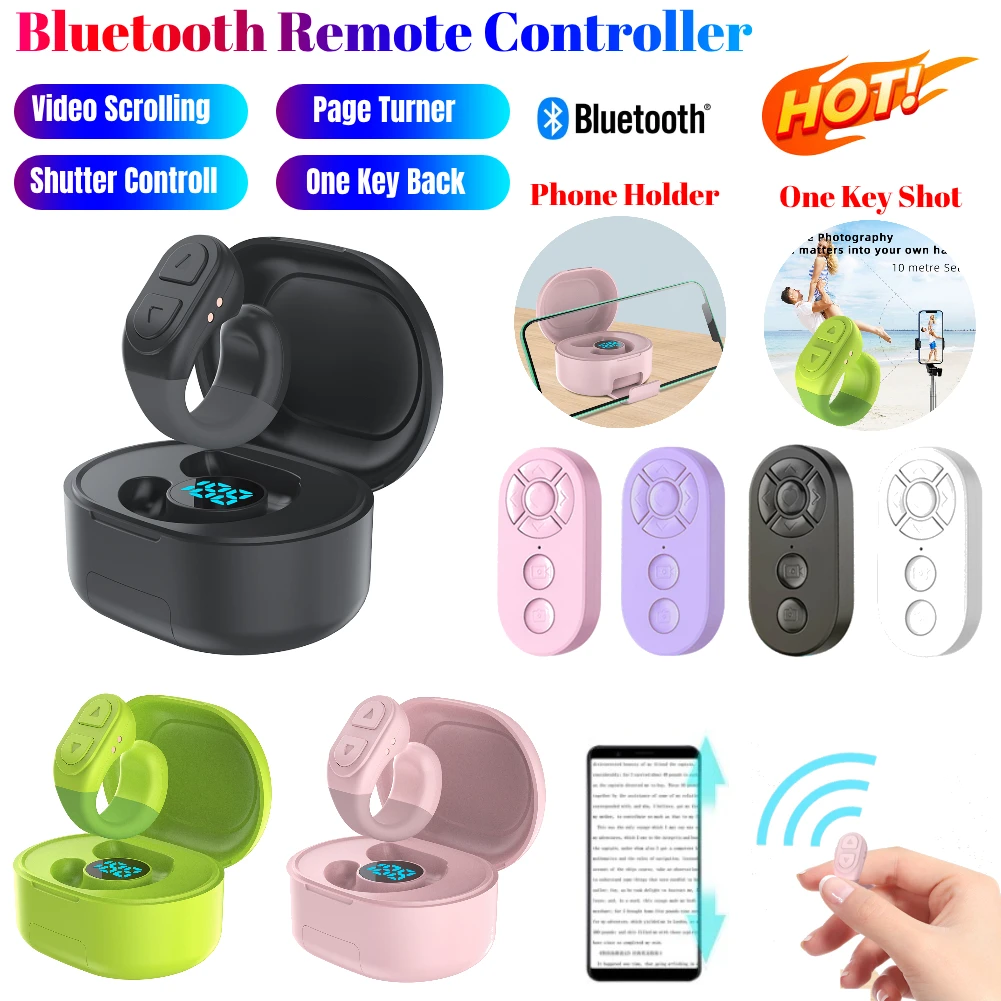
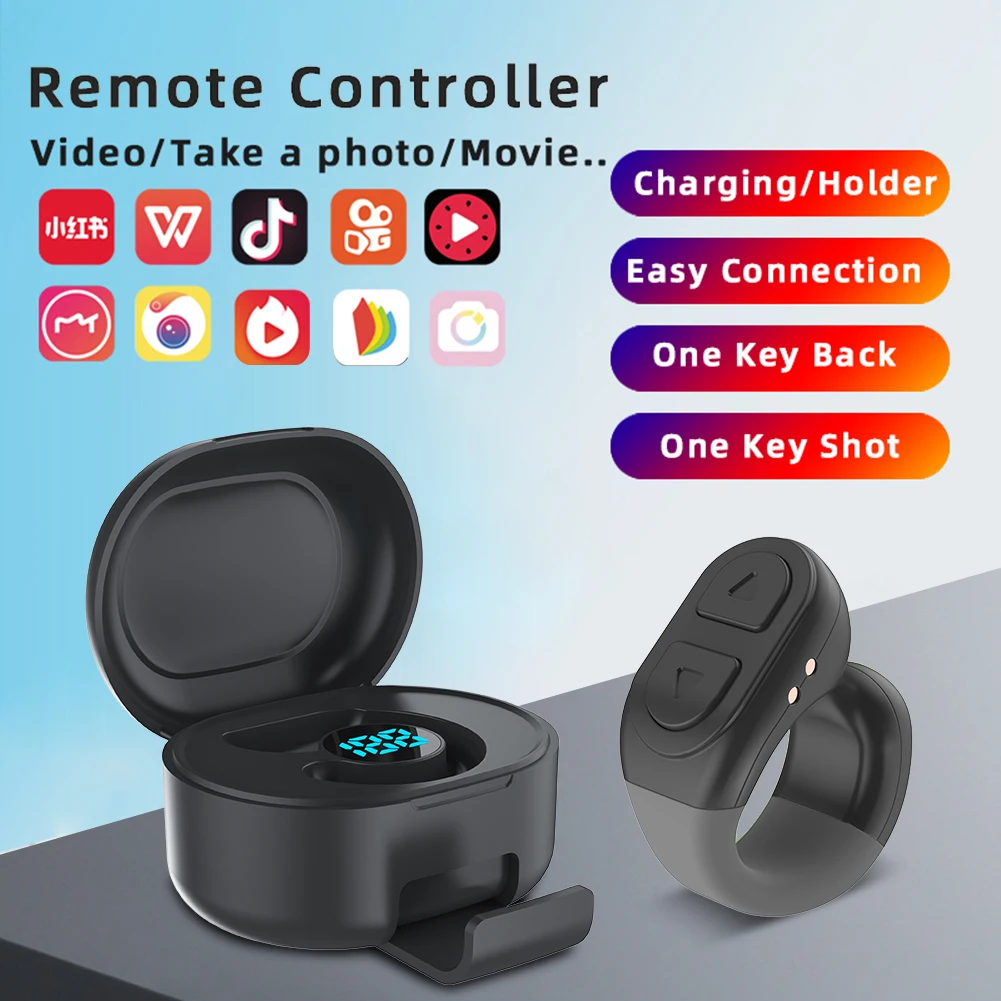
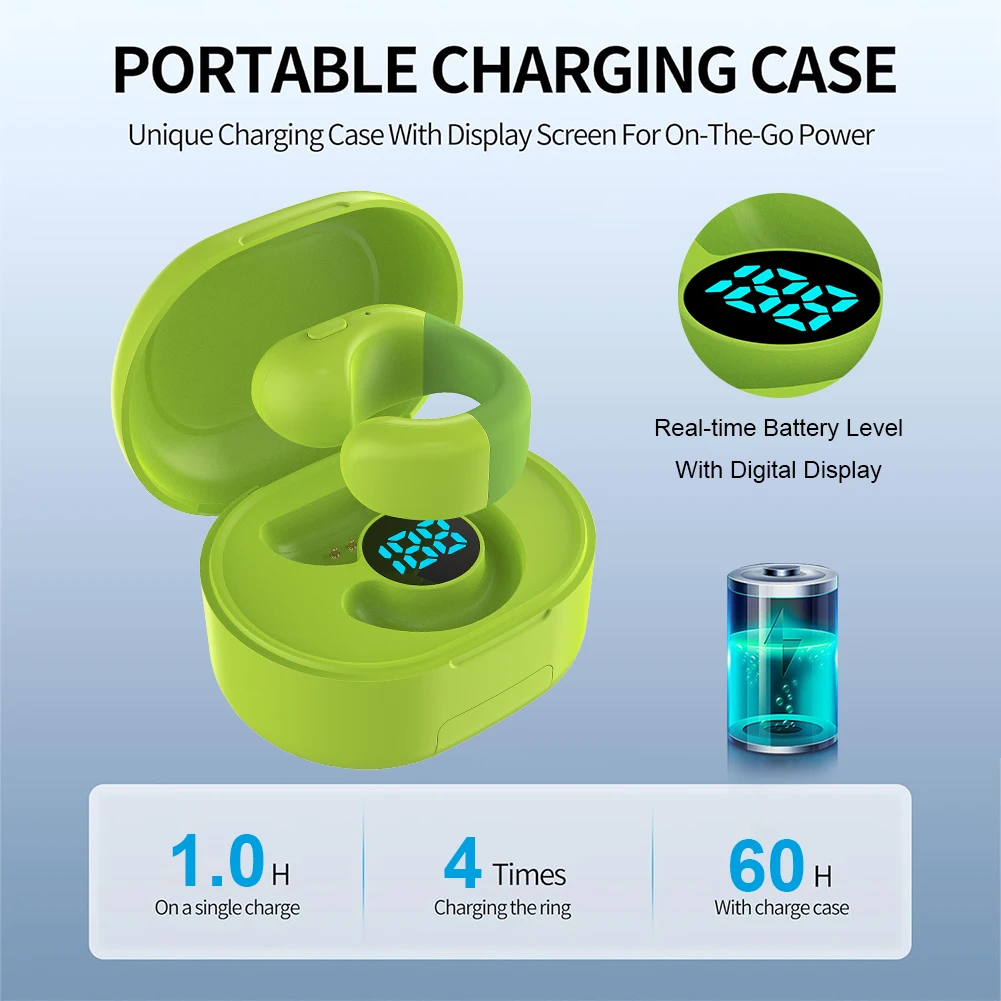
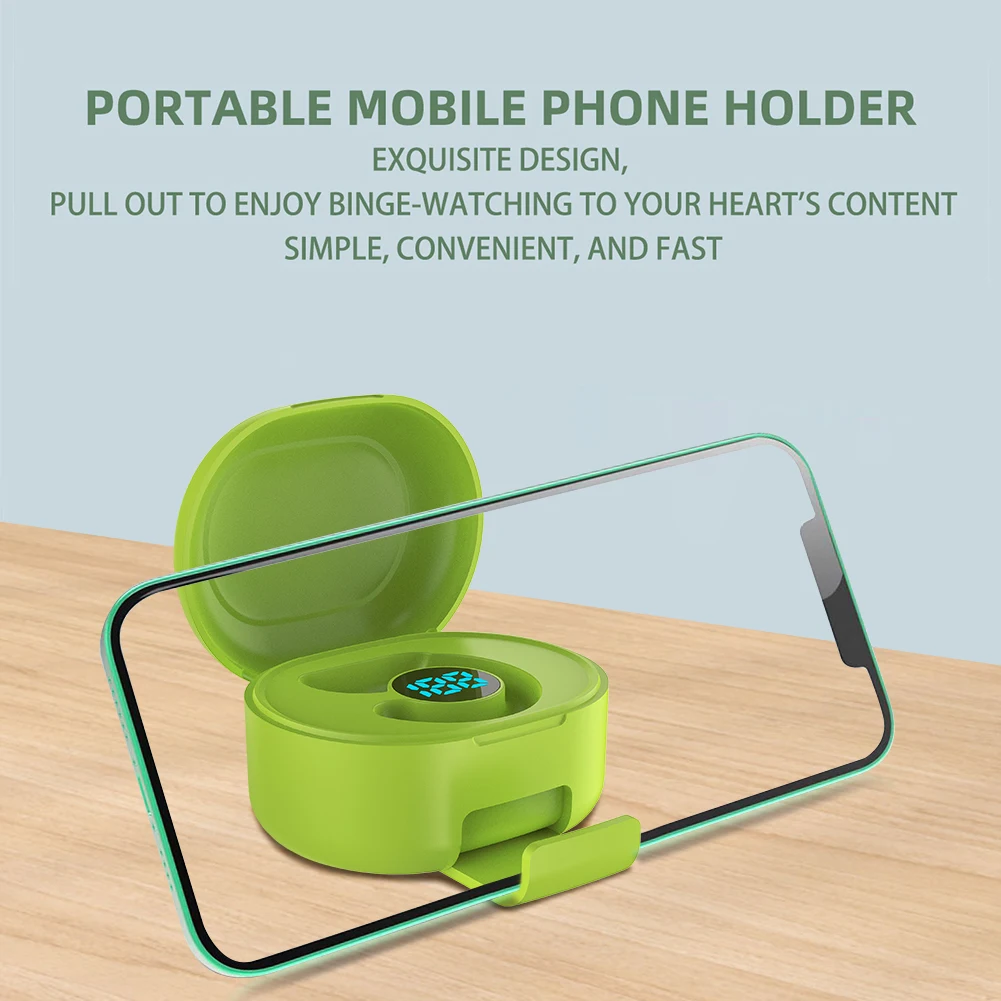
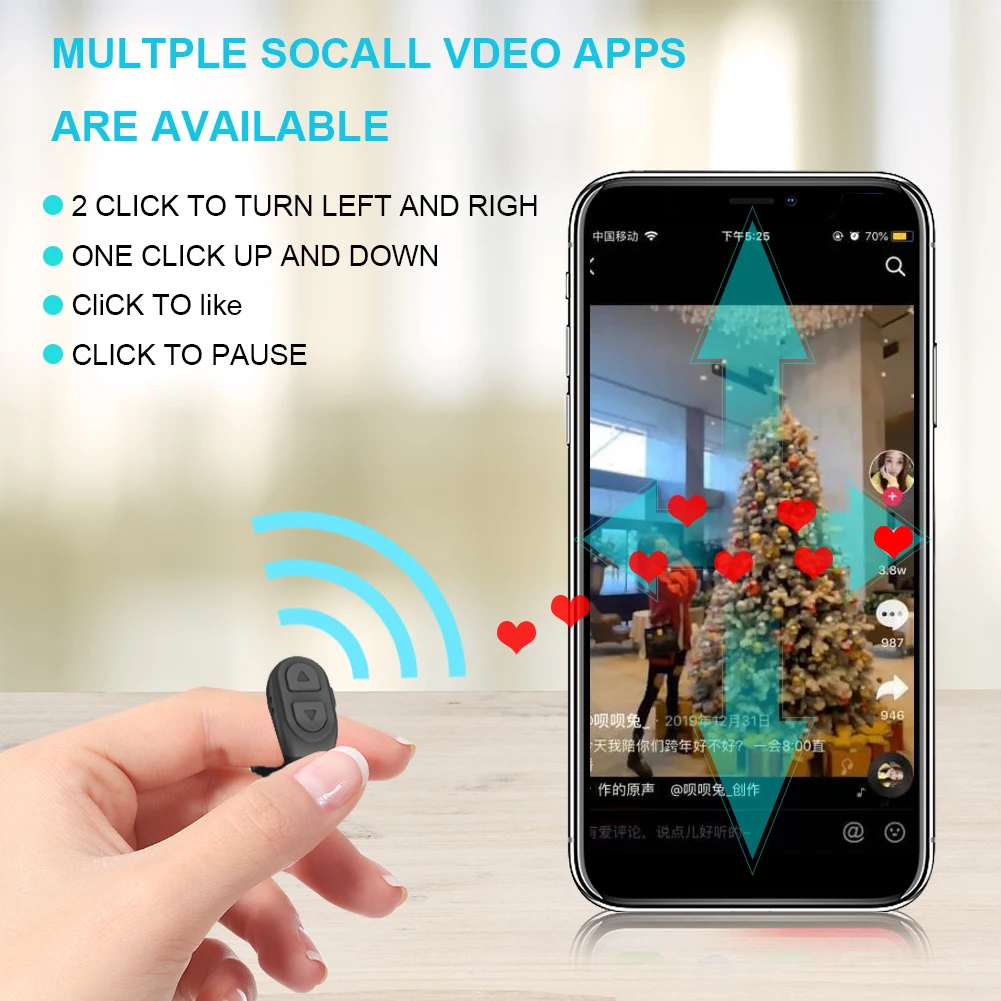
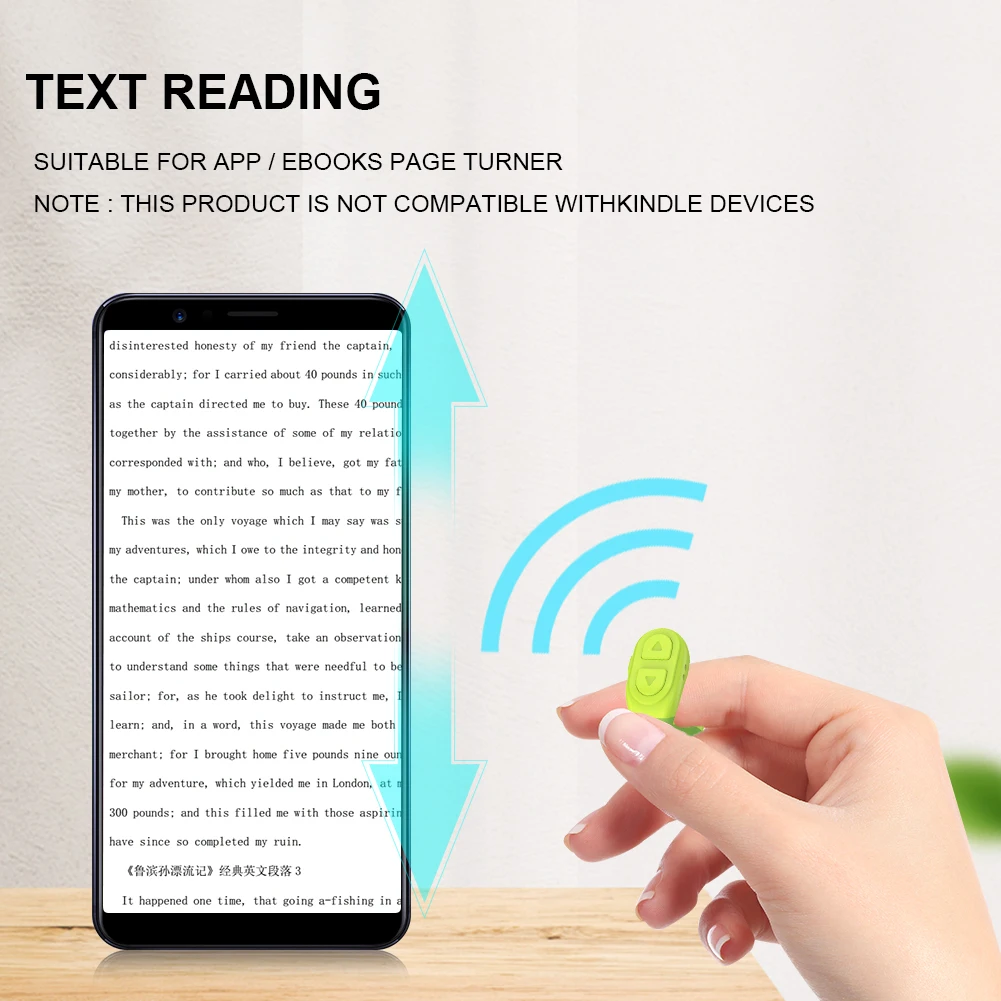


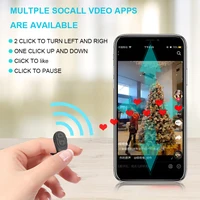
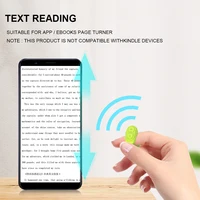
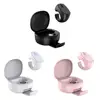
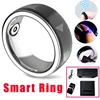
For Scrolling Ring Wireless Camera Shutter Selfie Button Kindle App Camera Video Recording Remote Digital Charging Case Bluetooth-Compatible for I-phone I-pad Android Phone Feature: 1. for Scrolling Ring: Enhance your for experience with this convenient Bluetooth-Compatible ring. Easily scroll, like, and browse videos, enjoying a hands-free viewing experience. Features include scrolling up/down, swiping right/left, pause/play, and volume adjustment +/-, freeing up your hands. 2. Kindle App Page Turner: Not compatible with Kindle Paperwhite devices, but for Kindle App users. Say goodbye to constant scrolling while reading on the Kindle app or e-books. This remote page turner makes bedtime reading effortless. Simply click to turn pages and comfortably read beneath the covers. Relax, unwind, and immerse yourself in your favorite books hassle-free. 3. Bluetooth-Compatible Camera Remote: Capture moments effortlessly with this remote control. Whether it’s selfies or videos, this Bluetooth-Compatible ring allows you to remotely control your phone’s camera. Remote one-button control, 10-meter remote range, easy and convenient, no more awkward hand stretches or rushed timers! 4. Intelligent Practical Design: This scrolling ring stands out with its smart, all-in-one design. The built-in 200mAh charging case ensures the safety and battery life of the remote. It also includes a digital display screen that shows real-time battery level, keeping you informed at all times. Additionally, the hidden retractable bracket (bottom support plate slides out to hold the phone) adds another layer of convenience. 5. Great Gift Choice: This stylish and adorable for remote features an ergonomic ring design for comfortable wearing. It can fit in your pocket and accompany you anywhere. It’s also a fantastic gift idea! Treat your loved ones with a versatile little tool that brings joy to their digital world. Strong compatibility: Compatible with iOS (version 14.0 and above)/Android devices. For use on iOS devices like for I-phone and I-pad, simply go to “Settings” > “Accessibility” > “Touch” > “Enable Assistive Touch.” You need to ensure that your iOS system is higher than V14.0.0 and enable Assistive Touch to use it. Compatible with popular apps on the market (short videos, cameras, novels, etc.). Portable and lightweight, it’s the companion for lazy days.
Specification:
Note: 
1 X For Scrolling Ring 1 X Charging Cable 1 X Instruction Manual              
|





Reviews
There are no reviews yet.