
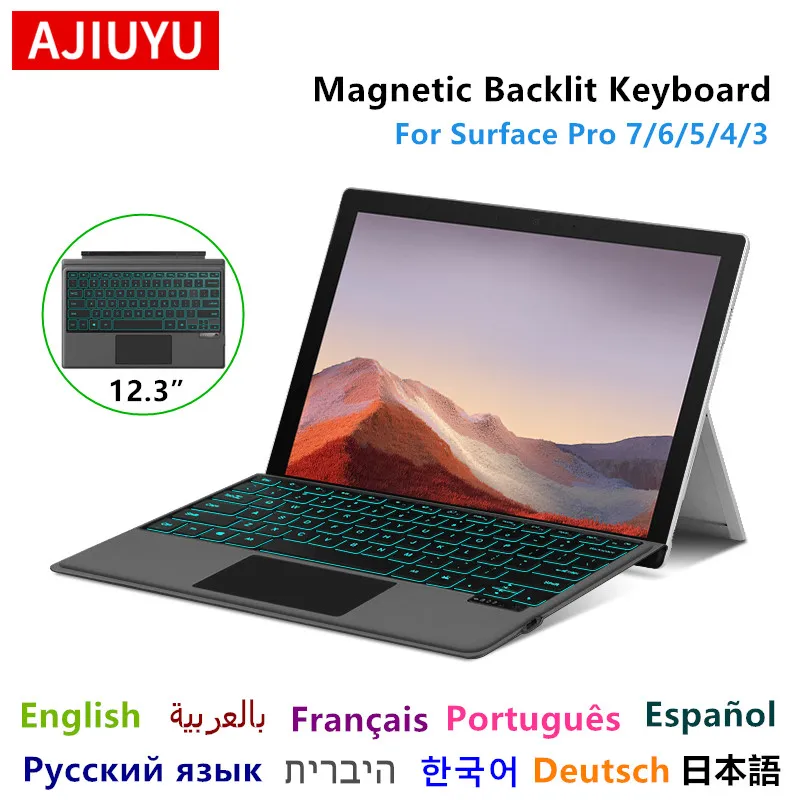
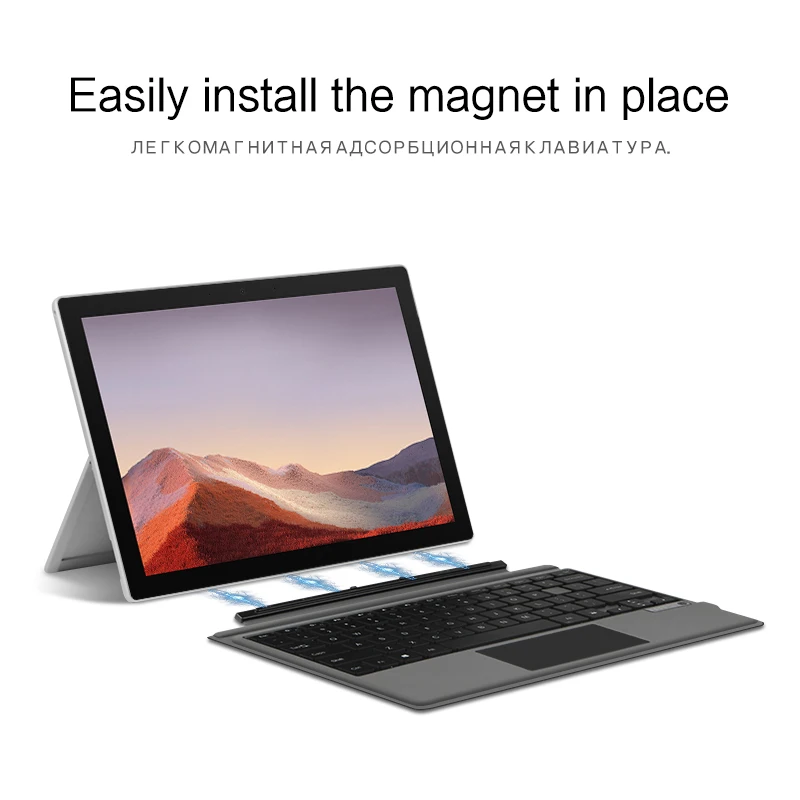
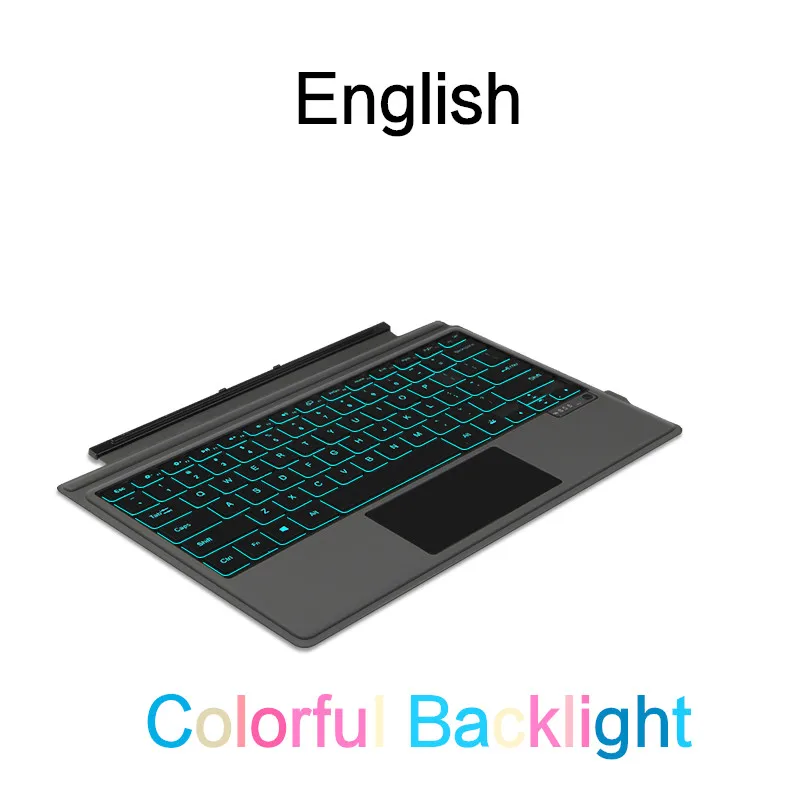

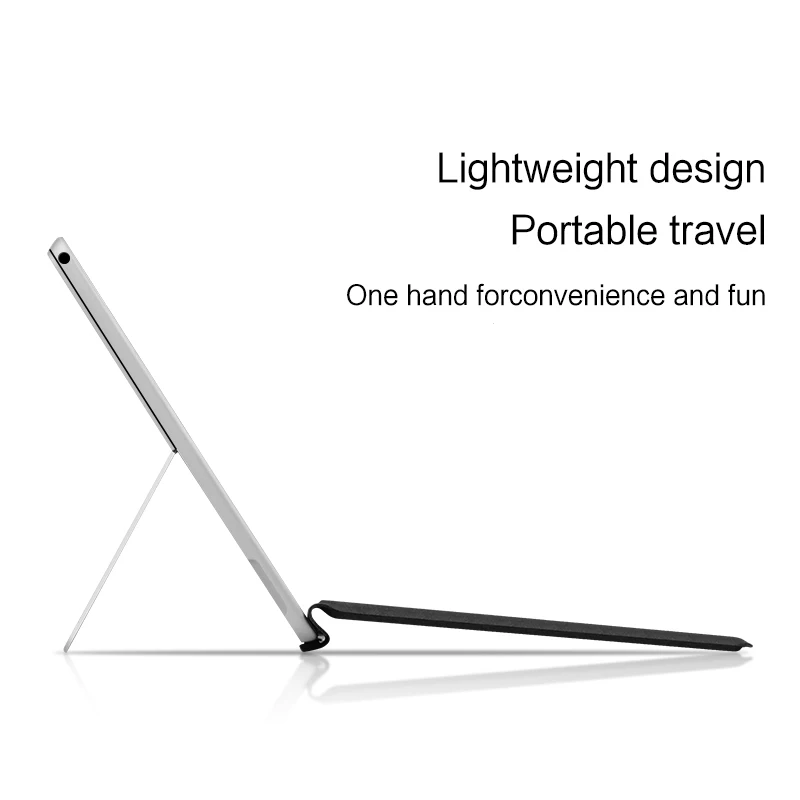
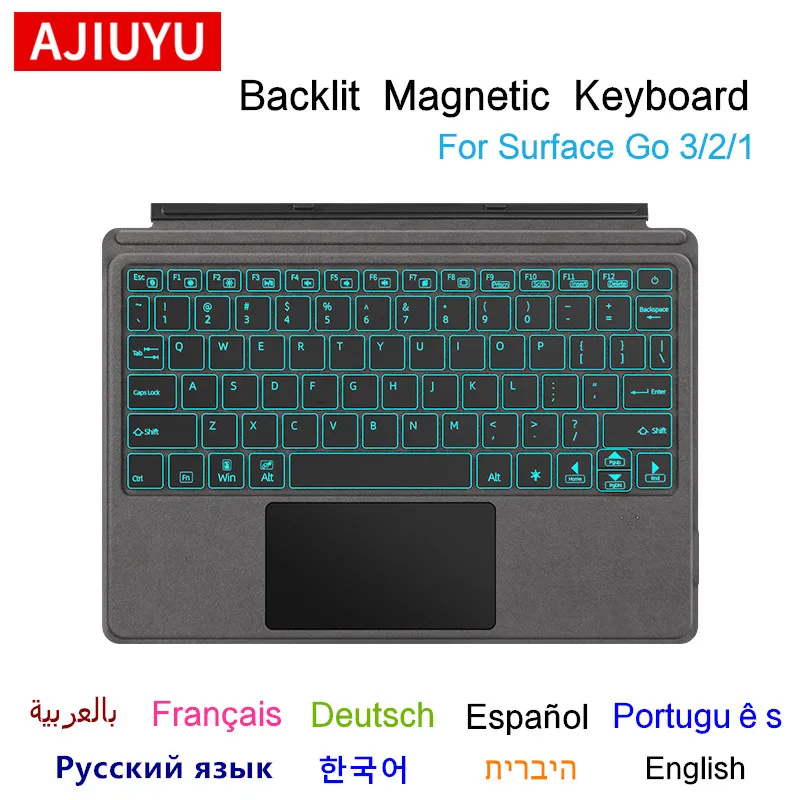
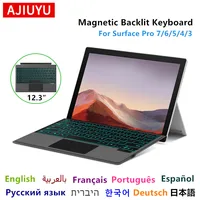
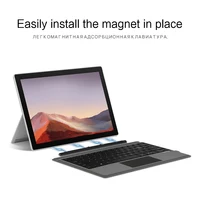
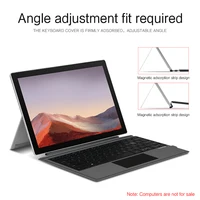
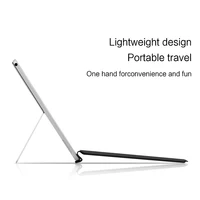
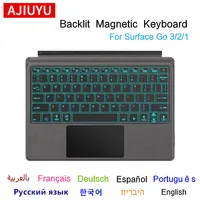
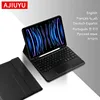
The keyboard can only be compatible with For Microsoft Surface Pro 7、Surface Pro 6、Surface Pro 5、Surface Pro4、Surface Pro3 、(12.3 inch)
Surface GO 10.1 inch、
Surface GO 2 10.5 inch and Surface GO3 10.5 inch
Other machine models are not compatible.
Please purchase according to your machine model.
Microsoft Surface Pro 7/6/5/4/3 Bluetooth connection method: Long press and hold the power button for 3 seconds, then simultaneously press and hold the Fn+Esc button on the keyboard to turn on Bluetooth, and then open the device to search for connection pairing, and you can use it ..
蓝牙连接方法:长按开机键3秒,然后同时按住键盘Fn+Esc按钮打开蓝牙,然后打开设备搜索连接配对,即可使用
Surface GO 1/2/3 Bluetooth connection method: Long press and hold the power button for 3 seconds, then simultaneously press and hold the Fn+C button on the keyboard to turn on Bluetooth, and then open the device to search for connection pairing .
蓝牙连接方法:长按开机键3秒,然后同时按住键盘Fn+C按钮打开蓝牙,然后打开设备搜索连接配对,即可使用
Backlight Keyboard


NO Backlight Keyboard


For Surface Go 3 2 1 Keyboard




Reviews
There are no reviews yet.