Bluetooth Keyboard Connection Procedures
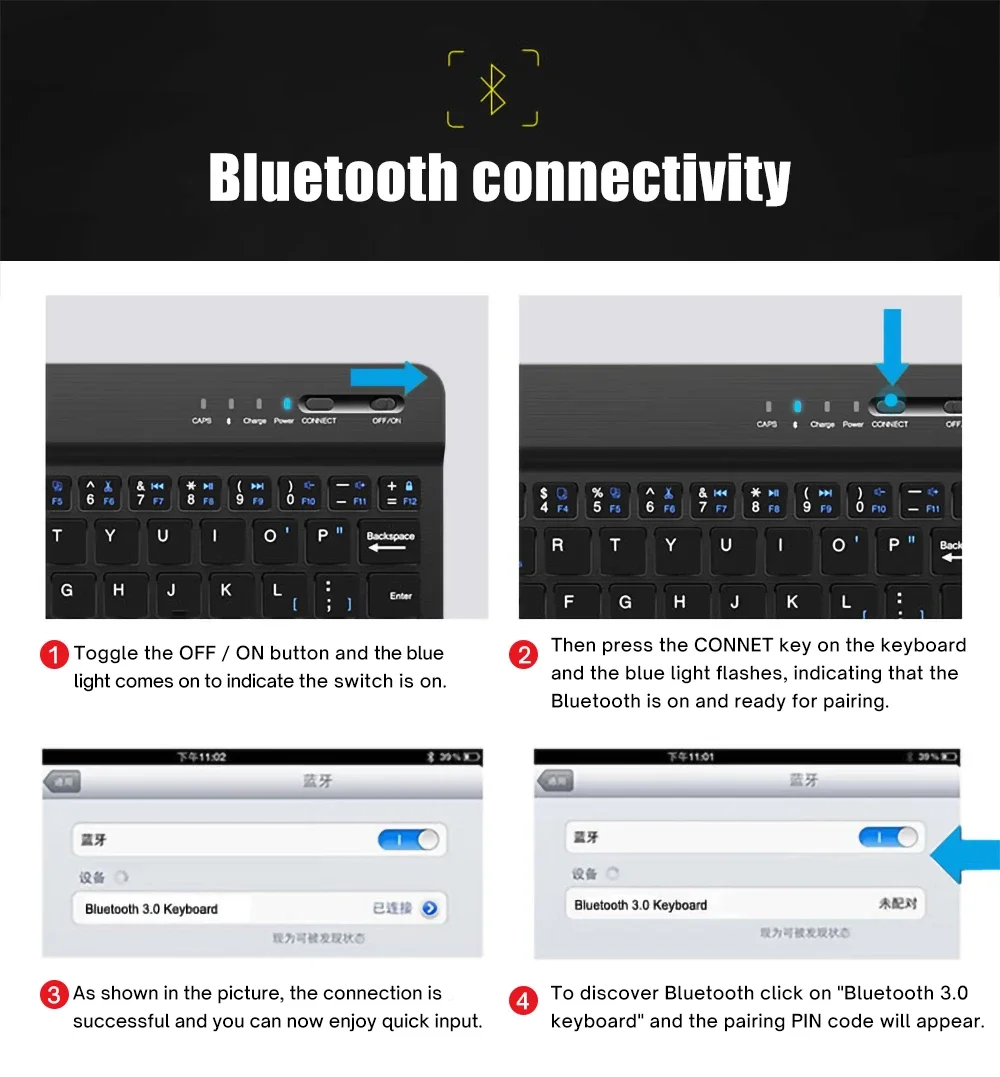
Step 1: Open the switch Step 2: Press Fn+C to enter the Bluetooth connection state Step 3: Click the Bluetooth keyboaed in the Bluetooth to connect
Keyboard Parameters
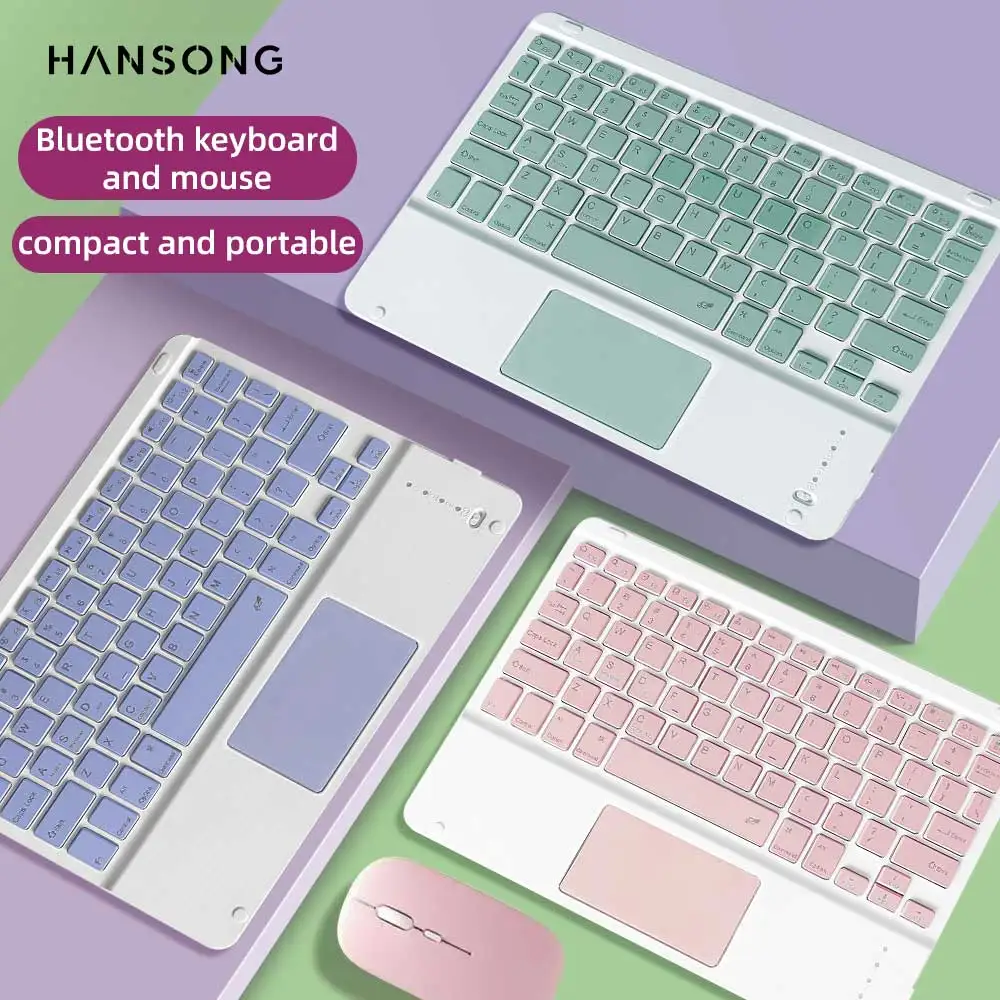
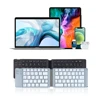
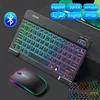
Connection method: Bluetooth Connection distance: 8m-10m Supported system: iOS/Android/Microsoft Suitable for: Smartphone/Tablet/Laptop (Bluetooth function required) Smart Sleep: No sleep after 30 minutes Continuous use time: 90hours Standby time: 90days Charging time: 2-3hours Size: 9.7inch
Mouse Parameters
Connection method: Bluetooth/2.4Wireless mouse Connection distance: 8m-10m Mouse DPI: 800/1200/1600 Supported system: iOS/Android/Microsoft Suitable for: Smartphone/Tablet/Laptop/Computer Smart Sleep: No Sleep after 3 minutes Continuous use time: 90hours Standby time: 90days Charging time: 2-3hours
English Start Keys Other language keys are required to contact the seller.
If you need other language keyboards, please contact the seller to see if your desired language is available and you must contact us immediately after placing the order. If no contact is made with us, the English keyboard will be shipped by default.
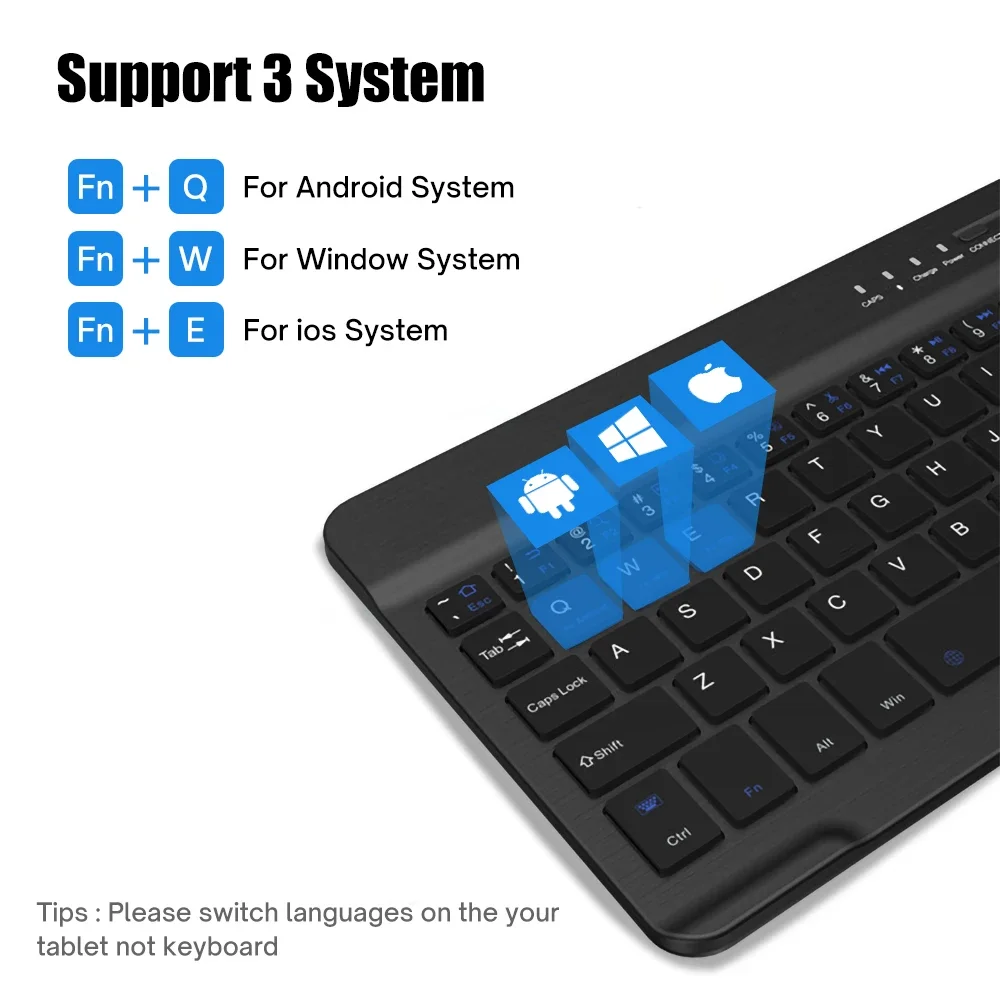
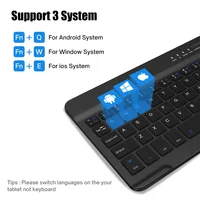
Supports 3 systems
1. Fn+Q for Android 2. Fn+W for Windows 3. Fn+E for iOS
Our keyboard has English keyboard, Russian keyboard, Spanish keyboard, Korean keyboard, Arabic keyboard, please note or contact us if you need other language keyboard after purchase, if there is no note or contact us, we will send English keyboard.
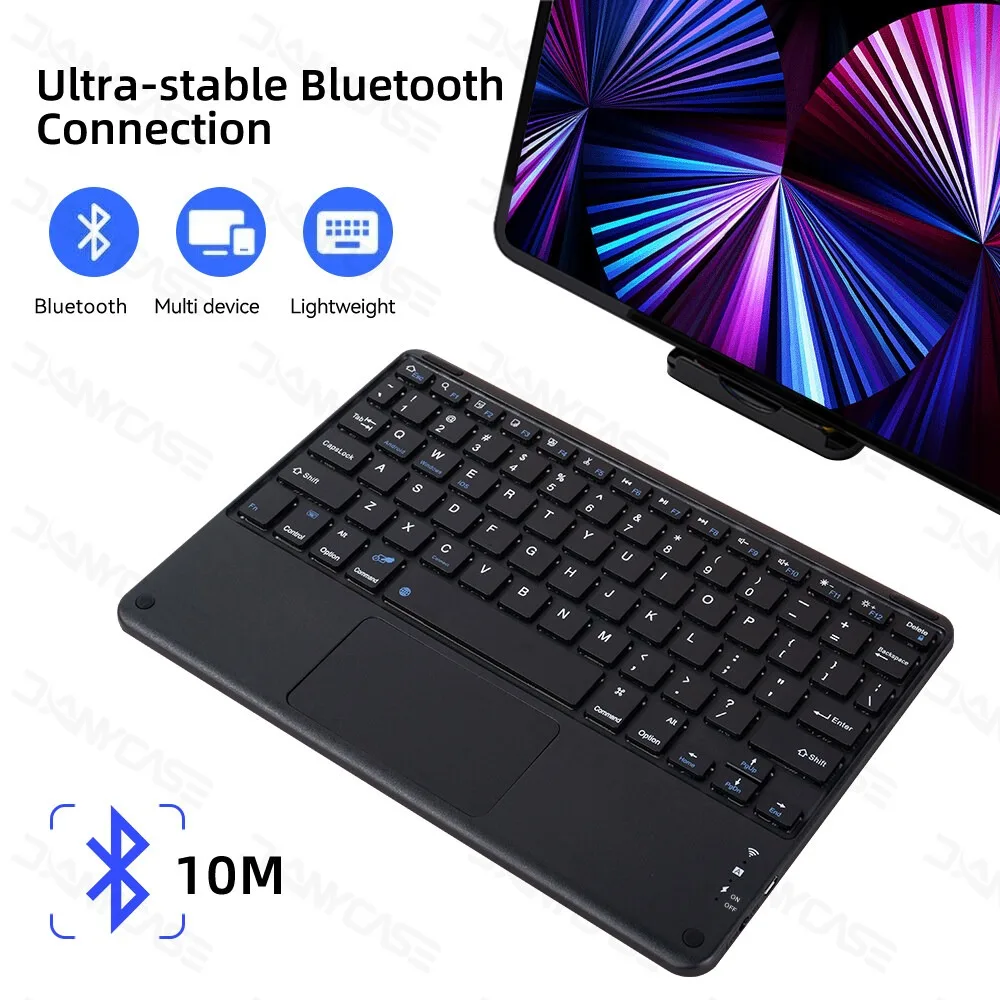
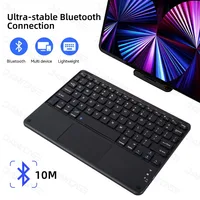
Ultra-stable Bluetooth Connection
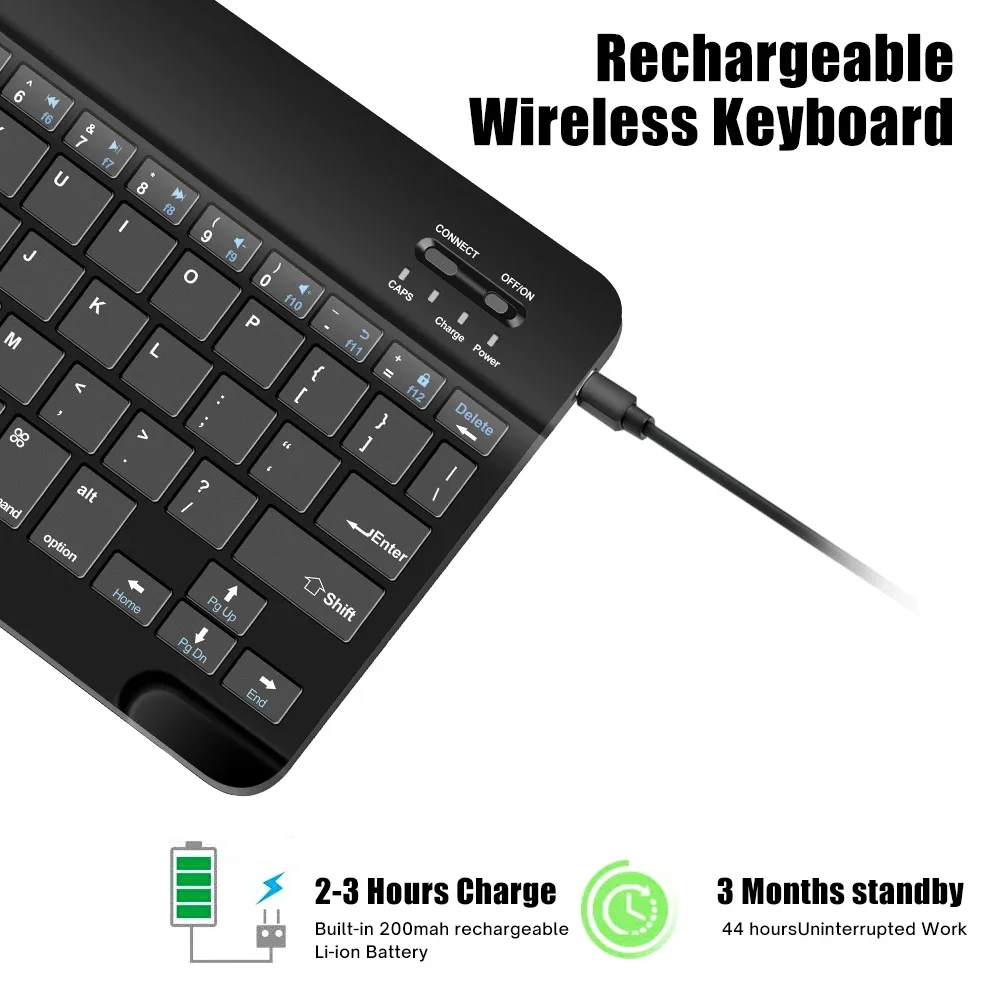
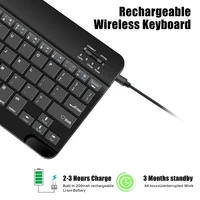
Rechargeable Wireless Keyboard
1. 2-3 Hours Charge Built-in 200mah rechargeable Li-ion Battery
2. 3 Months standby 44 hours Uninterrupted Work
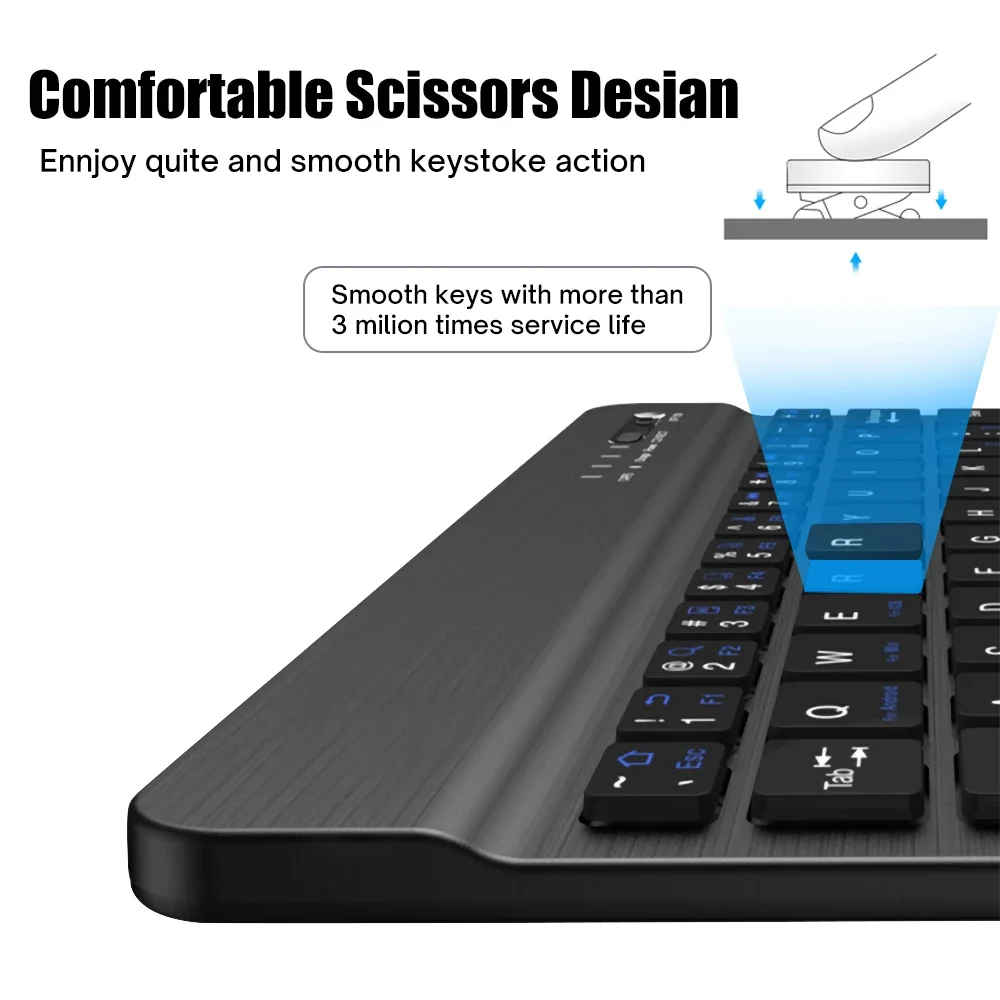
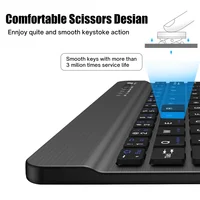
Comfortable scissors Desian
Ennjoy quite and smooth keystoke action
Support 3 System
1. Fn+Q For Android System
2. Fn+W For Window System
3. Fn+E For ios System
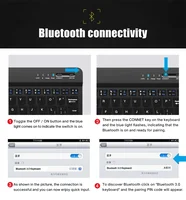
Bluetooth connectivity
1. Toggle the OFF / ON button and the blue light comes on to indicate the switch is on
2. Then press the CONNET key on the keyboard and the blue light flashes, indicating that the Bluetooth is on and ready for pairing
3. As shown in the picture, the connection is successful and you can now enjoy quick input
4. To discover Bluetooth click on “Bluetooth 3.0 keyboard” and the pairing PIN code will appear



Reviews
There are no reviews yet.