
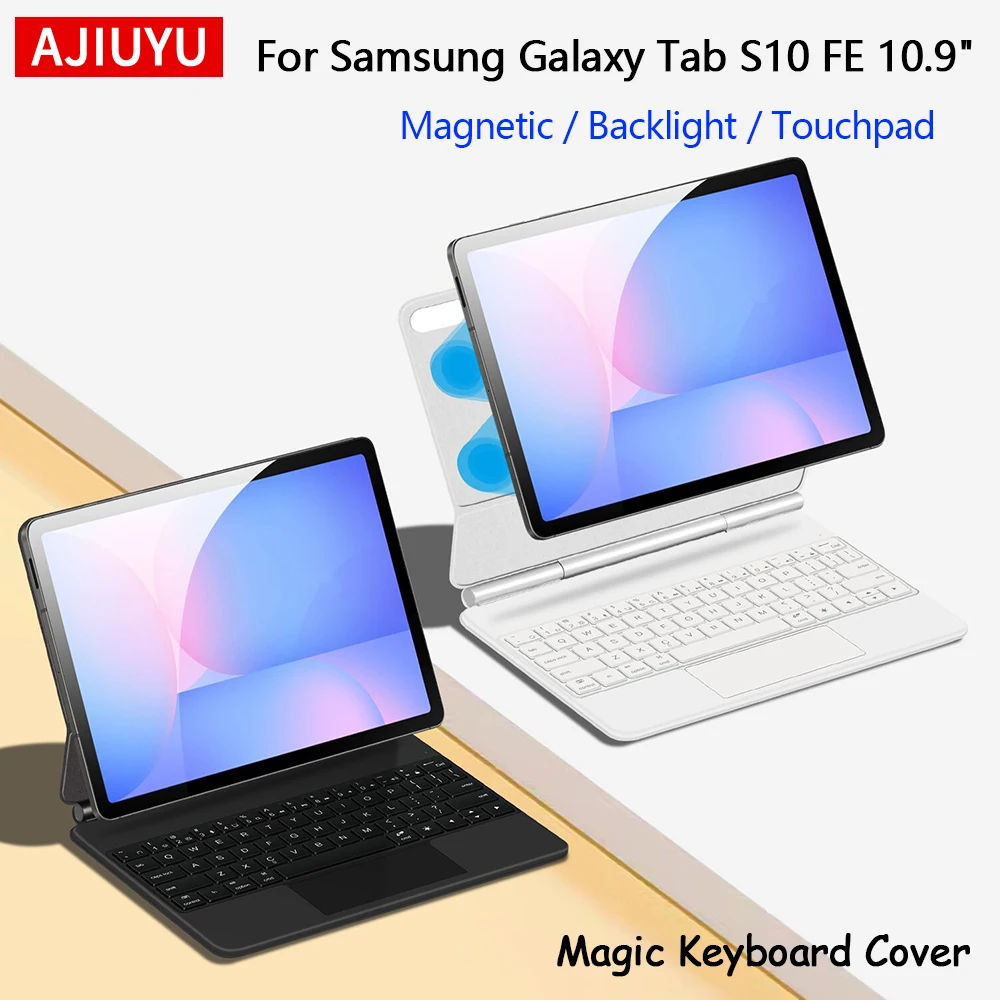
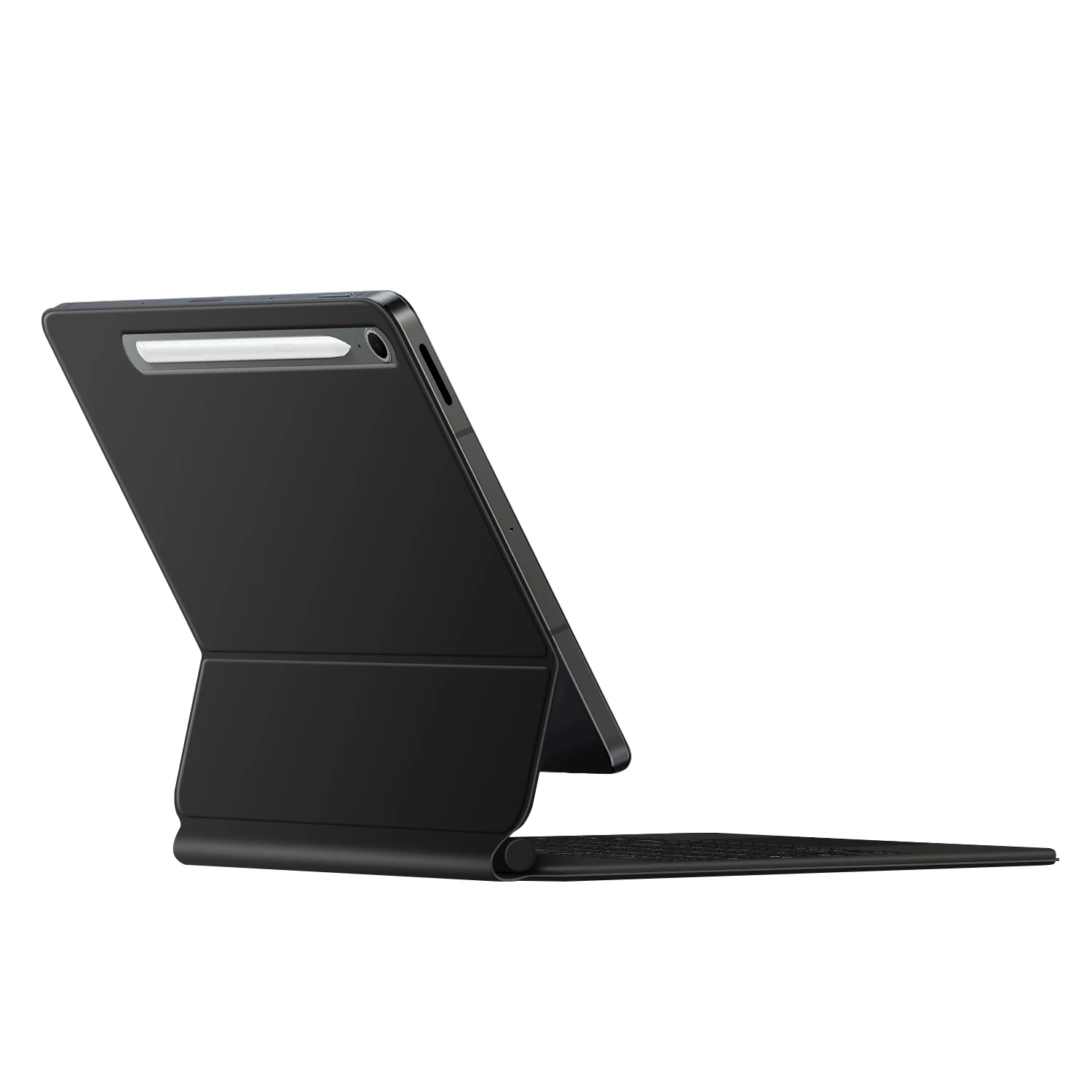
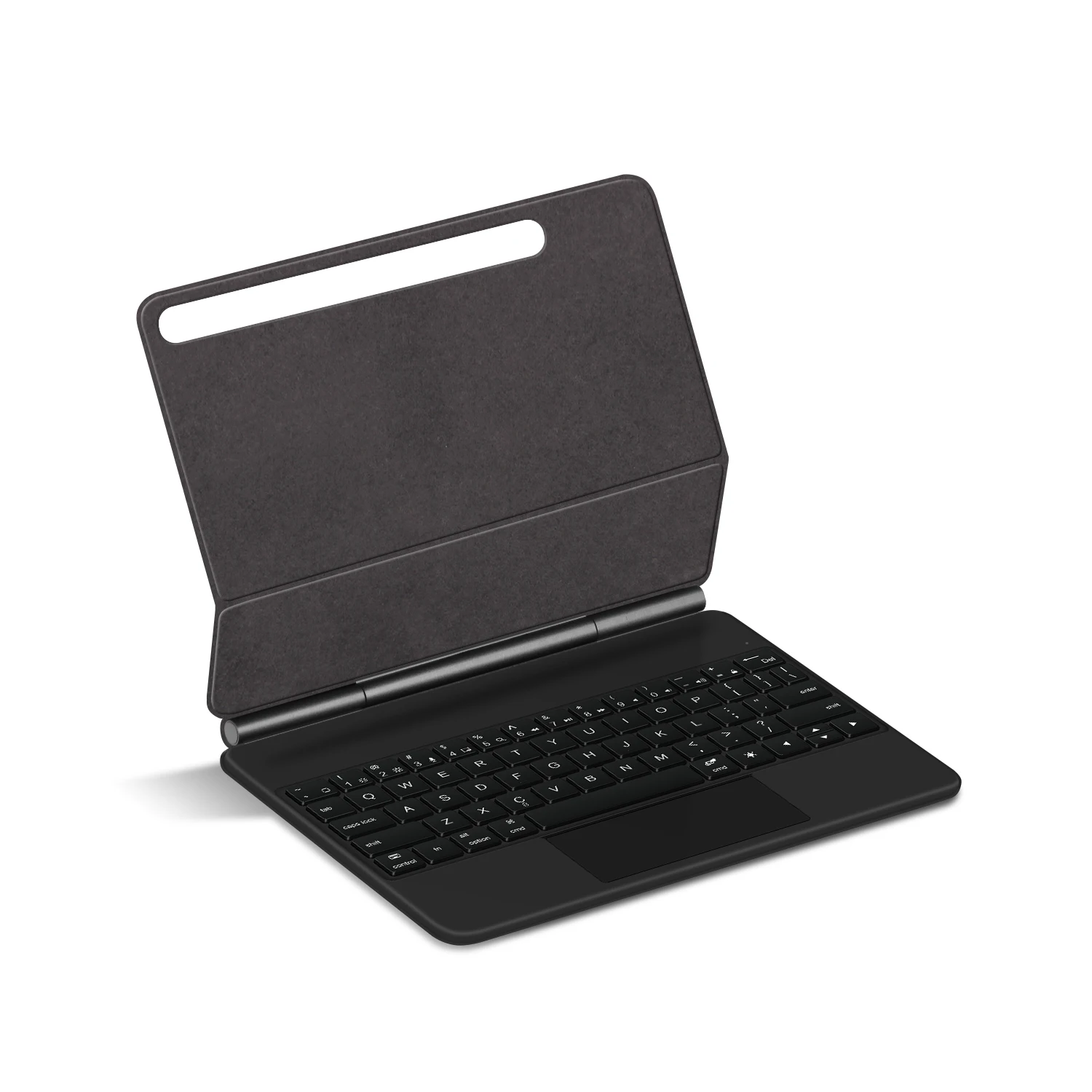


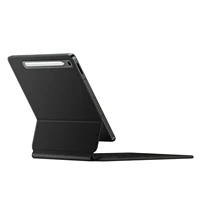
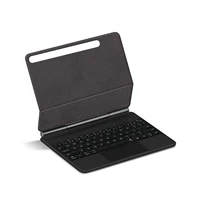

For Galaxy Tab S10 FE 10.9 inch Magic Keyboard
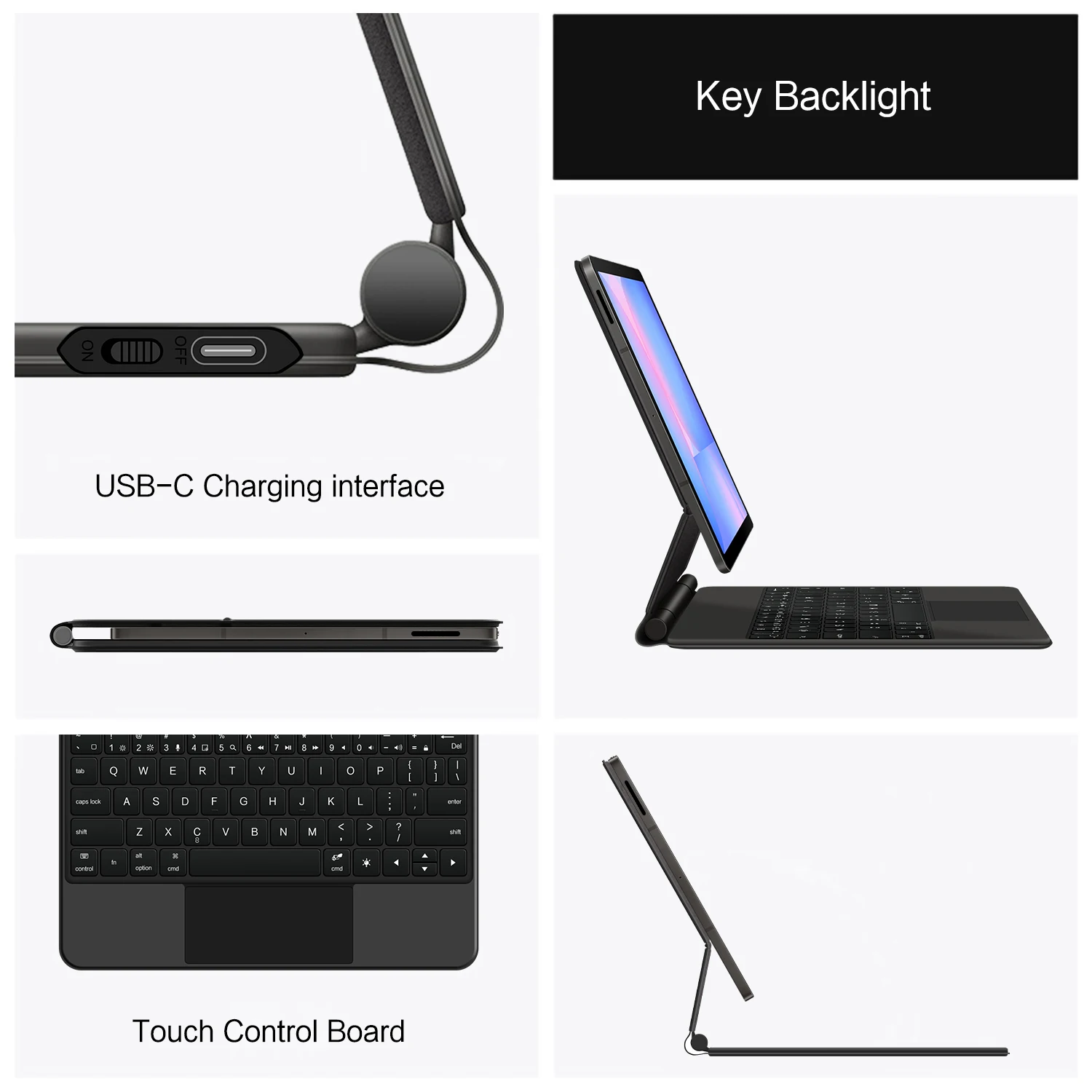
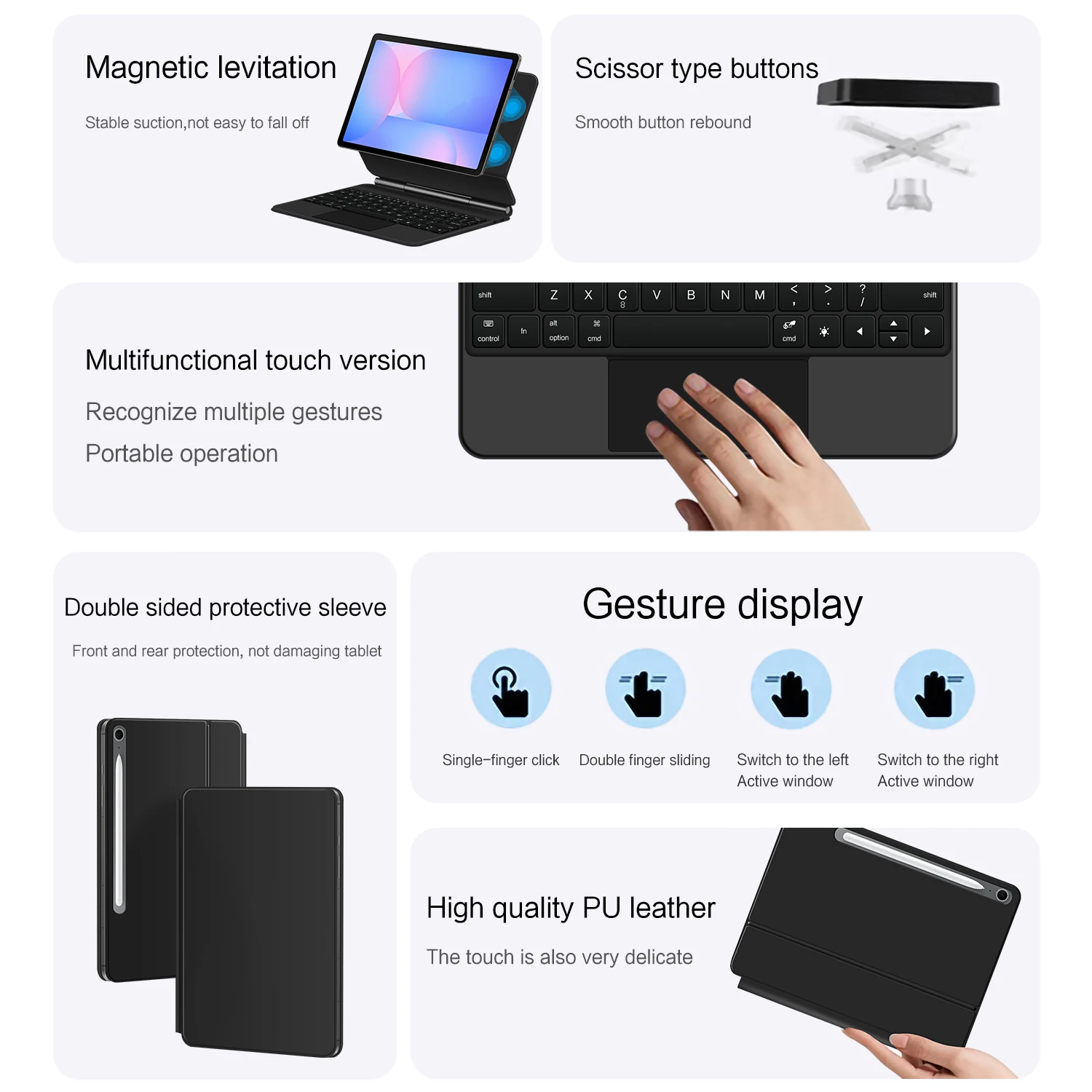
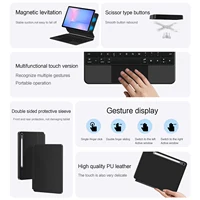
Magnetic separation, backlight, Touch Pad, multi angle support、Wireless Bluetooth connection
A keyboard and protective case in one
One product ,dual uses,when unfolded , it is a Tablet Keyboard,and when closed,
it is a protective Case,enabling it to meet the needs of more scenarios
How To Verify Your Tablet Model
1.Turn iPad tablet to the back find your specific model,Par exemple: SM-****
2.Find the “Settings”–Click the “About”–Find the “Model”
3.Please select the correct model number for your tablet purchase after viewing it.
Compatible models and codes:
For Samsung Galaxy Tab S10 FE 10.9 inch (SM-X520、 SM-X526B)2025.
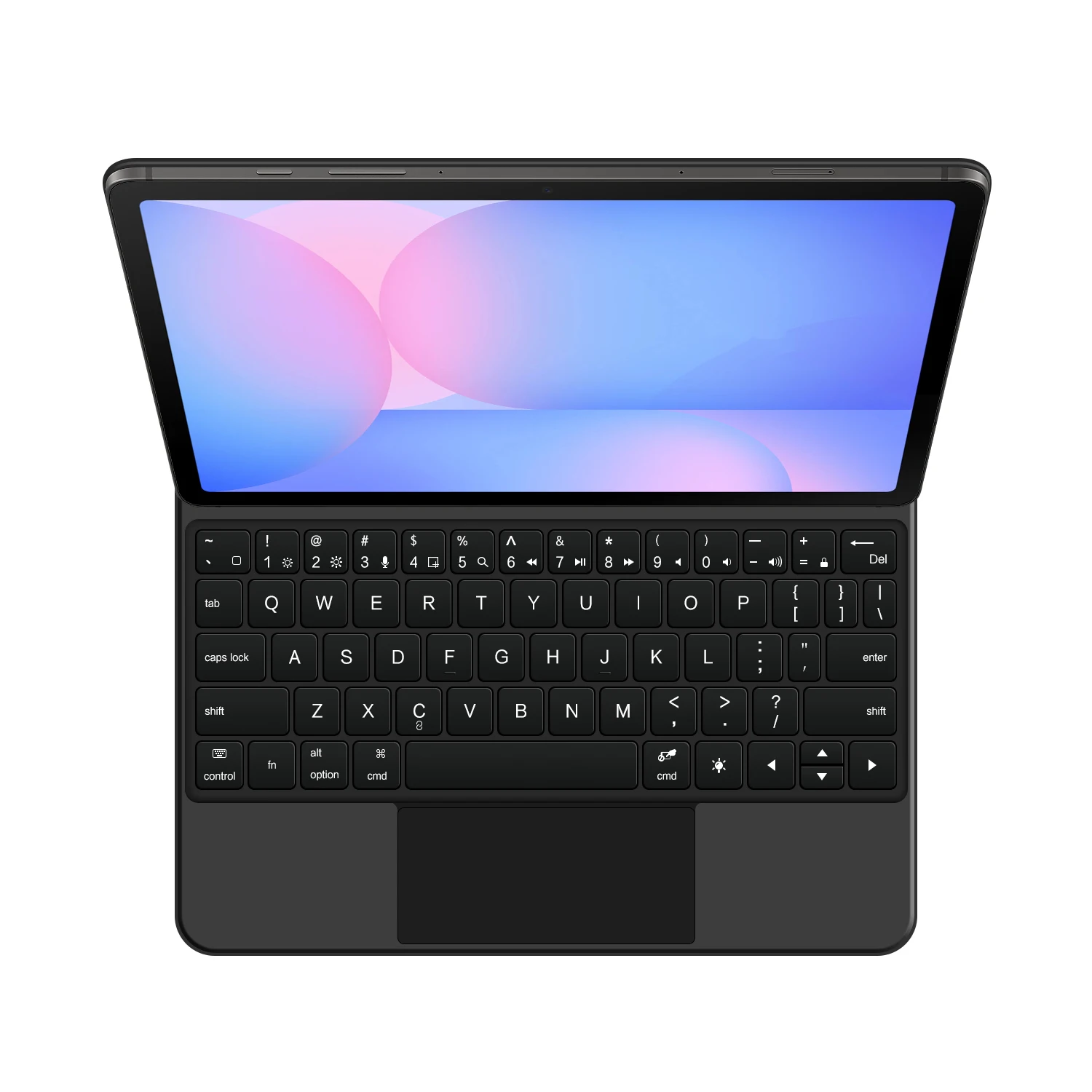
English versionkeyboard : There are English letters on the keyboard only.
Multi-language versionkeyboard : English letters and carved language letters together ..(Due to the difference in the number of keyboard keys compared to a normal office keyboard, some special character engraving positions are the same, which is a normal phenomenon)
The keyboard Core defaults to English, and the characters engraved on the keyboard are only a Surface display.so in some countries, even if the input method is switched, the special symbols do not necessarily match the keyboard function layout(You can hold down the Shift or AIt / Ctrl combination).If you mind, please do not purchase!!.
(Note Due to the material of the white keyboard, the engraved letters are dark gray)
【~】Bluetooth connection method: Turn on the keyboard switch, then hold down Fn+C for about 2-3 seconds to start Bluetooth, then turn on your tablet Bluetooth device, search for “BT Keyboard”, and click connect to connect 。
Note: If you do not use the keyboard for a long time, the keyboard will enter sleep mode and Bluetooth will automatically disconnect.
【1】1. After connecting Bluetooth, open your iPad – Settings – Keyboard – Add New Keyboard
【1-1】Input method switching: control+spacebar.(Choose the language you need)
【3】For detailed instructions, please read the user manual. If you have any questions, you can contact “Online Services” for consultation .
The resolution of the machine is different, and there may be color differences in the images, which is a normal phenomenon. The actual product received shall prevail





Reviews
There are no reviews yet.