
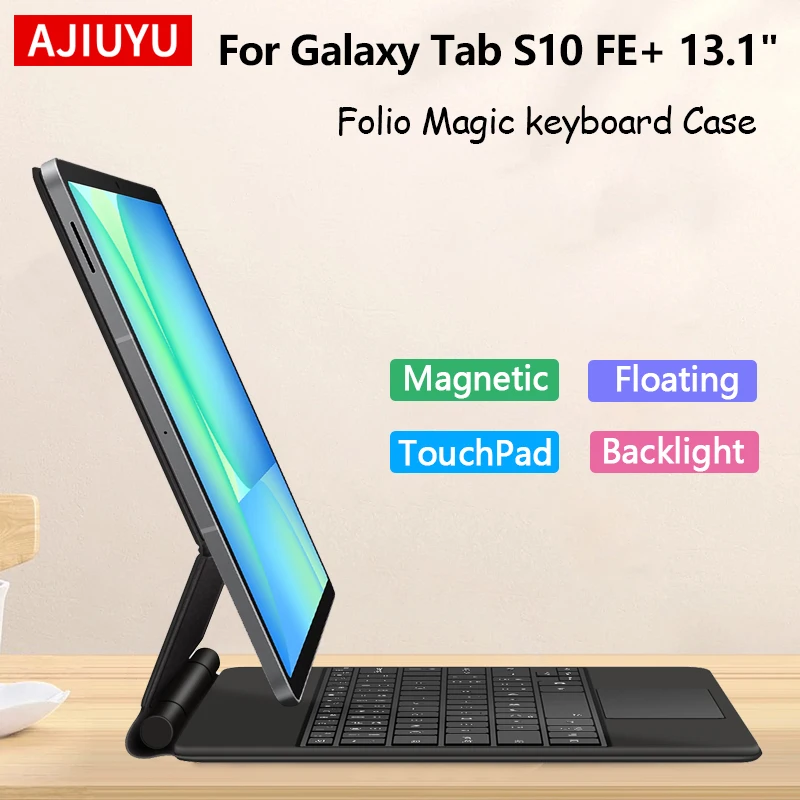
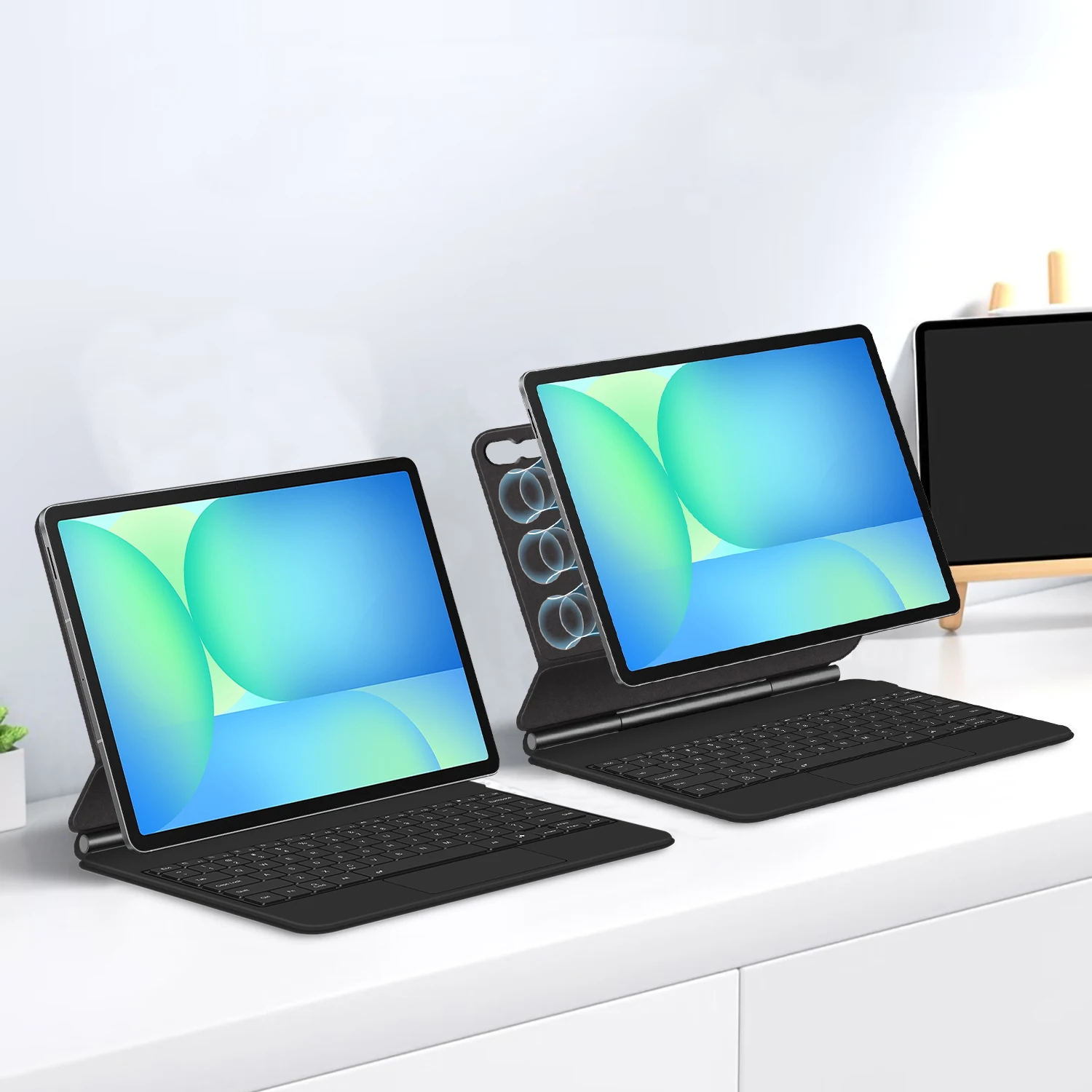
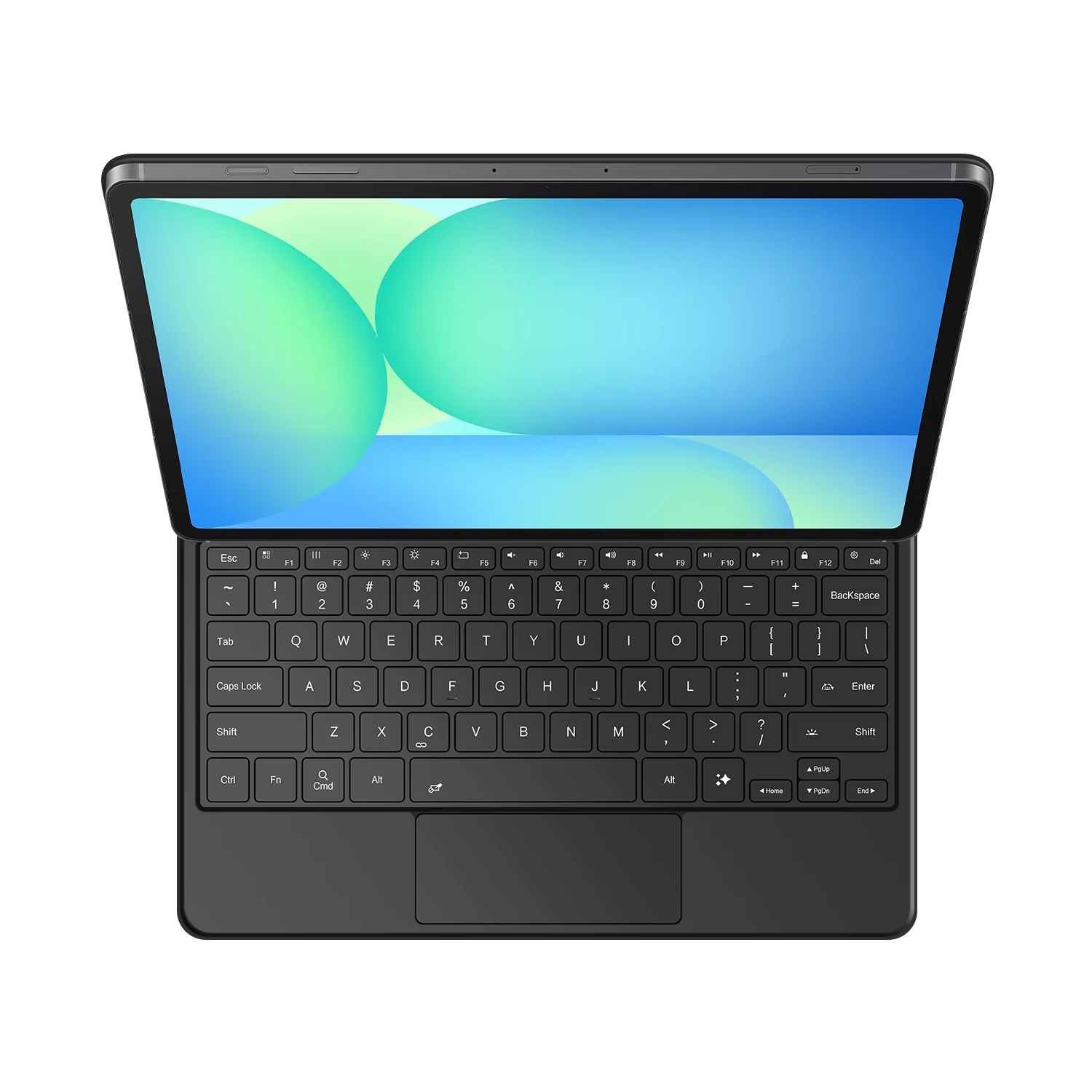
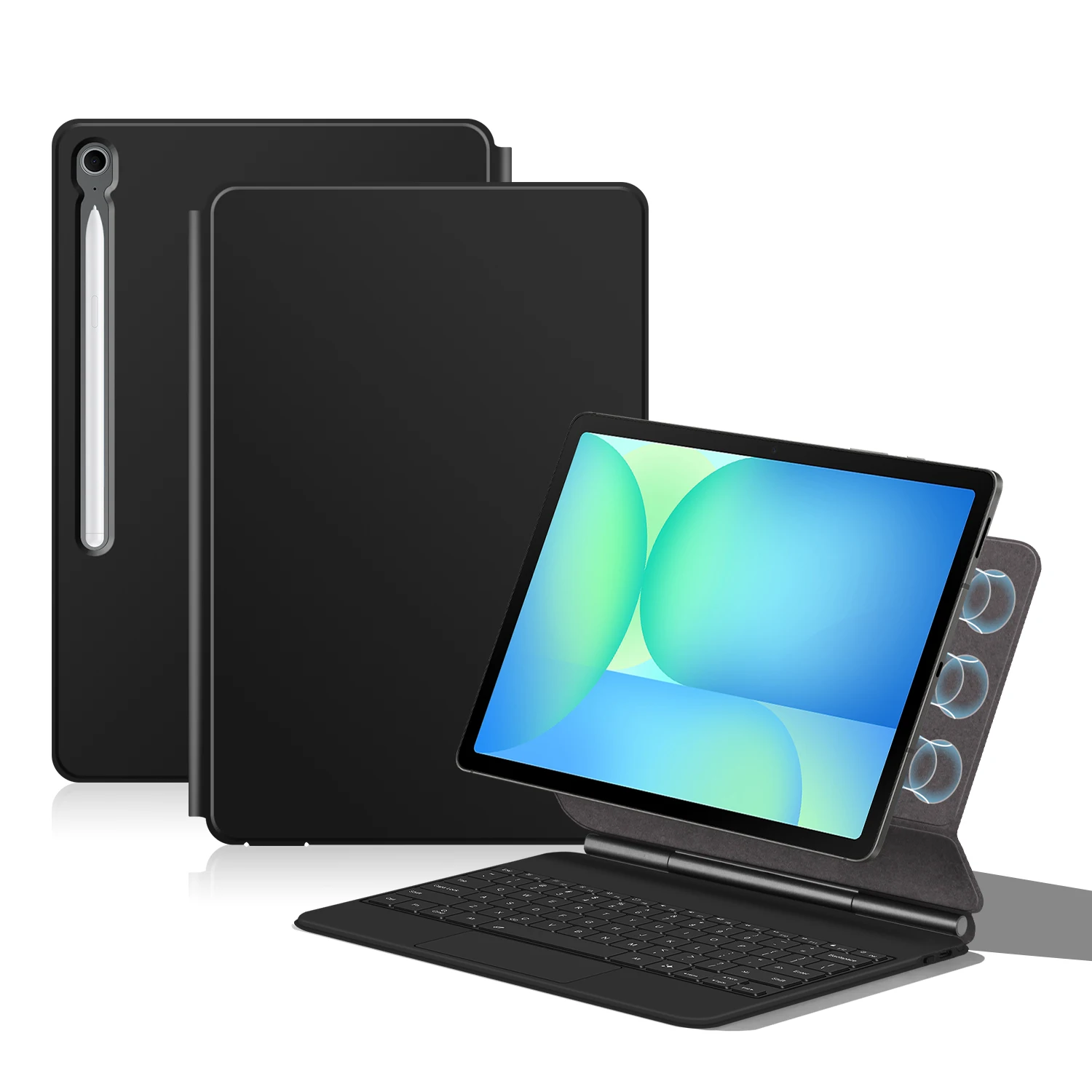
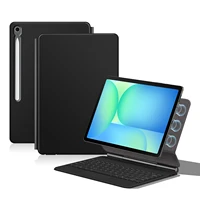
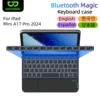
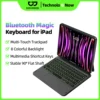
For Samsung Galaxy Tab S10 FE+ 13.1″ Magic Keyboard
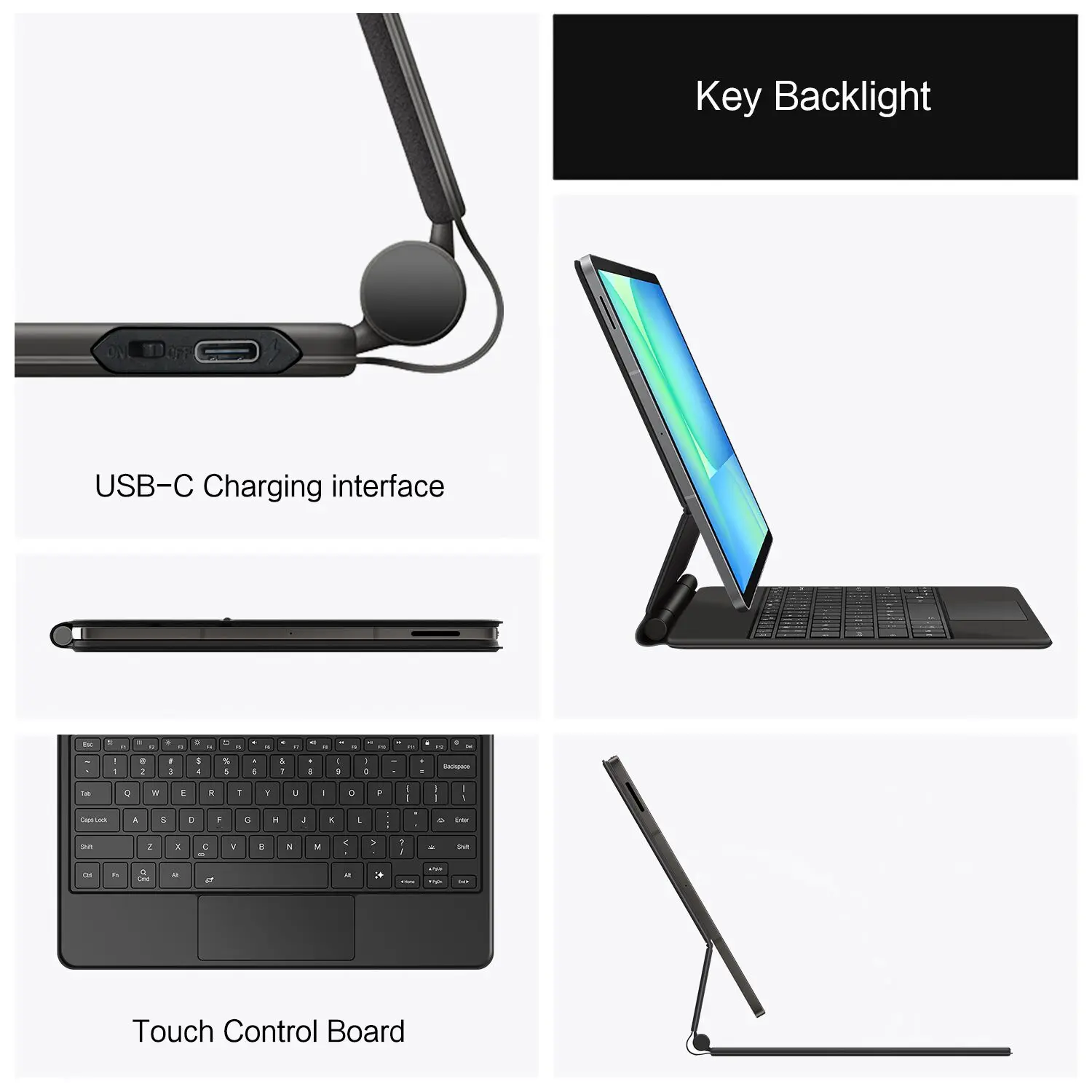
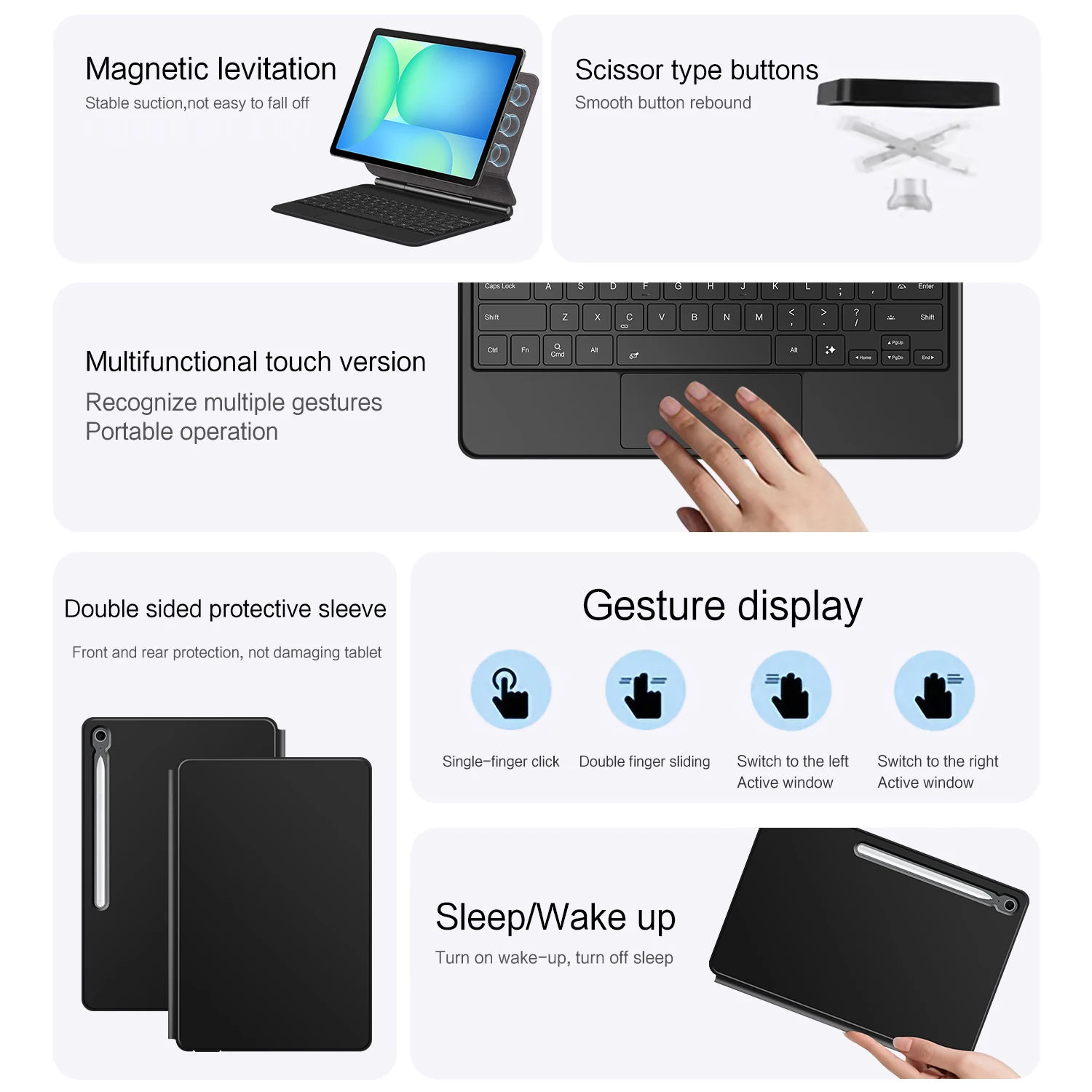
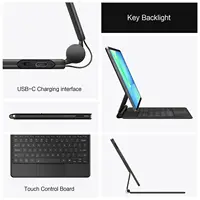
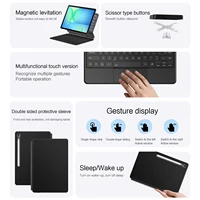
Magnetic separation, backlight, touch panel, multi angle support、Wireless Bluetooth connection
Note 1: You need to upgrade your tablet operating system to version 15.0 or higher to use the touchpad..
Note 2:Please check in the size and detail model of your Tablet . it is very importtant ! ! !
Note 3:After Open the Power, Please Click “Fn” and “C” 【Fn+C】Button Together to Open the Keyboard’s Bluetooth. It is Very Important.
1.Turn iPad tablet to the back find your specific model,Par exemple: SM-****
2.Find the “Settings”–Click the “About”–Find the “Model”
3.Please select the correct model number for your tablet purchase after viewing it.
Applicable Models:
For Samsung Galaxy Tab S10 FE+ / S10 FE Plus 13.1 inch(SM-X620 /SM-X626B)2025.
[Note: Only the corresponding machine model can be magnetically attracted. If your machine is not of the above model, please do not purchase!!! ]
English versionkeyboard : There are English letters on the keyboard only.
Multi-language versionkeyboard : English letters and carved language letters together ..【[For example, if you choose Portuguese , the keyboard will display English and Portuguese letters. Please note that the same letters will not be engraved repeatedly]】(Due to the difference in the number of keyboard keys compared to a normal office keyboard, some special character engraving positions are the same, which is a normal phenomenon)
The keyboard Core defaults to English, and the characters engraved on the keyboard are only a Surface display.so in some countries, even if the input method is switched, the special symbols do not necessarily match the keyboard function layout(You can hold down the Shift combination).If you mind, please do not purchase!!.
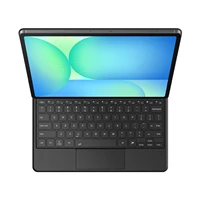
he following is the carving layout for reference only
All products are based on the received ‘physical’ item

【1】Method to connect Bluetooth: Turn on the keyboard switch, press the Fn+C button for about 2-3 seconds, the blue light on the keyboard indicator will flash, and then search for your tablet’s Bluetooth connection keyboard.
【2】After connecting Bluetooth,Take the samsung tablet as example,open Settings–ystem–Language & input–Add New Keyboard. (For other systems, please set them in the system settings according to the tips of the iPad example.)
【4】Type-C charging interface .
【5】For detailed instructions, please read the user manual. If you have any questions, you can contact “Online Services” for consultation .
Note:Due to the large size of the tablet, if the keyboard angle is adjusted too much during use, the keyboard may tilt. This is a normal situation, please do not panic, just adjust the keyboard amplitude, and it will not affect use.


Reviews
There are no reviews yet.